This topic has been closed for replies.

5 replies

Participant
November 6, 2022

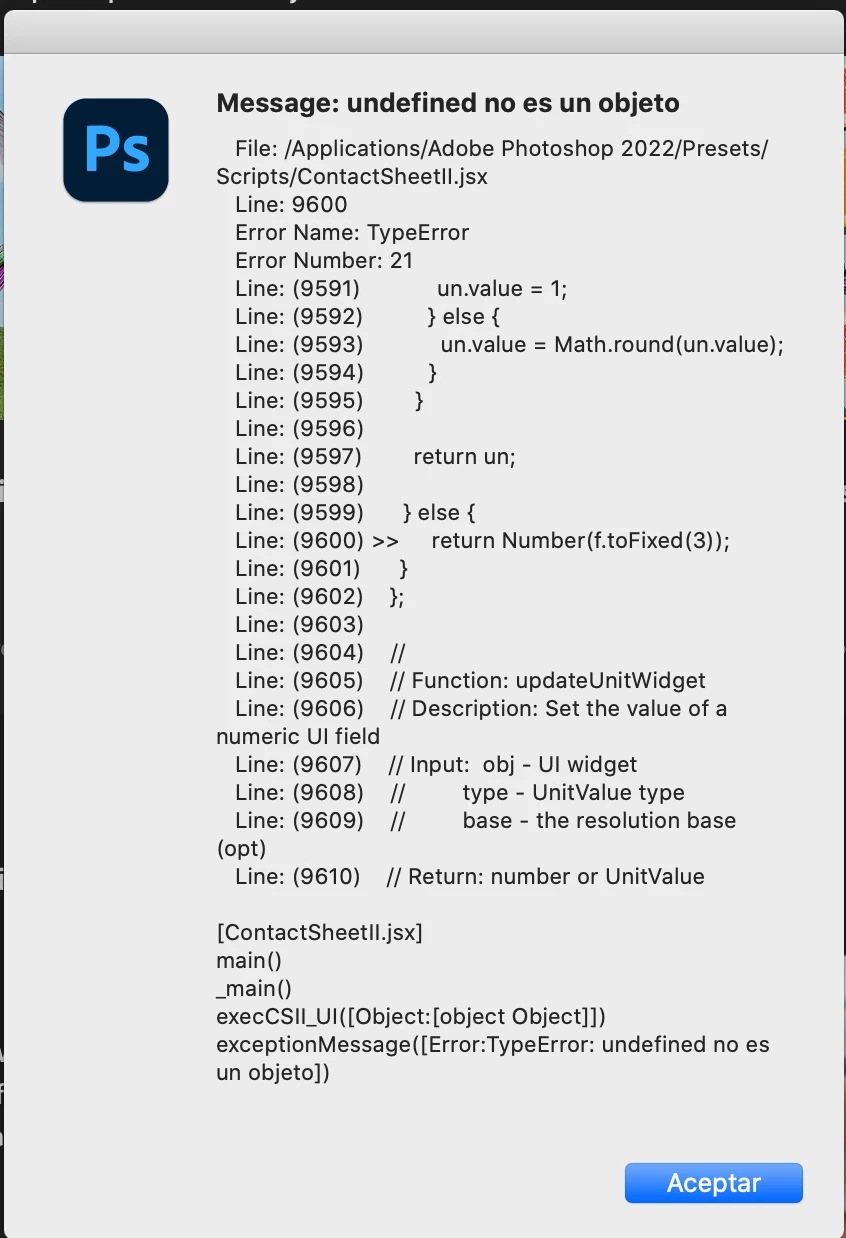
Resetting preferences doesn't work, I get the error when clicking Contact sheet II button, I don't get the settings dialog I just get the error 

Legend
November 2, 2022

If restoring prefs doesn't fix it, we'll need to see what setting you have in the Contact Sheet dialog when you get the error:


Legend
November 2, 2022

Let's make sure we're in a default state and there are no stale settings somewhere:
Restore your preferences using this manual method:
https://helpx.adobe.com/photoshop/using/preferences.html#Manually
Does it work correctly?
If that doesn't solve it, you can quit Photoshop and put the Settings folder back.

Participant
November 2, 2022

It happens when without opening any file, I go to File>Automate>Contact Sheet II on an iMac with macOS Catalina 

Legend
October 26, 2022

Does this happen on all files or is there a file that seems to be tripping it up?