
InsertAliasHere
Inspiring
April 3, 2023
Question

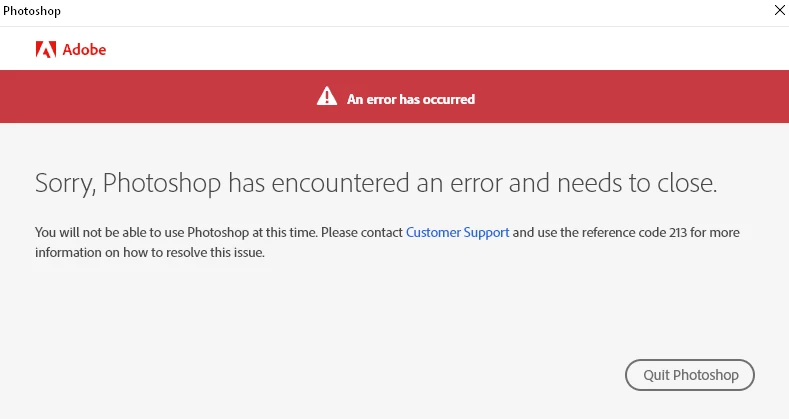
Error 213

  • April 3, 2023
  • 3 replies
  • 1960 views

If you live long enough, you experience all of Adobe's issues. No idea what to do. I guess it's just fine as I pay my fees.

3 replies

J E L
Community Expert
Community Expert
April 3, 2023

@InsertAliasHere, if you are unable to launch Photoshop to get your system info that @CShubert asked for, I answered another user in this Community thread who had the same problem. Close all apps, and make sure you are signed out from your Adobe ID everywhere. End all the Adobe CC processes running from the Task Manager. It couldn't hurt to run Windows Disk Cleanup tool if you haven't done that for a while. Restart your system, log into Adobe Creative Cloud Desktop app first, then launch Photoshop from there. Do you still get the error message? As @Mariam Hovhannesyan points out, a third-party antivirus app (other than the standard Windows Security) you have running could possibly be interfering. If so, turn that off before you launch CC Desktop after the restart. Let us know how it goes!

CShubert
Community Manager
Community Manager
April 3, 2023

Hi @InsertAliasHere sorry you are having issues.  What were you doing when this error happened? Are you able to repeat this issue or was it just this one time?


It may help if we could see your Photoshop System Info. Launch Photoshop, and select Help >System Info...and copy/paste the text in a reply.  


Community Expert
April 3, 2023

If you have anything like antimalware, cleaner etc it can corrupt your licensing information. Try to erase them