Participant
April 3, 2022
Question

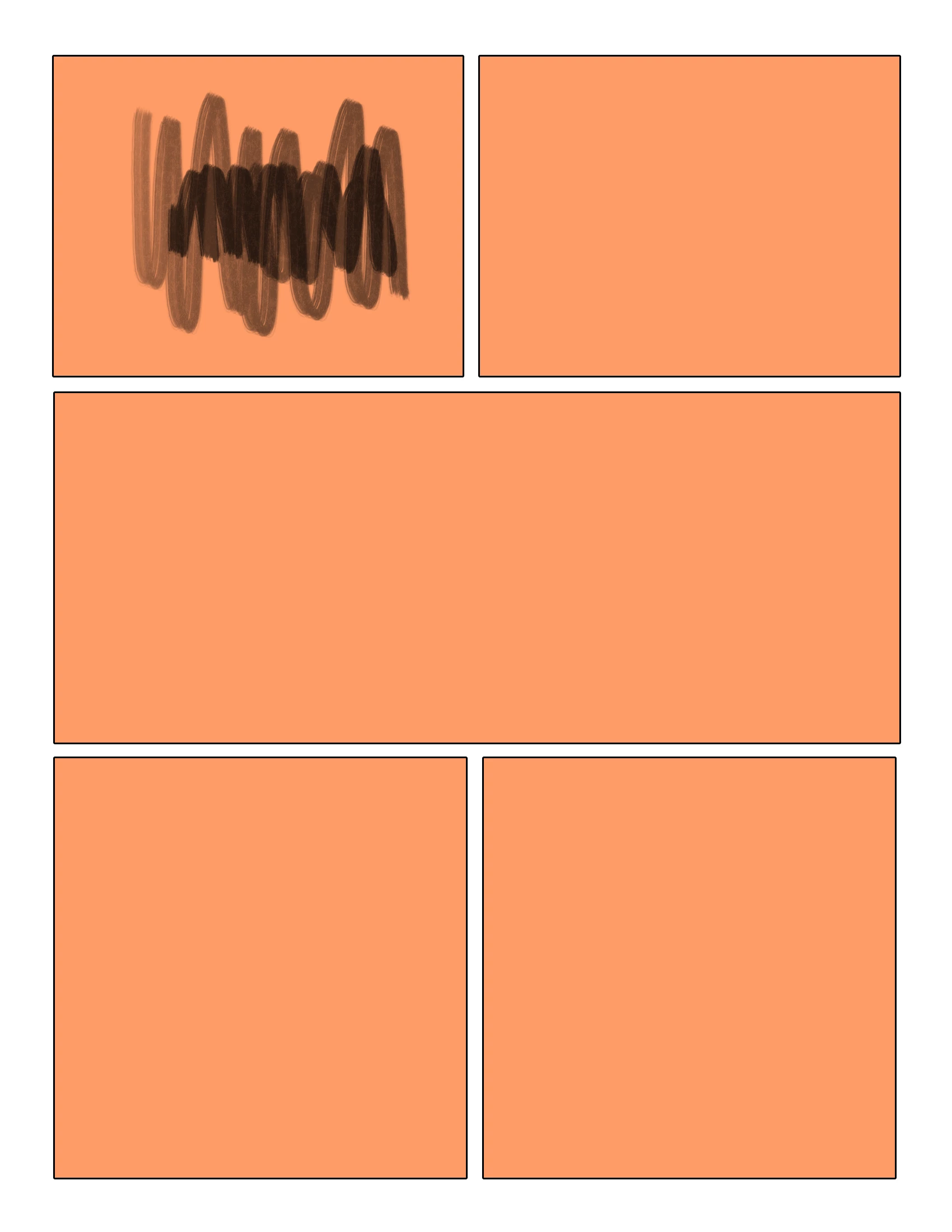
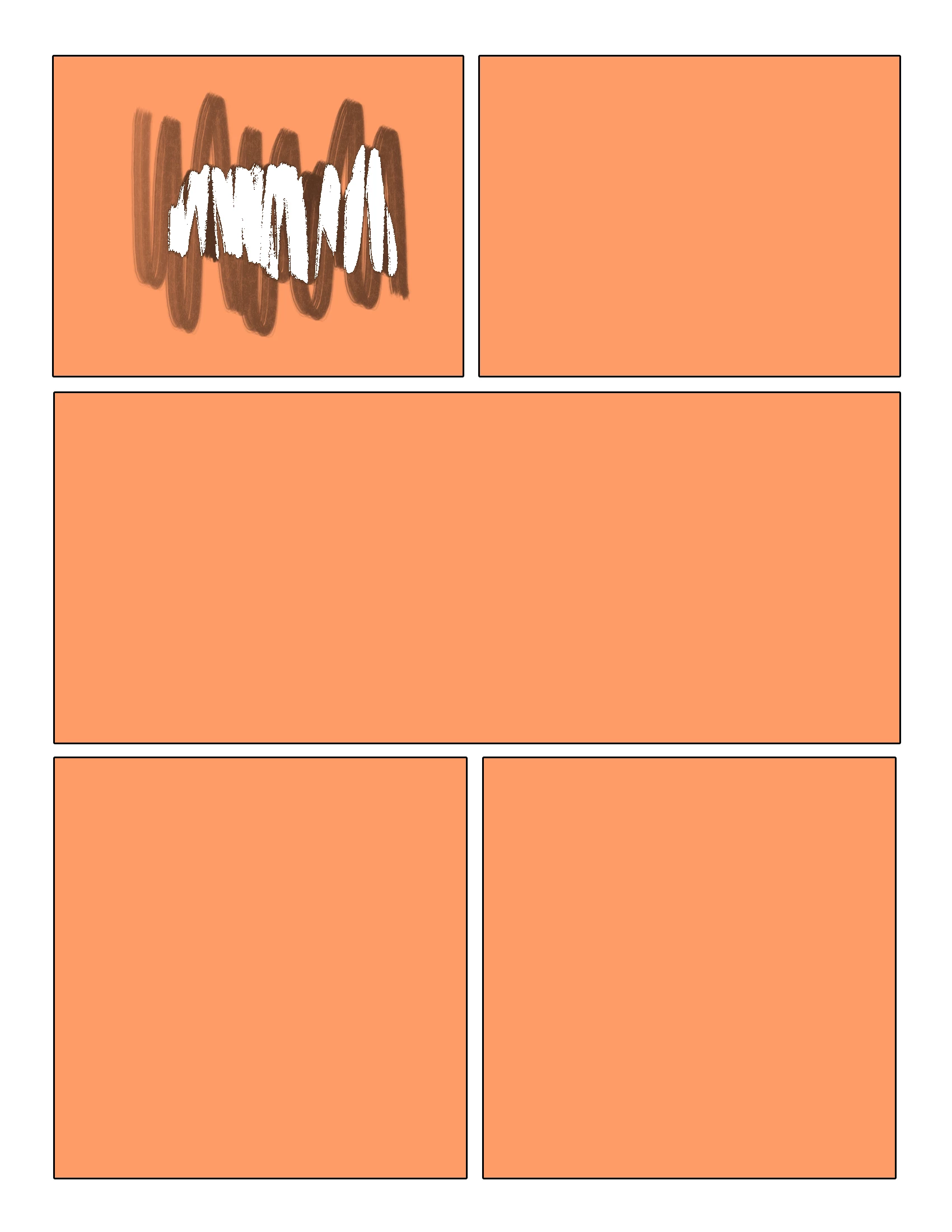
Error, any brush used on Clipping mask layer erases itself and the layer it's clipped to

  • April 3, 2022
  • 2 replies
  • 401 views

I am using a surface pro laptop, this result exports as displayed in the viewport, it occurs with both my pen and my trackpad. The problem vanishes when the clipping mask is released. 


Recap, When I draw with any brush (the mode is set to normal, at 100% opacity, settings check shape dynamics, texture, transfer, and smoothing) the brush stroke will act as an eraser AND erase the layer is clipped to. (which I find extremely odd)


I don't know why this is happening, any guesses, suggestions, or solutions?
 

This topic has been closed for replies.

2 replies

c.pfaffenbichler
Community Expert
Community Expert
April 4, 2022

Could you please post screenshots with the pertinent Panels (Toolbar, Layers, Options Bar, …) visible? 

What are the Layers’ Layer Style settings? 

Participant
April 4, 2022

 Though the layer is set to hard light in this version, it was originally drawn on normal, the layer settings seem to have no effect on the outcome. What I've gathered is that the only color registered as a threshold for transparency/erasure is black. included the brush settings even though I listed them.

c.pfaffenbichler
Community Expert
Community Expert
April 8, 2022

Does turning off »Use Graphics Processor« in the Performance Preferences (Photoshop > Preferences > Performance > Graphic Processor Settings) and restarting Photoshop have any bearing on the issue? 

Does turning on »Deactivate Native Canvas« (Photoshop > Preferences > Technology Previews) and restarting Photoshop have any bearing on the issue? 


Could you provide the file (feel free to crop to one affected area). 

Bojan Živković11378569
Community Expert
Community Expert
April 4, 2022

For all things weird in Photoshop general advice is to try with preference reset Preferences in Photoshop (adobe.com)