Participating Frequently
April 28, 2020
Question

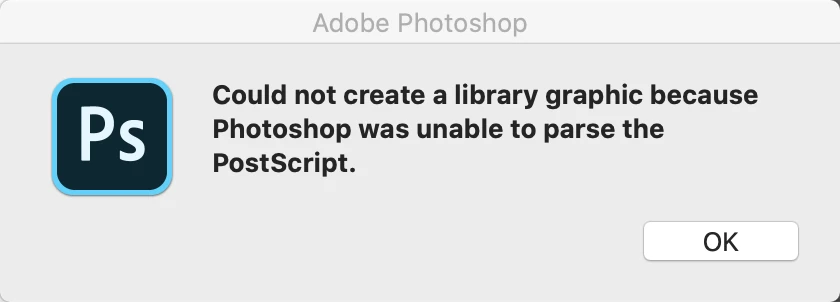
Error: Could not create a library graphic because Photoshop was unable to parse the PostScript

  • April 28, 2020
  • 5 replies
  • 1808 views

Adobe product and version number: Adobe Photoshop Version: 21.1.2

Operating System: Mac OS 10.15.4


The full text of any error message(s)
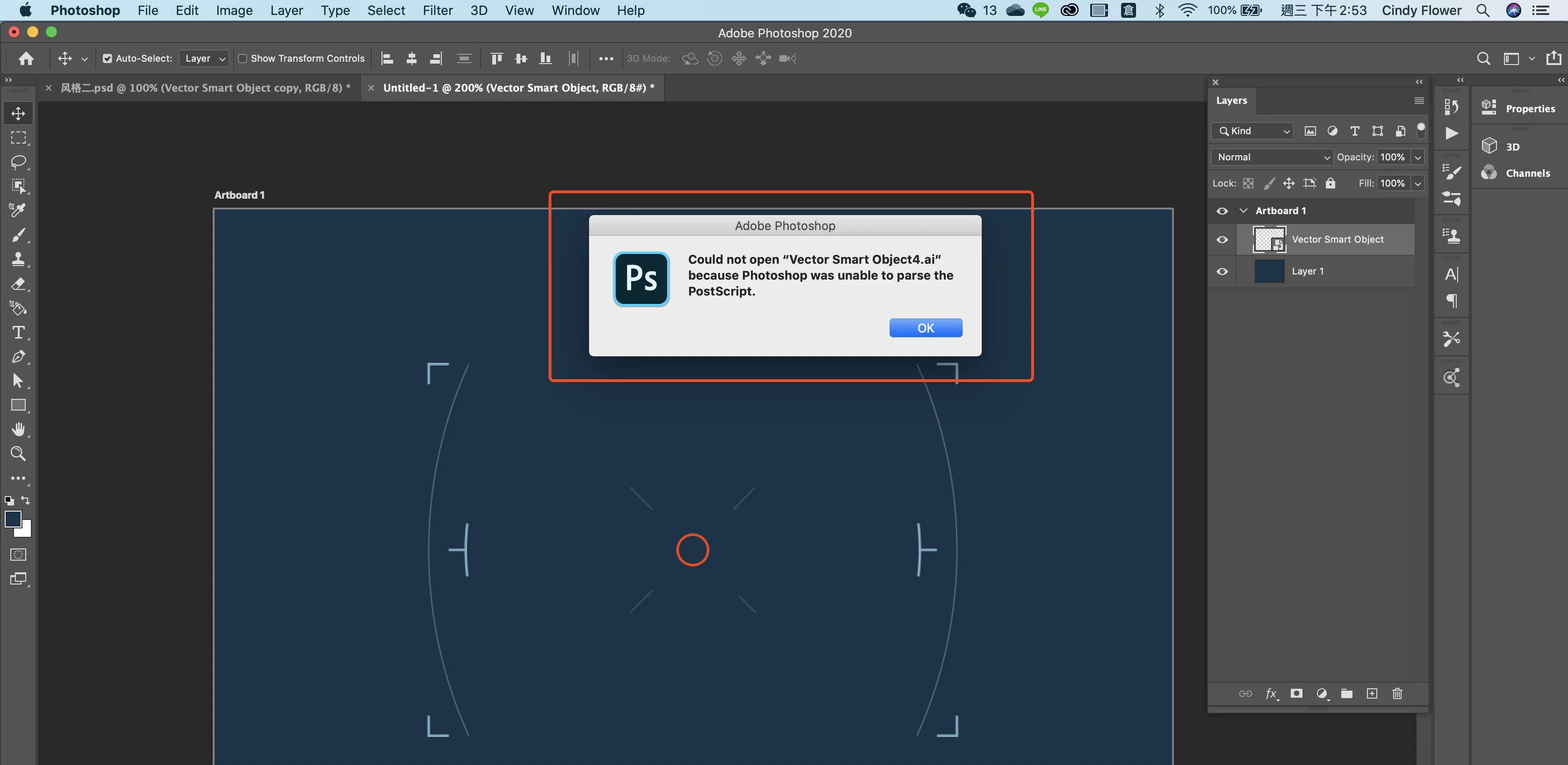
 

What you were doing when the problem occurred:

I was trying to copy a path from Illustrator into Photoshop like usual, but something went wrong when I paste it which there were different options such as smart object, pixels, path, and shape layer, those options are gone, not anymore. and the system chooses for me, it is a smart object and I can not edit it.


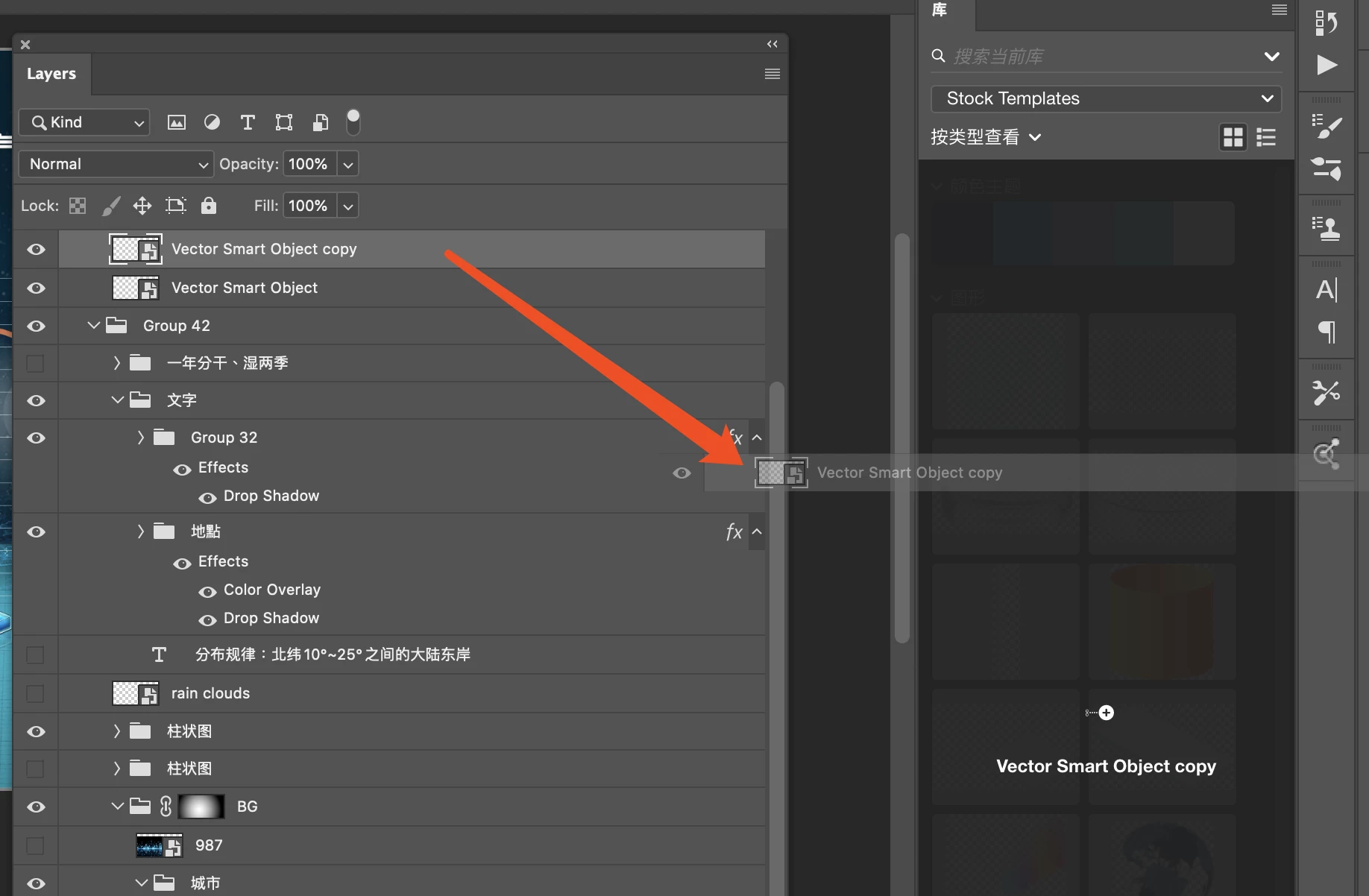
Since I can not edit this smart object, I can drop it into my library as well, as below:


This topic has been closed for replies.

5 replies

Participant
May 9, 2020

Many of my friends have encountered this problem!!!


PECourtejoie
Community Expert
Community Expert
April 30, 2020

Hello, I'm not sure how you import the image, if you place, in Photoshop>Preferences>General, is place as smart object checked?

Participating Frequently
April 30, 2020

Hi, good to know this. unfortunately even after unchecked place as smart object, still not working.


Participating Frequently
April 30, 2020

I was trying to copy a path from Illustrator into Photoshop like usual. it stops working like two days ago. out of nowhere. 

c.pfaffenbichler
Community Expert
Community Expert
April 29, 2020

So the Vector Smart Object is already placed but you can’t open it? 

Where did it originate? 

Do you have Illustrator installed? 

What is the file-format when you use Layer > Smart Objects > Export Contents? 

Participating Frequently
April 29, 2020

Yes, I have Illustrator which the least version. 

the originating shape/path is from an Illustrator file.


it is weird, I try to export contents as you suggest, it shows the file format is svg??


c.pfaffenbichler
Community Expert
Community Expert
April 29, 2020

svg is a vector format and as such fine for Smart Objects. 

But that you cannot export its contents does seem like a bad sign … 


Does the SO behave as expected in Photoshop (maintain sharpness when scaled up etc.)? 

Mariia Novikova
Adobe Employee
Adobe Employee
April 28, 2020

Hi,

Could you please attach a screenshot and give some more details of what you are seeing? Will help us to understand the workflow and problem.

Participating Frequently
April 29, 2020

Yes, I edit my question again up there. trying to explain what happens

c.pfaffenbichler
Community Expert
Community Expert
April 28, 2020

Please read this (in particular the section titled "Supply pertinent information for quicker answers"):

https://community.adobe.com/t5/Community-Help/Guidelines-Tips-for-the-Adobe-Forums/td-p/4788157

Participating Frequently
April 29, 2020

thank you.