Participant
January 31, 2021
Question

Error in Resized

  • January 31, 2021
  • 2 replies
  • 159 views

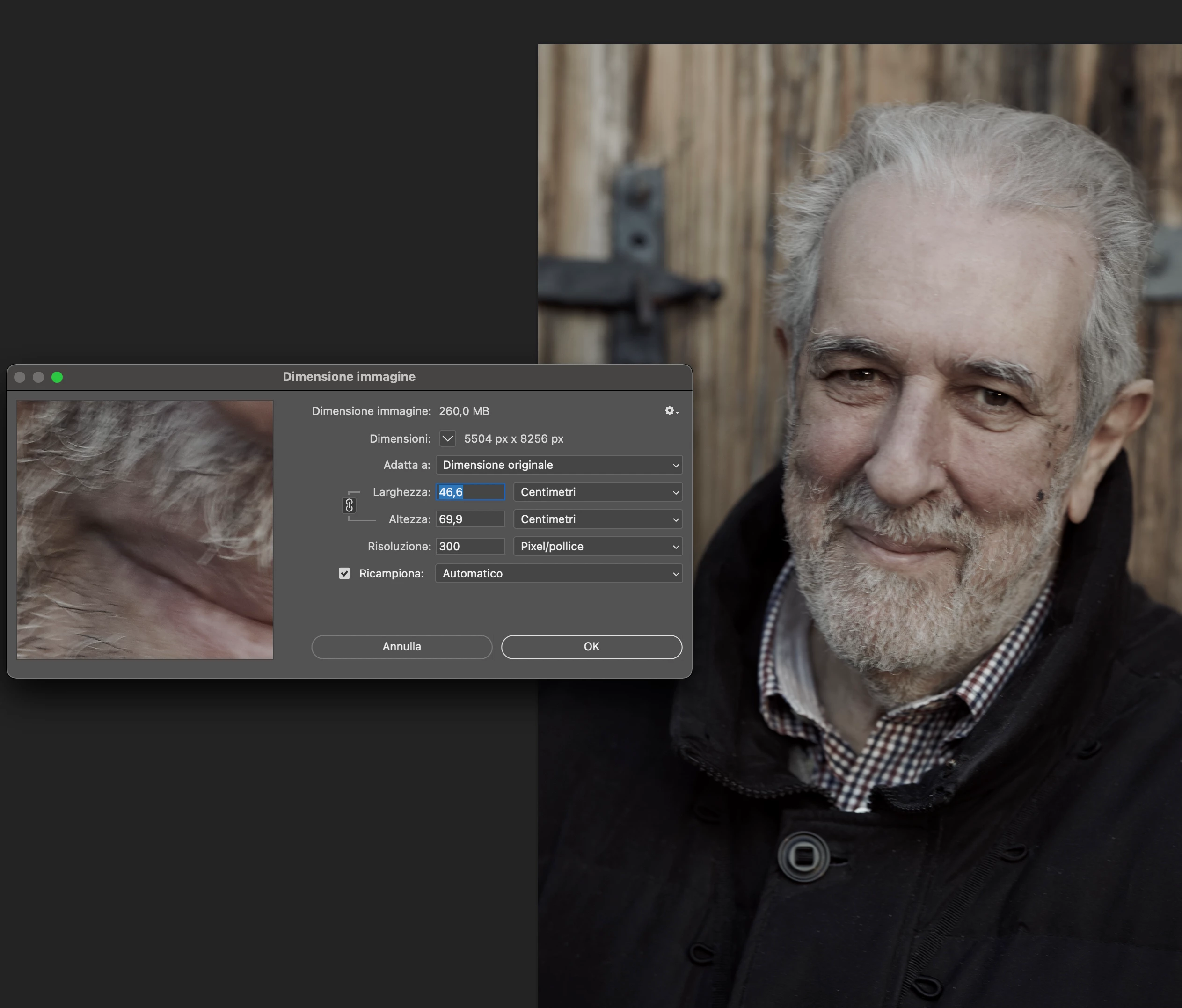
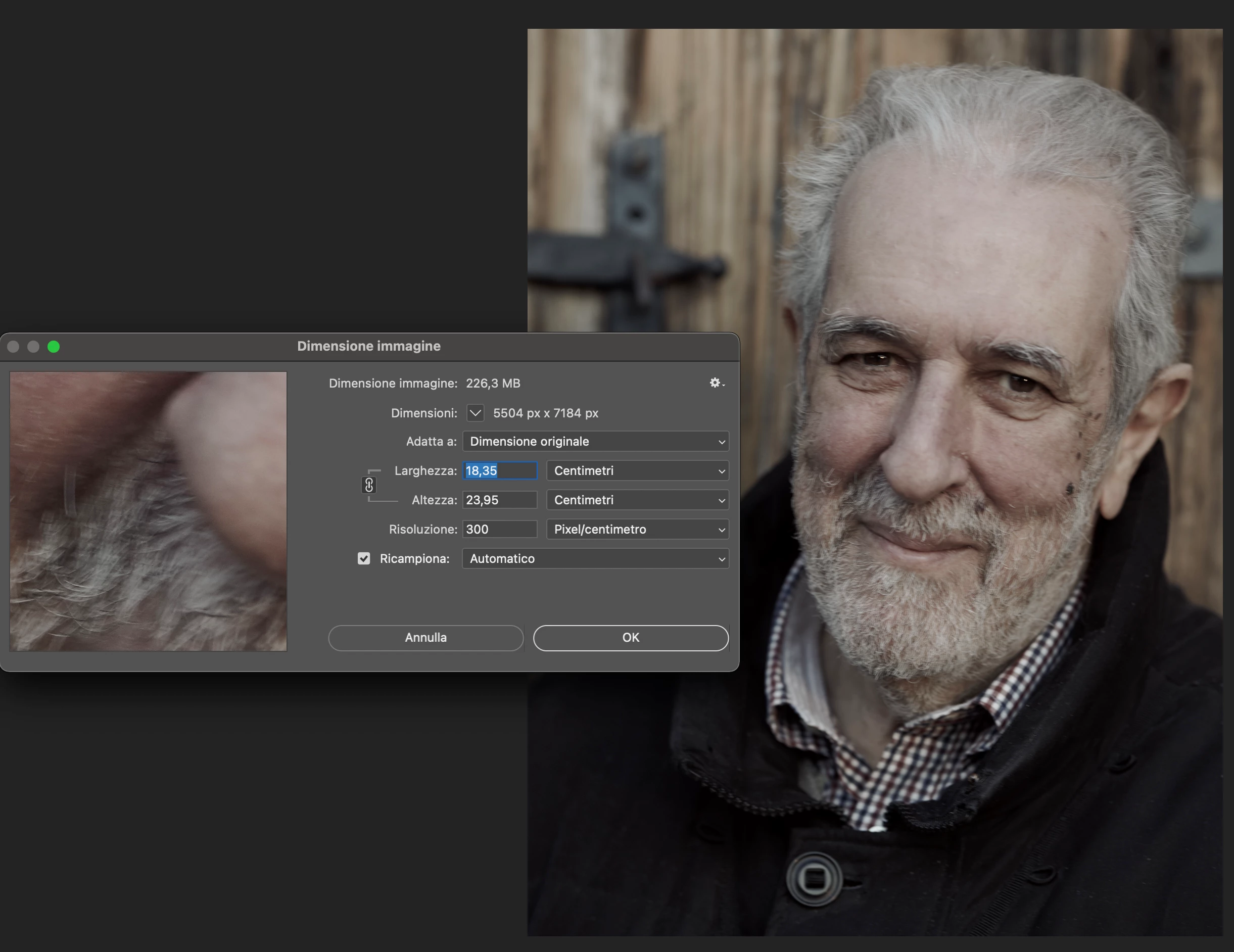
Photoshop / Image Size. By modifying a file of only a few cm, it is resized by a much smaller value

This topic has been closed for replies.

2 replies

c.pfaffenbichler
Community Expert
Community Expert
January 31, 2021

fabio5E76Author
Participant
January 31, 2021

Thank you c.pfaffenbichler,

looking at the options bar as per your advice,

I realized that the first "aspect ratio / size" box was set to "LxAx Resolution",

putting on "Ratio" no longer presents the anomaly

Many thanks

Fabio Rinaldi


[second time: weblinks removed by moderator]


JJMack
Community Expert
Community Expert
January 31, 2021

If  you uncheck Resamplae in Image size the image will not change only the print size will change because of the different size pixel printed.  The print ppi. When you have Resample check the image you have will be discarded and a new image will be generated. The new image's quality will not be as good as the image that was discarded.

JJMack
c.pfaffenbichler
Community Expert
Community Expert
January 31, 2021

What are you talking about? 

The meaning of ppi and ppcm? Or distorting an image? 

fabio5E76Author
Participant
January 31, 2021

I'm talking that with the version of PS 22.1.1

if I cut the image by just a few cm, and then check the format again I find myself a much smaller image as indicated in the screenshots.

The DPi are always the same


Fabio Rinaldi


[weblinks removed by moderator]


c.pfaffenbichler
Community Expert
Community Expert
January 31, 2021

»The DPi are always the same«

Wrong, ppi is not the same as ppcm. 


If your screenshot had included the Options Bar one might have been able the see the Crop Tool’s settings in the Options Bar.