Error message after using liquify
System:
intel core i7-6700
ddr4 16gb
nvidia geforce gtx960 2 gb- just updated drivers
hdd 2tb+8gb ssd
Windows 10
Photoshop 2017
Lightroom 2015
I have seen this same issue on the forums, but always seems to be in reference to a mac, and the solution is just changing read-write protections. Here are some pictures to illustrate issue on my windows PC:
not the effect i was going for, but illustrates that liquify is working normally so far...
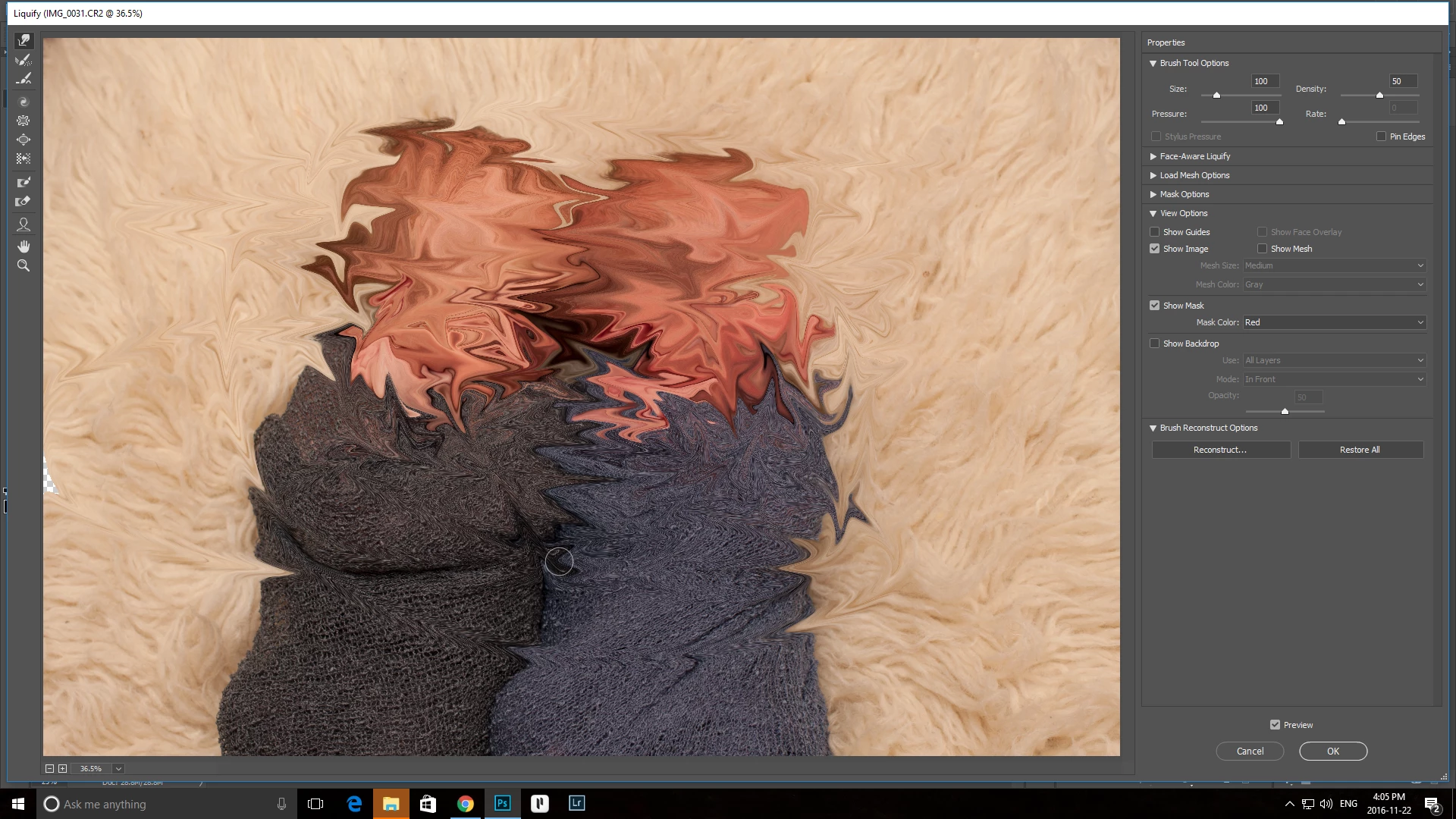
click ok and...
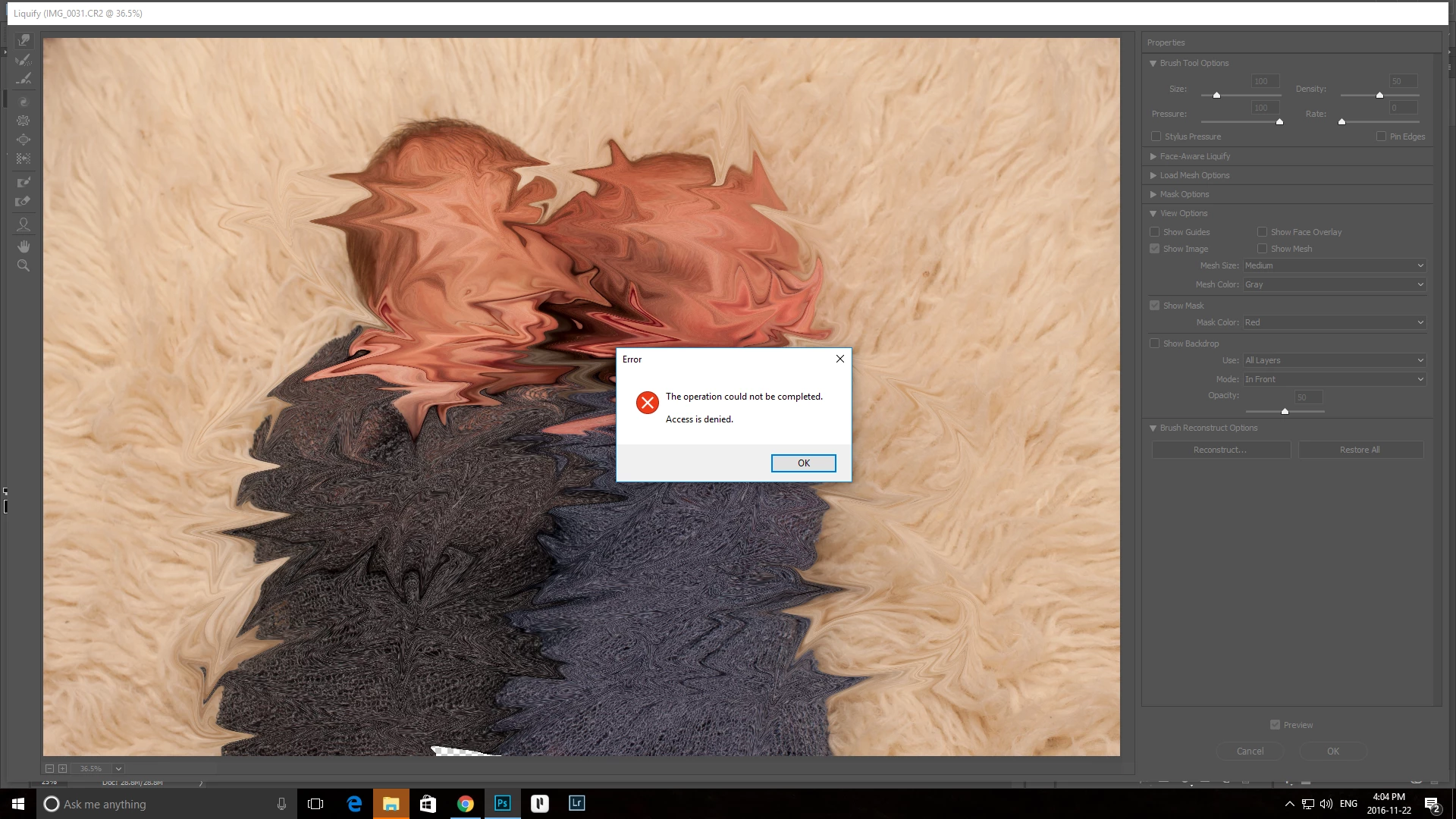
BAM!
Not sure what to do, haven't encountered this before and suddenly every picture has this problem. Frightened and scared. Plz help!
looking at the file itself, I can see I should have full permission for modification, both from the security tab and the general tab:
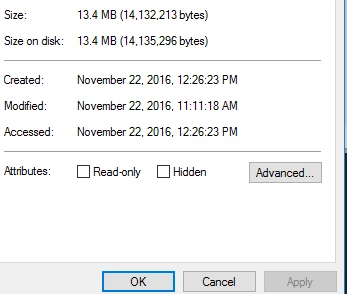
Steps I've taken so far are checking for photoshop updates, graphics card driver updates, camera raw plugin updates, reinstallation of Photoshop, and praying to various deities in a ritualistic manner.
Any help at all would be super appreciated, thank you
 AdChoices