

bartonlew
Legend
April 22, 2020
Answered

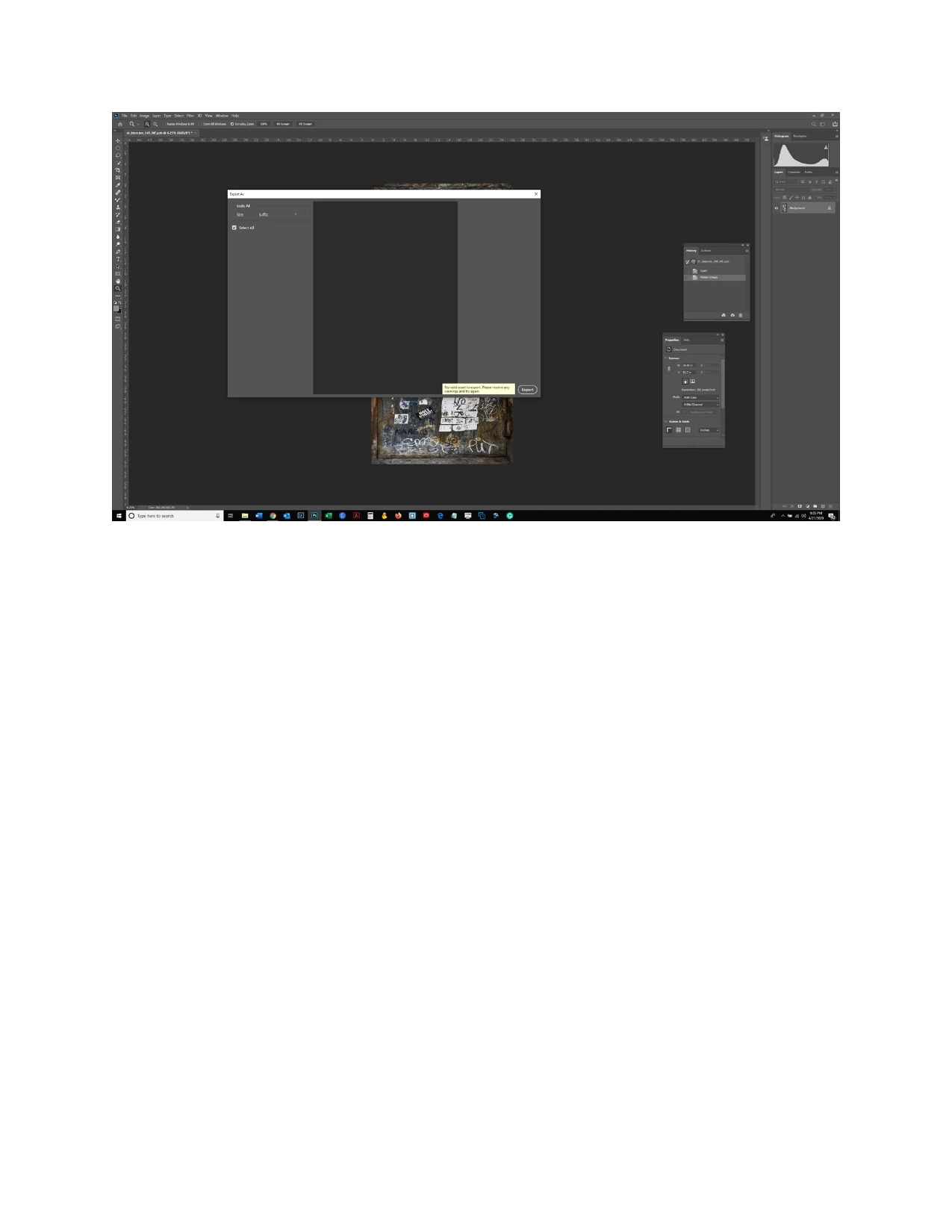
error message: no valid asset to export

  • April 22, 2020
  • 2 replies
  • 4339 views

I am getting a message "no valid asset to export" when trying to "export as" in PS.  I have this version: Adobe Photoshop Version: 21.1.2 20200410.r.136 2020/04/10: efaf3fa4e40 x64

I've never encountered this before.  Does anyone what the problem could be? Thanks.


This topic has been closed for replies.
Correct answer bartonlew

I am no longer getting this message so will mak this as answered to close the post.

2 replies

Participant
February 23, 2022

I resolved this issue by going to File>>Export>>Export Preferences and then selecting "Use Legacy "Export As"".


Hope this helps.

Participant
July 22, 2022

Miss for me. Export as works as normal UNTIL I use legacy export then I get the error message 'no vaild assets to export'.

Anyone help?

bartonlew
bartonlewAuthorCorrect answer
Legend
April 22, 2020

I am no longer getting this message so will mak this as answered to close the post.