alanleepikjin
Participant
June 3, 2021
Answered

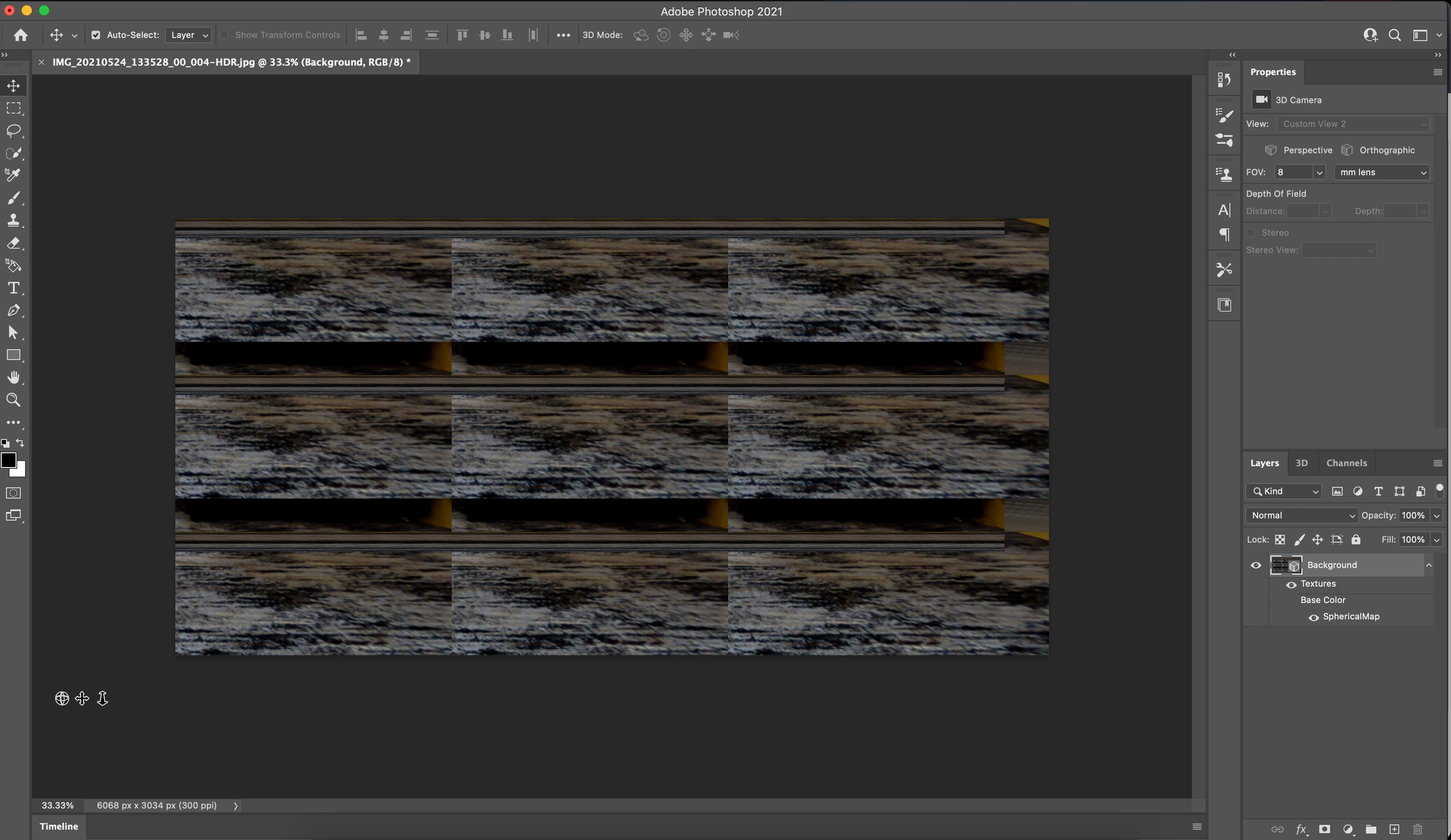
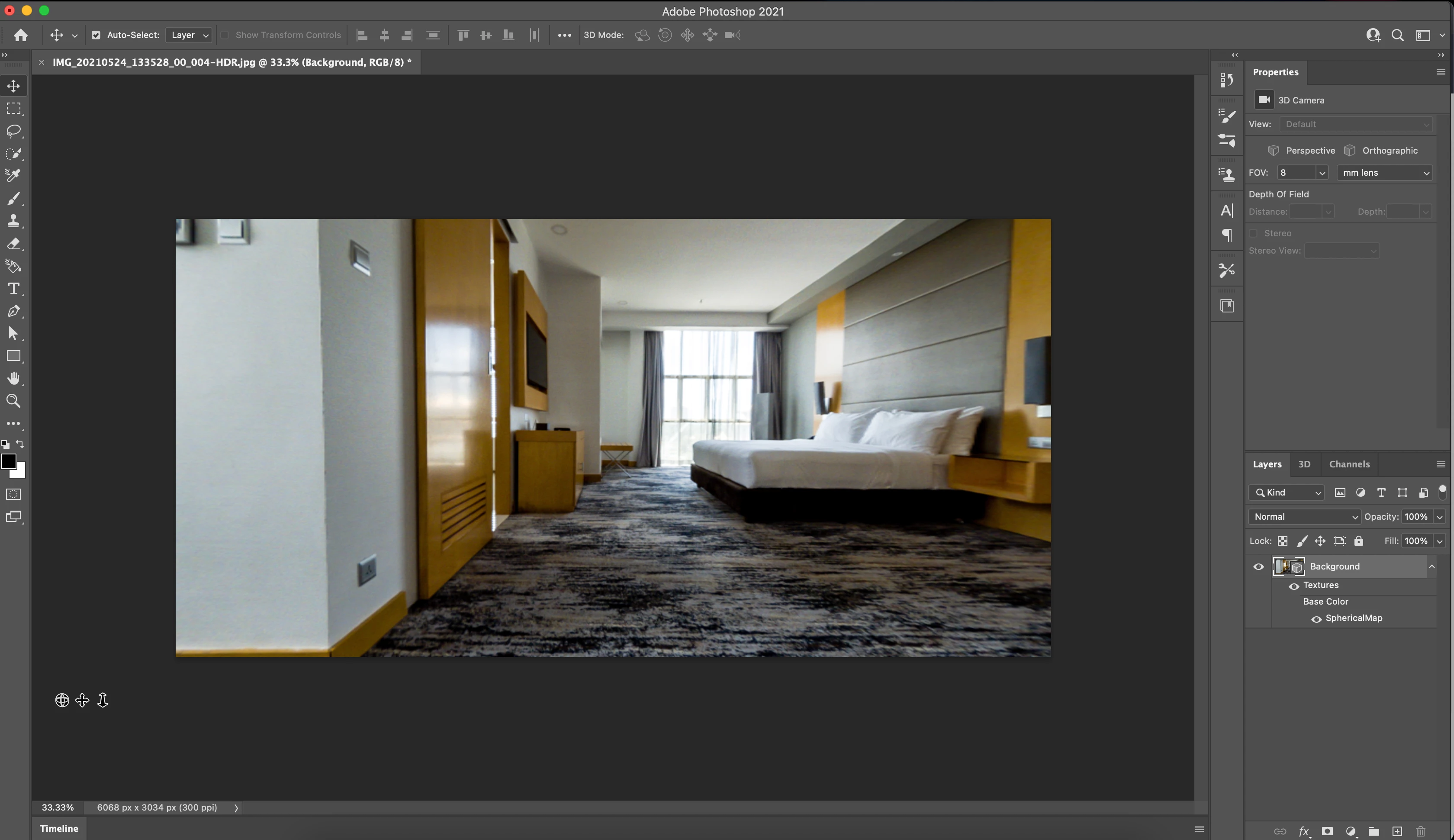
Error when trying to pan 360 Panorama

  • June 3, 2021
  • 2 replies
  • 1224 views

The preview went nuts when i try to pan the 360 Panorama. 

Using the M1 Macbook Pro.   
This topic has been closed for replies.
Correct answer alanleepikjin

Same problem here! have you found a solution??


Hi Coati, after struggling with this for months, I finally found a solution that works for me.

"The solution is go to go to Preferences > Technology Previews, check Deactivate Native Canvas, and restart Photoshop."

I saw this from another thread, and it works after doing so and restarting photoshop. 

2 replies

Participant
October 27, 2021

Hi alanleepikjin, it's working! thank you.

John Waller
Community Expert
Community Expert
June 3, 2021

See if unchecking the GPU makes any difference.


Photoshop > Preferences > Performance. Uncheck "Use Graphics Processor"

alanleepikjin
Participant
June 4, 2021

I turned off the "Graphics Processor" option and went back to create a "new panorama from selected layer", but it prompts and say that the Graphics Processor is needed to run the 3D workspace. I can only convert the panorama layer when i turn back on the graphics processor option. 


If i convert the panorama first, the Graphics Processor options is greyed out. Still remains checked, but can't be unchecked. 

Participant
June 28, 2021

Same problem here! have you found a solution??