Inspiring
July 1, 2017
Question

Evening out lighting.

  • July 1, 2017
  • 3 replies
  • 1049 views

Hello,

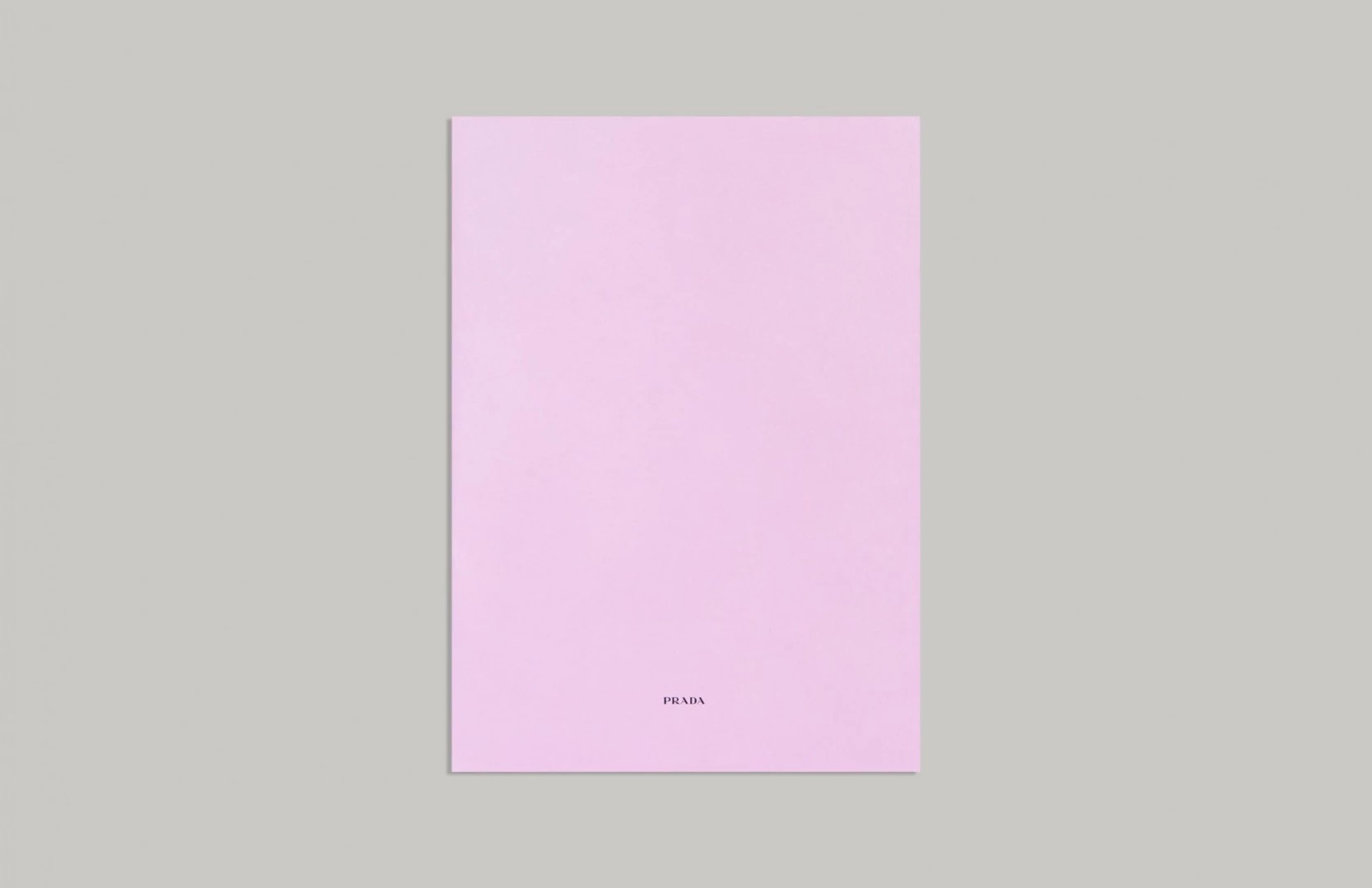
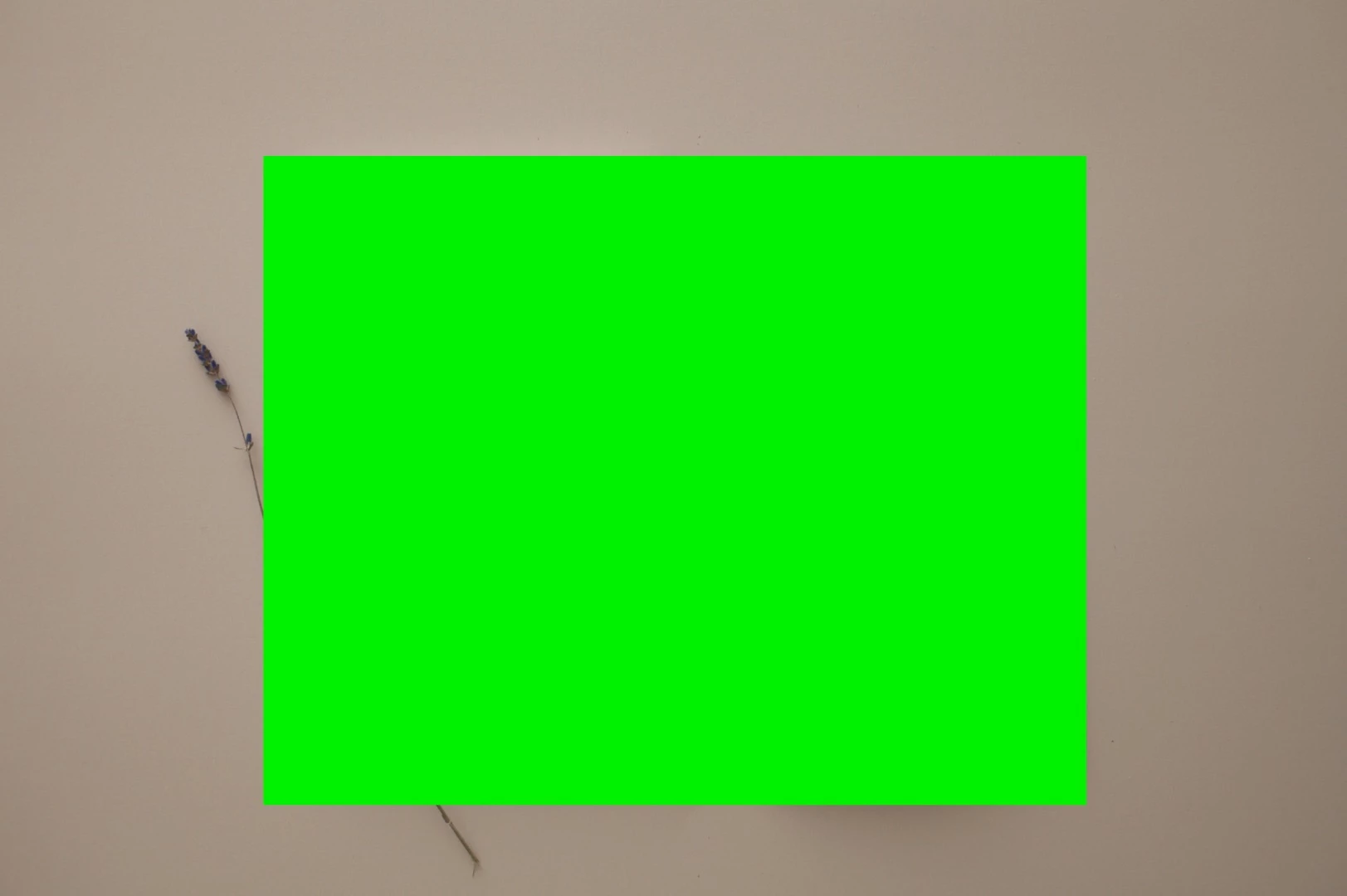
I want to even out the lighting on the image with the brown background. I attached an image (prada) as a reference for how even I would like it. My question is how  this could be done in the most exact way possible. I would play with some curves and layer masks but would think that there is a better way to do it. I would also want to repeat it so that the exact same look is on other images with the same background.

Thanks for any tips.
This topic has been closed for replies.

3 replies

Norman Sanders
Legend
July 1, 2017

The fragment of the illustration peeking out from the green panel suggests that making a selection of the currently hidden image would be the primary challenge. I suggest that, in order to preserve the element you have hidden, the Blend if command with a blank layer below the image. Once cleared, it can be filled with your chosen flat color. (if necessary, depending on the density of the the now-hidden folder element, it may be masked to silhouette and placed on an added layer.)

davescm
Community Expert
Community Expert
July 1, 2017

Depending how complex the image is, the quickest way may be just to mask the image using select and mask then place a color fill layer behind it

Dave

SmallBearAuthor
Inspiring
July 1, 2017

Thanks. I will try both. Behind the green square however I have a folder with shadows.

davescm
Community Expert
Community Expert
July 1, 2017

You can always add shadows back in with layer effects

Dave

Stephen Marsh
Community Expert
Community Expert
July 1, 2017

I’d start with using Adobe Camera Raw’s Vignette option to help even out the all of your raw shots (you can sync the vignette to all images). If you only shot JPEG, then you could try using the ACR filter or processing the JPEG files in ACR. There are Photoshop methods, however the better the source image the less work to do in Photoshop. The green redaction box does not help interested parties much though.