
MimiF
Inspiring
April 16, 2024
Answered

everything is pixelated! help!!!

  • April 16, 2024
  • 1 reply
  • 382 views

im on a windows 11 pc and everything was fine until today when i opened photoshop i tried to make a basic shape:
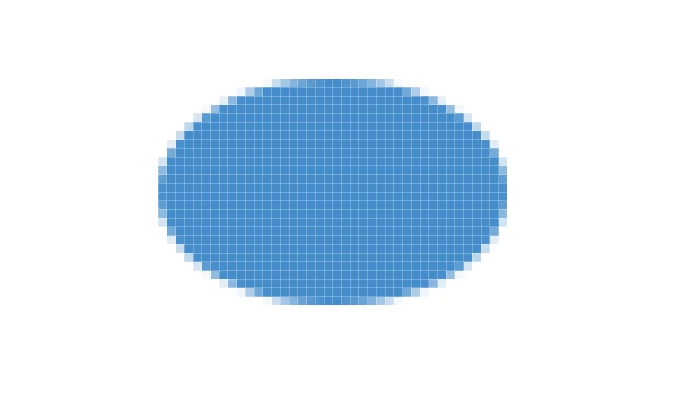


and as you can see everything is pixelated for no reason. then i tried to fill my document with a fill color and still the same pixelated:
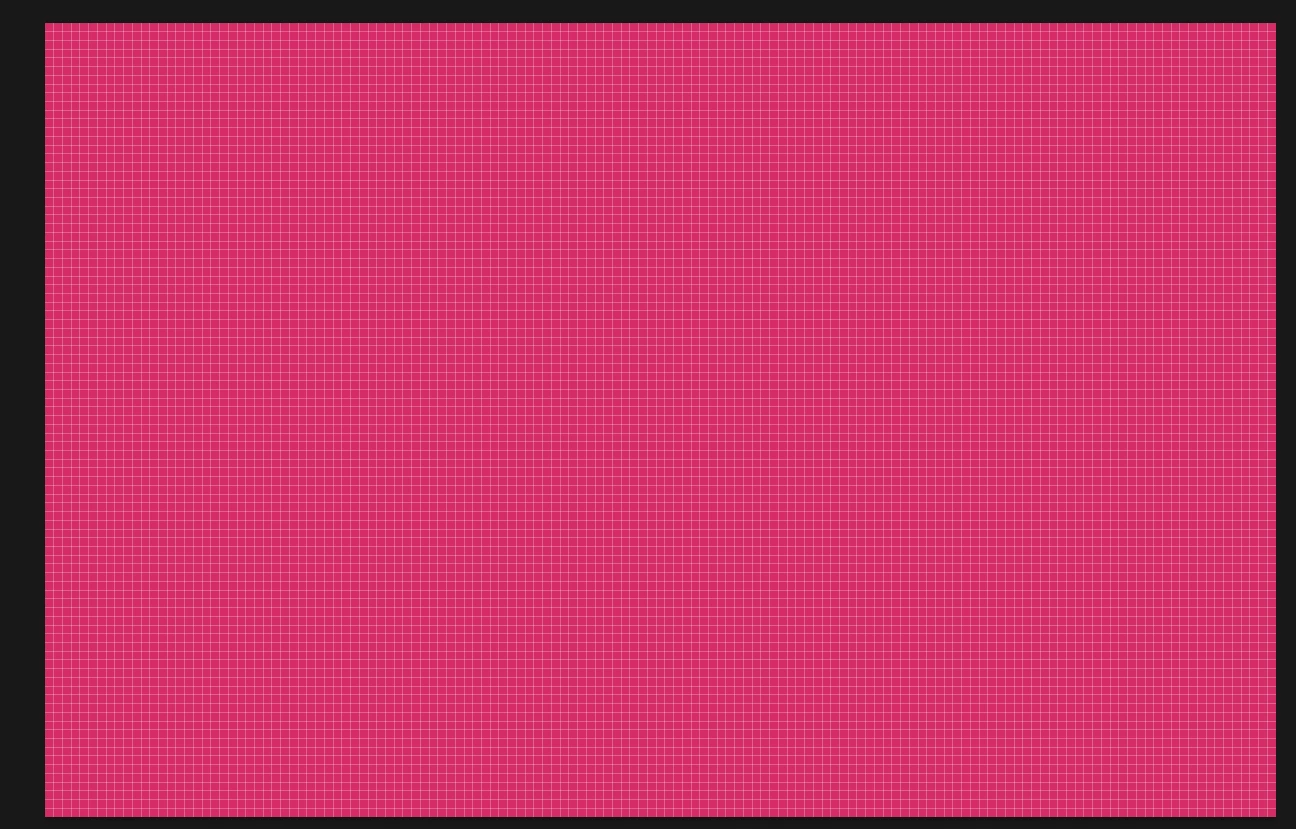
i dont know what changed everything was fine until now! help!


This topic has been closed for replies.
Correct answer AxelMatt

Which zoom factor do you have set?  Goto menue "View - Fit to screen" or press Ctrl + 0 and see what happen.

In a next step try to reset the preferences of Photoshop using the steps described here:

https://helpx.adobe.com/photoshop/using/preferences.html#reset-preferences

Please backup your settings before resetting the preferences. You can check:

https://helpx.adobe.com/photoshop/using/preferences.html#backup-photoshop-preferences


If this also doesn't help we need more informations about your system. Please provide a copy of your 'System Info'. This can be get from the Photoshop menu item Help > System Info. There's a copy button in the System Info dialog. Press this button and paste the info into your next forum post.


1 reply

AxelMatt
Community Expert
AxelMattCommunity ExpertCorrect answer
Community Expert
April 16, 2024

Which zoom factor do you have set?  Goto menue "View - Fit to screen" or press Ctrl + 0 and see what happen.

In a next step try to reset the preferences of Photoshop using the steps described here:

https://helpx.adobe.com/photoshop/using/preferences.html#reset-preferences

Please backup your settings before resetting the preferences. You can check:

https://helpx.adobe.com/photoshop/using/preferences.html#backup-photoshop-preferences


If this also doesn't help we need more informations about your system. Please provide a copy of your 'System Info'. This can be get from the Photoshop menu item Help > System Info. There's a copy button in the System Info dialog. Press this button and paste the info into your next forum post.


My System: Intel i7-8700K - 64GB RAM - NVidia Geforce RTX 3060 - Windows 11 Pro 25H2 -- LR-Classic 15 - Photoshop 27 - Nik Collection 8 - PureRAW 5 - Topaz Photo
MimiF
MimiFAuthor
Inspiring
April 16, 2024

thanks! that helped! i dont know what in my preferences made it go wrong like that, but resetting it did the trick!