

jeffreyp64846165
Inspiring
November 22, 2016
Question

“Export As” color shifts

  • November 22, 2016
  • 4 replies
  • 765 views

This is really stupid, and it’s starting to really piss me off.

Here’s my original PSD:

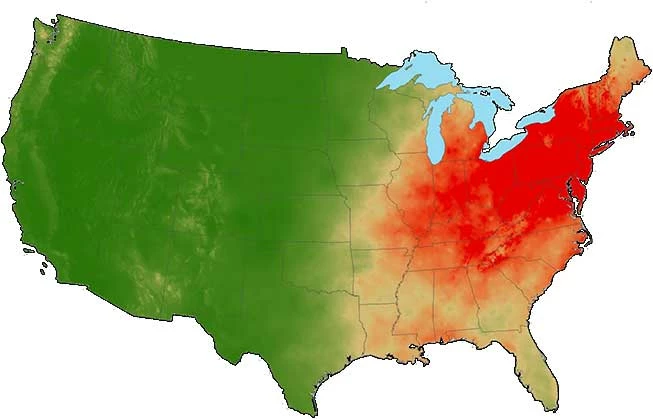
Here is the result from File/Export/Save for Web (Legacy):
Here is the result from (right-click, Layers) Export As:
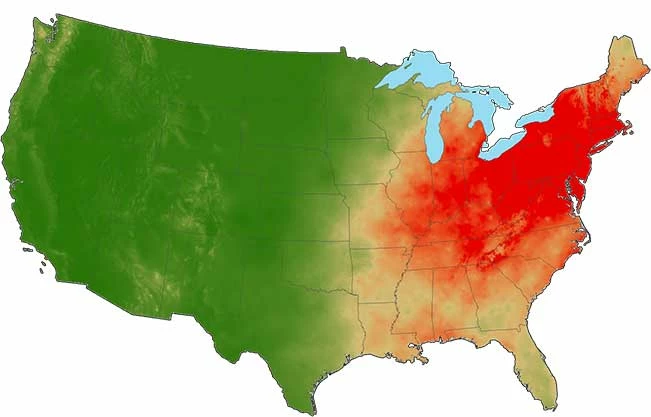
Same settings, jpg at 30%, but Export as is 2 pixels smaller, and the white background is at 254 instead of 255.

WTF?

Adding a white background to each of 26 layers fixes the size issue, but it still Export As at 254.

Don’t make go through Save For Web (Legacy) 26 fracking times.

This topic has been closed for replies.

4 replies

D Fosse
Community Expert
Community Expert
November 22, 2016

Embed the profile.

jeffreyp64846165
Inspiring
November 22, 2016

No change:

jeffreyp64846165
Inspiring
November 22, 2016

The size difference is on me—not setting Canvas Size in the Export As. Makes sense.

Still can’t explain the 255/254 change in the white background though.

Conrad_C
Community Expert
Community Expert
November 22, 2016

I don't have an explanation, but I have the same question as D Fosse: Are Convert to sRGB and Embed Color Profile set to the same settings in both Save for Web and Export As?

D Fosse
Community Expert
Community Expert
November 22, 2016

I can't reproduce this - transparency Exports As a perfect 255.

You do have an embedded icc profile in your PSD, and you do have both these checked?

jeffreyp64846165
Inspiring
November 22, 2016

I do have Convert to sRGB checked on both, and Embed Color Profile unchecked on both.

D Fosse
Community Expert
Community Expert
November 22, 2016

I agree that it should be at least consistent, but with untagged files all bets are off.

But there is something else going on here. The SFW version has a much more prominent outline. Is there a reason for this, or could it be an artifact from flattening all those layers? If so, could the 254 white also be a flattening artifact? Just asking, I have no idea.