
pauld94810522
Participant
December 12, 2017
Answered

Export As... will not let me scale down correctly (incorrect height)

  • December 12, 2017
  • 3 replies
  • 359 views

Whenever I get my 640x200 banner ready to export, I always used to scale it down to 50% (320x100) which is the 1x size for mobile (and I export a 2x version as well).  Now, it will not let me export a 320x100, instead it INSISTS on exporting it as 320x90 (clipping the bottom off the banner).  Screenshot attached.
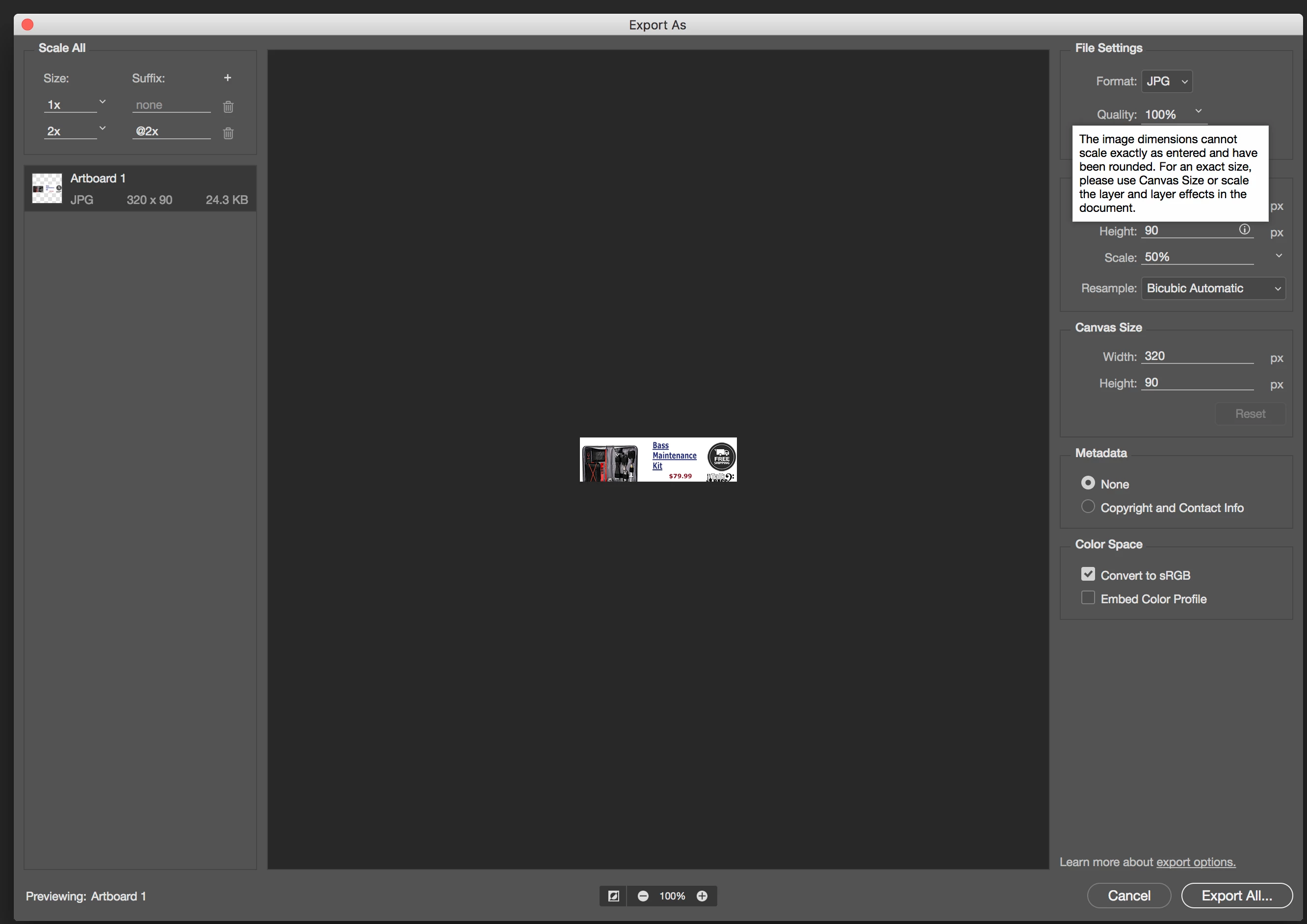
Any ideas on how I can simply export this 640x200 image as a 320x100 png or jpg??  Thanks!

This topic has been closed for replies.
Correct answer pauld94810522

If I select the whole banner, then "copy merged", and paste it into a new 640x200 (clipboard size) document, then when I go to Export As... it will correctly allow me to export it as 320x100.  Weird. 

3 replies

pauld94810522
pauld94810522AuthorCorrect answer
Participant
December 13, 2017

If I select the whole banner, then "copy merged", and paste it into a new 640x200 (clipboard size) document, then when I go to Export As... it will correctly allow me to export it as 320x100.  Weird. 

Theresa J
Community Expert
Community Expert
December 13, 2017

The canvas size is probably 640x180 not 640x200.

Silkrooster
Legend
December 12, 2017

Is it possible the canvas was cropped. Exit the export dialog and select Image>Image Size from the menu. See what the pixel dimensions are.

pauld94810522
Participant
December 13, 2017

Image pixel dimensions are 640x200, canvas size is 640x200...  I really think this is a bug.  It makes no sense to me...