Export for Screens in Photoshop CC
I have been doing some work using a trial version of Illustrator and there is an option there to Export for Screens, which perfectly exports the file as a png with only the necessary image shown.
However, I definately can not afford Illustrator when I already have the photoshop package so I need to know what the options are to save the same file in photoshop when doing Exports As.
I know this may sound confusing so i will try and demonstrate with a couple of screen shots, if that's allowed.
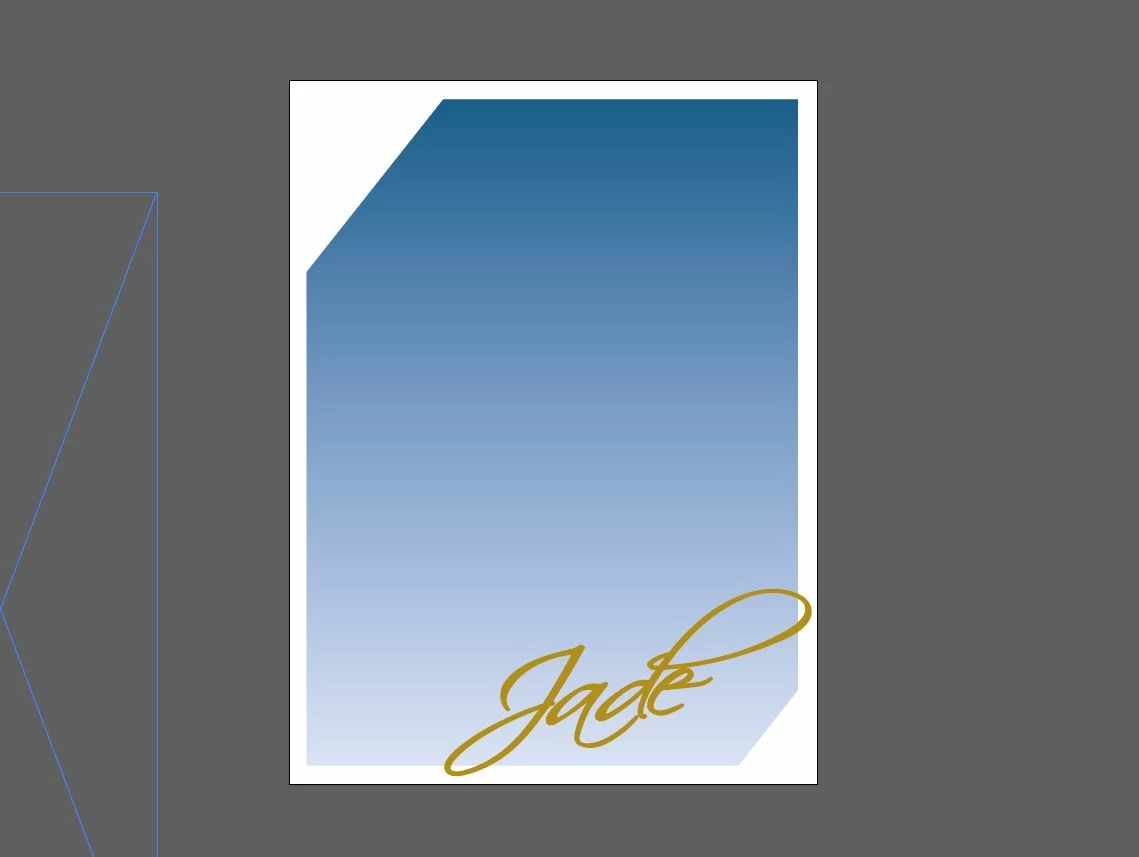
this is how the file looks in Illustrator and when Exporting for Screens it still looks like this, which is the desired final result.
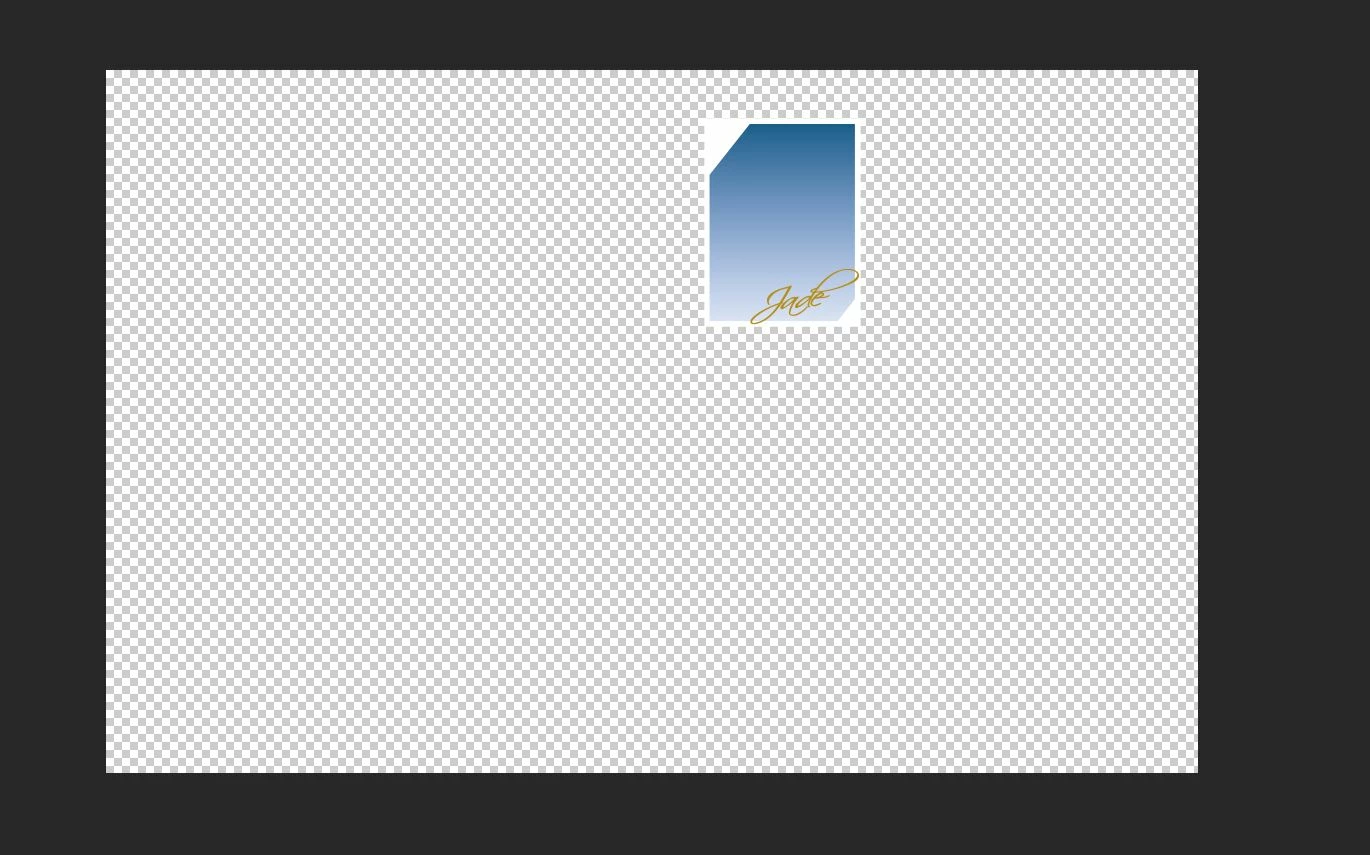
this is how the same file looks in photoshop as a psd. when exporting it as png it still looks like that but I need it to have the final result as per Illustrator.
Does any guru's know what settings I would need to use in Photoshop to end up with this desired result??
Thanks
Neil
 AdChoices