Question
Export to Video spinning Photoshop 21.2.1
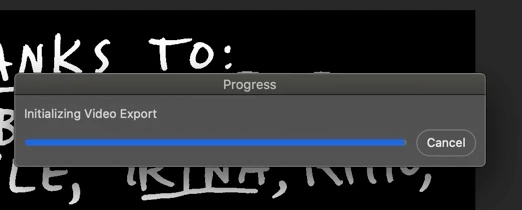
Supposedly this was fixed with the latest version 21.2.1. I am running Mac Catalina 10.15.6 After a couple of successful exports, I had the "Initializing Video Export" window show up, which I had never seen in the prior successful exports.
I have uninstalled reset preferences tried everything that has been posted and messing with the original files as well. I really don't want to do the workaround in After Effects as this is a simple 9 frame animation. C'mon help a designer out and save me some time for what should be a simple job and a simple fix.
 AdChoices