Participant
June 1, 2021
Question

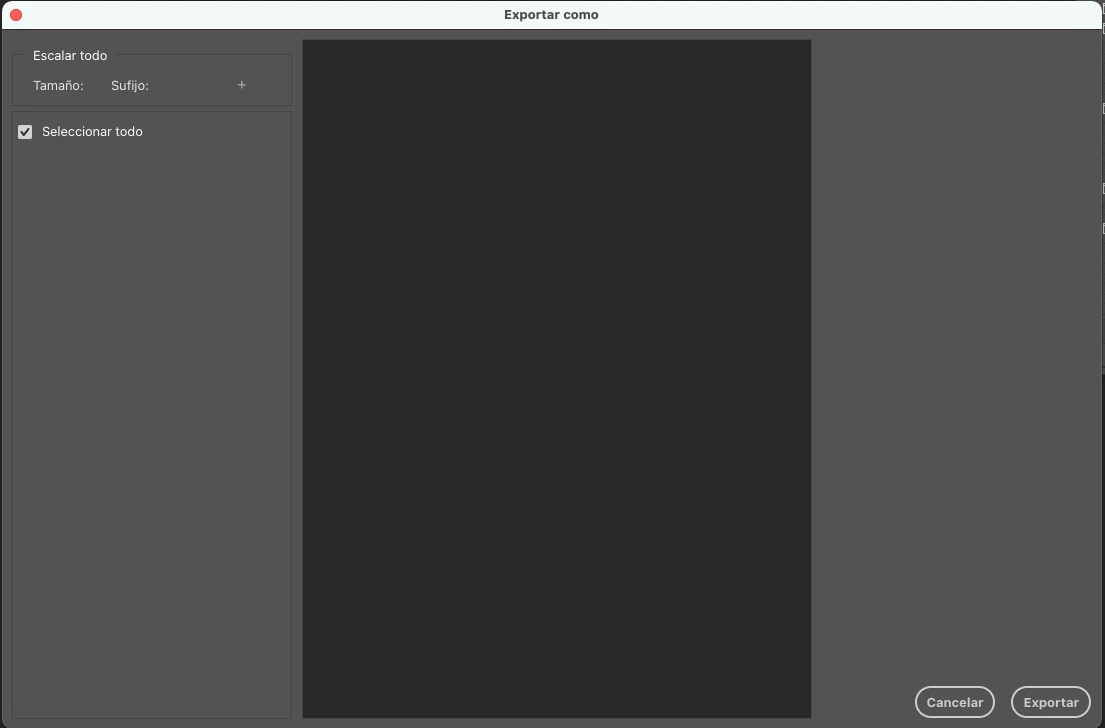
Export Window is "EMPTY"
  • June 1, 2021
  • 4 replies
  • 9525 views

 When I open the export Window sometimes it's completely empty like the screenshot. Does anybody know how to solve this??

This topic has been closed for replies.

4 replies

Participant
February 10, 2022

I just had the same problem and couldn't find any solution online (which really surprised me). I have tried any possible solution, including resetting all preferences, clearing the scratch disk and logging in and out of CC, nothing worked. What did work in the end, however, was going to Edit > Preferences > Export and enabling the box "Use old 'export as...'". Hope this helps!

Community Manager
February 10, 2022
Participant
January 13, 2022

Heyy!! 

Had the same problem and, in my case, what was causing all that were the scratch disk! Just check if they're getting too full and, if they are, clean them.

Wish you luck 🙂


Akash Sharma
Legend
June 2, 2021

Hi there,


Sorry that the Export As Window in Photoshop is blank. Would you mind sharing the version of Photoshop you're using and the version of your operating system?


Does the problem occurs while exporting a specific image or file format? Does it help if you create and export a new document? 


Would you mind checking the steps mentioned in this article https://helpx.adobe.com/photoshop/kb/basic-troubleshooting.html and let us know if that helps?


Thanks,

Akash

Participant
June 8, 2021

Hi, 

Thanks for the response.


I'm currrently in an Intel based iMac with Big Sur 11.4 installed. Photoshop 22.4.1


The problem occurs when exporting a PSD file. The problem occurs randomly sometimes but it's quite annoying cause I export quite often. 


I have another recurring problem which is that sometimes my Photoshop window (where the artwork is displayed) freezes. Just the artwork. I can still press buttons (all the buttons are responsive) but nothing happens in to the artwork. It happens when I'm zooming in and out a lot with my scroll wheel, suddenly the screen stops moving and I have to restart. 


I don't know if these problems are related...

Community Expert
June 2, 2021

looks weird. I do see that when the window first opens...  and it seems to take a while to then populate my image.


Try using File>Export>Save for Web (legacy) I personally prefer it and think it loads faster.

Otherwise try resetting your preferences... Restart Photoshop holding down Command + Option+Shift (Control+Alt+Shift on PC) or  try updating your Photoshop.


hope this helps.

mark

headTrix, Inc. | Adobe Certified Training & Consulting
Participant
June 8, 2021

Yeah, but this one never loads sometimes...I'll try using Save for Web option but sometimes I want to export things in a higher density like 300ppp


I'll reset the preferences and see what happens!


Thanks!

Community Expert
June 9, 2021

Yes save for Web will not work for Print - just for quick web graphics,


Perhaps try updating Photoshop.. I thought I heard that they fixed this issue?

Hope so!

cheers,

mark

headTrix, Inc. | Adobe Certified Training & Consulting