
Participant
April 13, 2021
Question

exporting custom document presets

  • April 13, 2021
  • 3 replies
  • 614 views

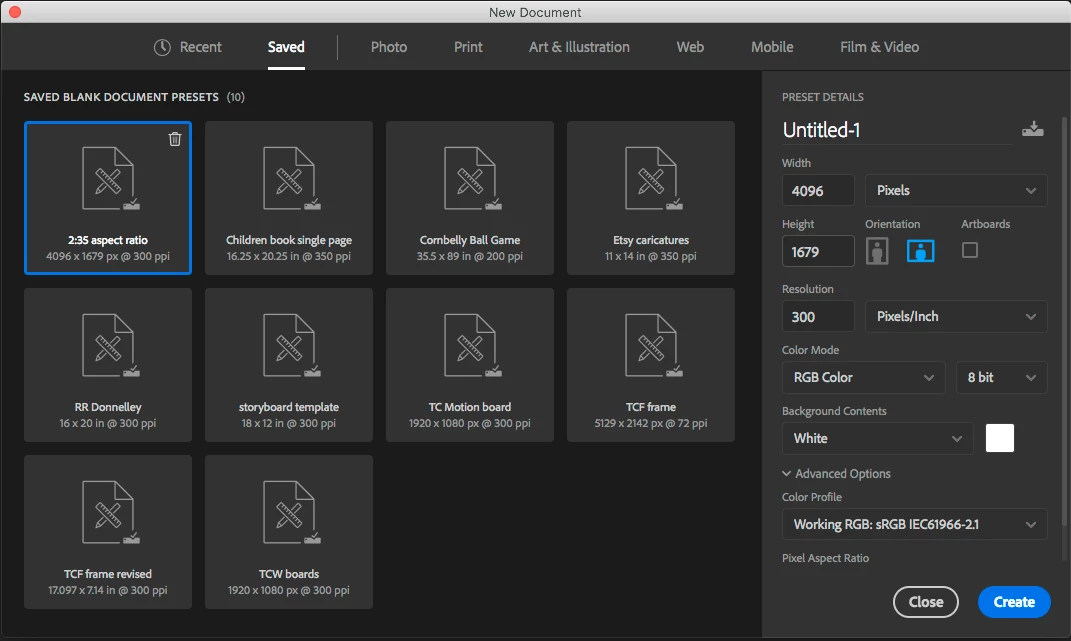
Using Photoshop CC 2018 and am moving to Photoshop CC 2020. I have a number of custom document presets under the "Saved" tab in the create New Document dialog window I'd like to move to or import into the 2020 version. Is this possible and how would I do that if so?

Here's a screenshot  of my 2018 custom saved documents.

I know I could just recreate them but wanted to see if I could just export them or save them somehow as that would certainly be easier.

Thanks in advance for any help or tips.
This topic has been closed for replies.

3 replies

Stephen Marsh
Community Expert
Community Expert
April 14, 2021

Building upon the advice in the previous two posts, I once created a cross-platform script to open up various folders to manually backup/copy various settings files:


https://community.adobe.com/t5/photoshop/script-to-help-back-up-photoshop-settings/m-p/11517871#M473690


@mj
Community Expert
Community Expert
April 14, 2021

Hki @kellyb13970091 ,


Together with @Jeff Arola 's advice, this will get you going.


https://helpx.adobe.com/photoshop/using/preset-migration.html#Manuallycopysettings


Keep us posted on your progress

mj


Mohammed Jogie | Morning Star Design | BA CUA |
Adobe ACA | ACE | ACI | ACP | CA | UGM |
MISTD | Ico-D | IxDA | PADI | C&G |
Jeff Arola
Community Expert
Community Expert
April 14, 2021

The file you want from photoshop cc 2018 is


New Doc Sizes.json


in


/Users/User Name/Library/Preferences/Adobe Photoshop CC 2018 Settings