Answered
Exporting GIF in Photoshop
I've created a gif in Photoshop - a simple animation of 1 through to 5 stars. Once I've exported (save for web>GIF 128 dithered) the static version just shows one star; can I change that so it shows all five?
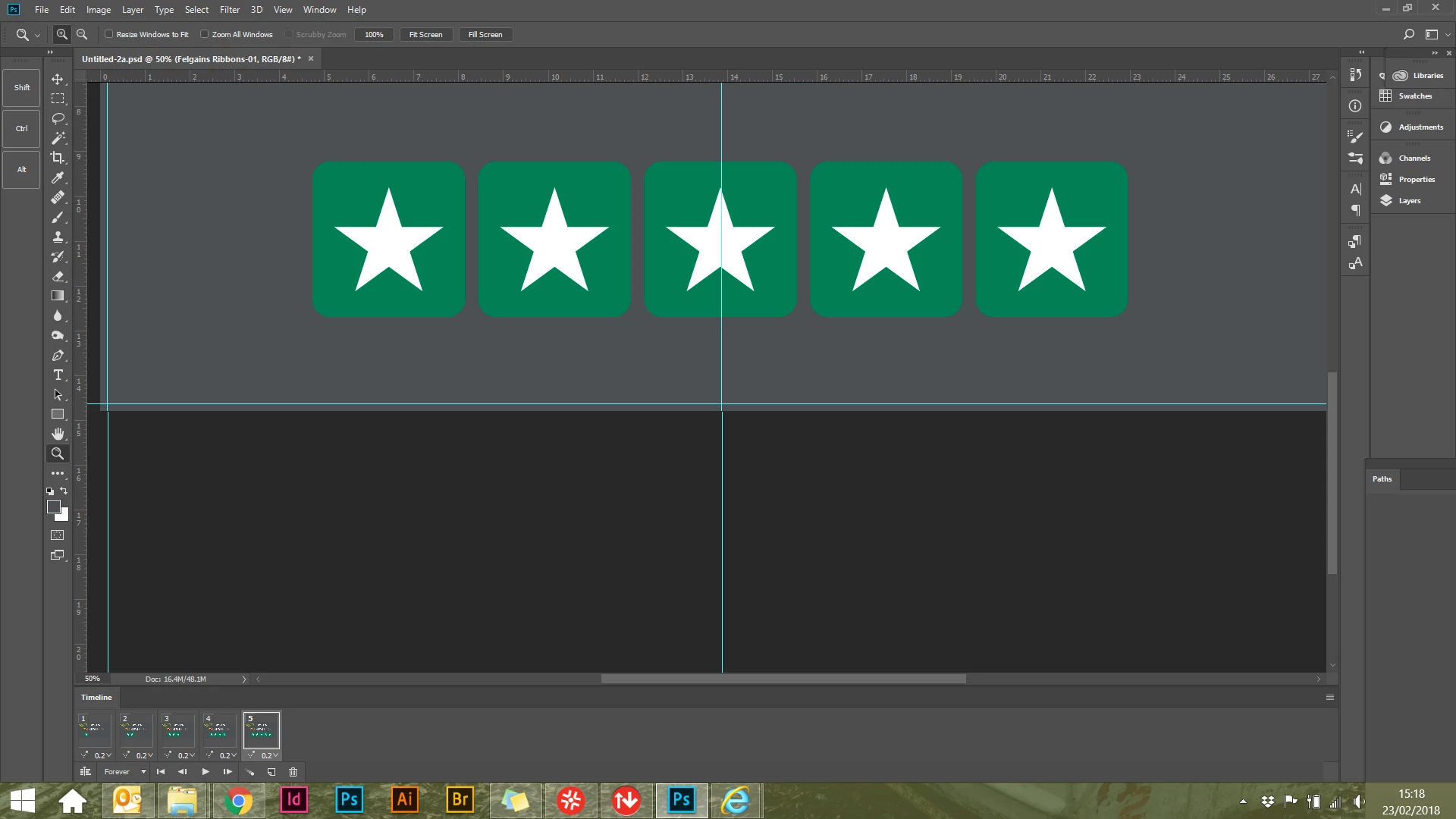

I've created a gif in Photoshop - a simple animation of 1 through to 5 stars. Once I've exported (save for web>GIF 128 dithered) the static version just shows one star; can I change that so it shows all five?
Yep, it's the static version (as viewed as normal image) that I would like to be able to change to show all five stars. I want to insert into an email signature - the animation will play on some devices but would like the five stars showing as a static image on other devices.

If some devices only show the first frame it would seem simplest to make the first frame the one you want.
On other devices the loop would also start with that but how bad is that?
Already have an account? Login
Enter your E-mail address. We'll send you an e-mail with instructions to reset your password.
 AdChoices