
Participating Frequently
March 30, 2022
Answered

Exporting images from PS strips metadata

  • March 30, 2022
  • 1 reply
  • 1128 views

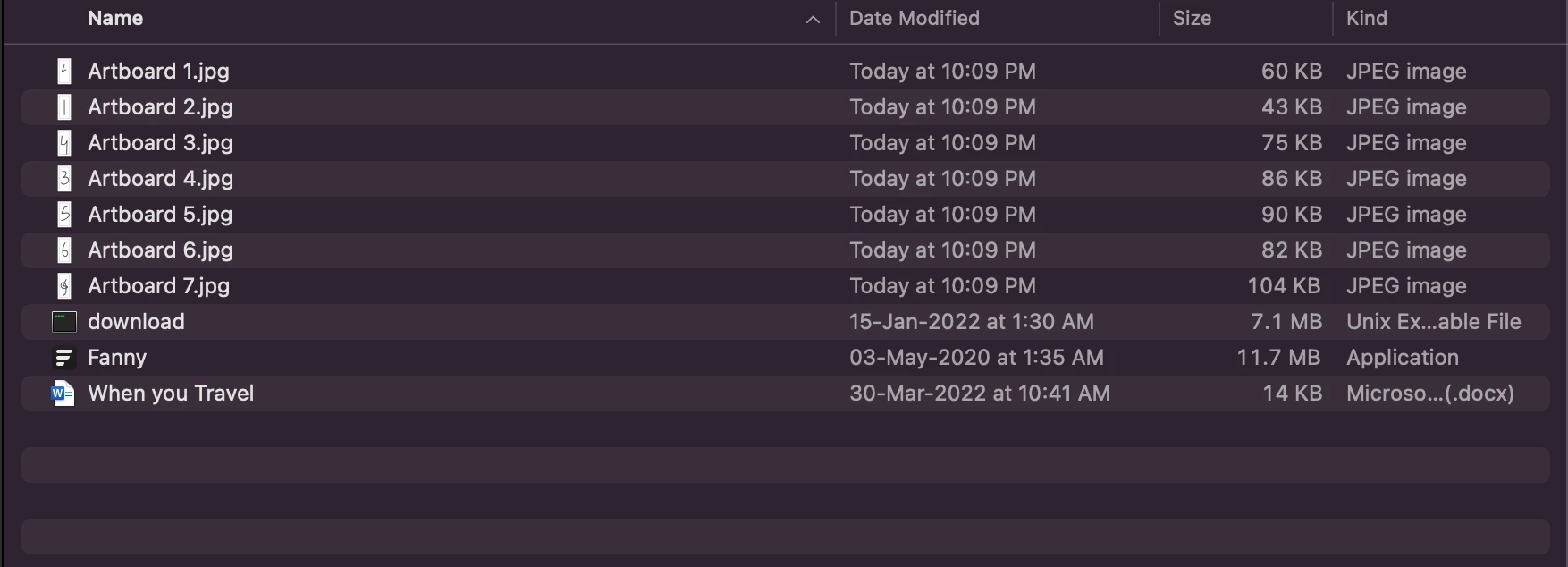
JPG files exported by bulk selecting artboards in Photoshop, right-clicking and selecting Export, do not contain any CREATED DATES or MODIFICATION DATES so the fields in the DAM do not populate, and therefore, those fields cannot be used when filtering search results. I have attached a PDF for it


Can someone help with a script that can do this?
This topic has been closed for replies.
Correct answer Kukurykus

Now I do have multiple Jpg files on the desktop but I am getting the same error 


As mentioned this is examplary script, how ever working. 'someFile.jpg' is the name used in the code, and it refers to the same name of the file you need to have on desktop, unless you rewrite the name in the code to the name of one of your desktop .jpg files.

1 reply

Kukurykus
Legend
March 30, 2022

Doesn't ticking Copyright and Contact Info help? Or perhaps doing the same in Export Preferences? There's also chance it's going to work when trying it in Legacy Mode you can choose in the same Preferences.

Participating Frequently
March 31, 2022

Nope it does not, you should be able to repro the issue as well.

Try to create artboards and export them as shown in the attached PDF, then check the metadata using any tool

Windows Explorer - Properties or EXIF viewer - http://exif.regex.info/exif.cgi 


I think I need a script to get the Creation and Modification dates.

D Fosse
Community Expert
Community Expert
March 31, 2022

This is by design. Export is intended for web/screen/mobile devices, where you don't want metadata bloating your files. So except for essential metadata like copyright info, which can optionally be kept, it's all stripped.


You need to use Save/Save as/Save a Copy if you want to retain full metadata.


Generally, a case can be made that Export is poorly named. In most other software Export is the standard output method. Not so in Photoshop, the standard method is Save, while Export is for a very limited subset. As a result, a lot of people use Export incorrectly/when they shouldn't.