Participant
December 27, 2020
Answered

exporting problem

  • December 27, 2020
  • 4 replies
  • 600 views

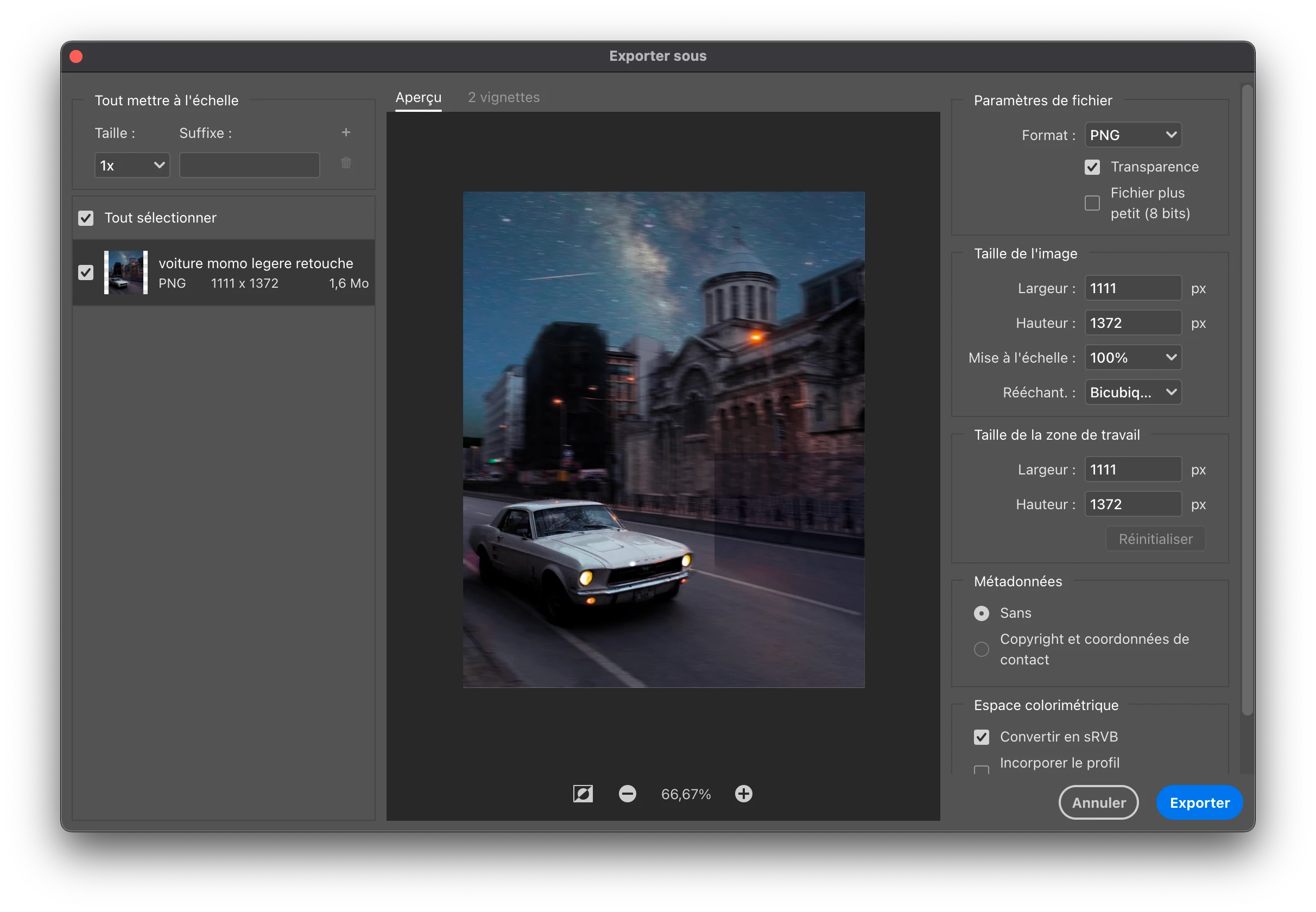
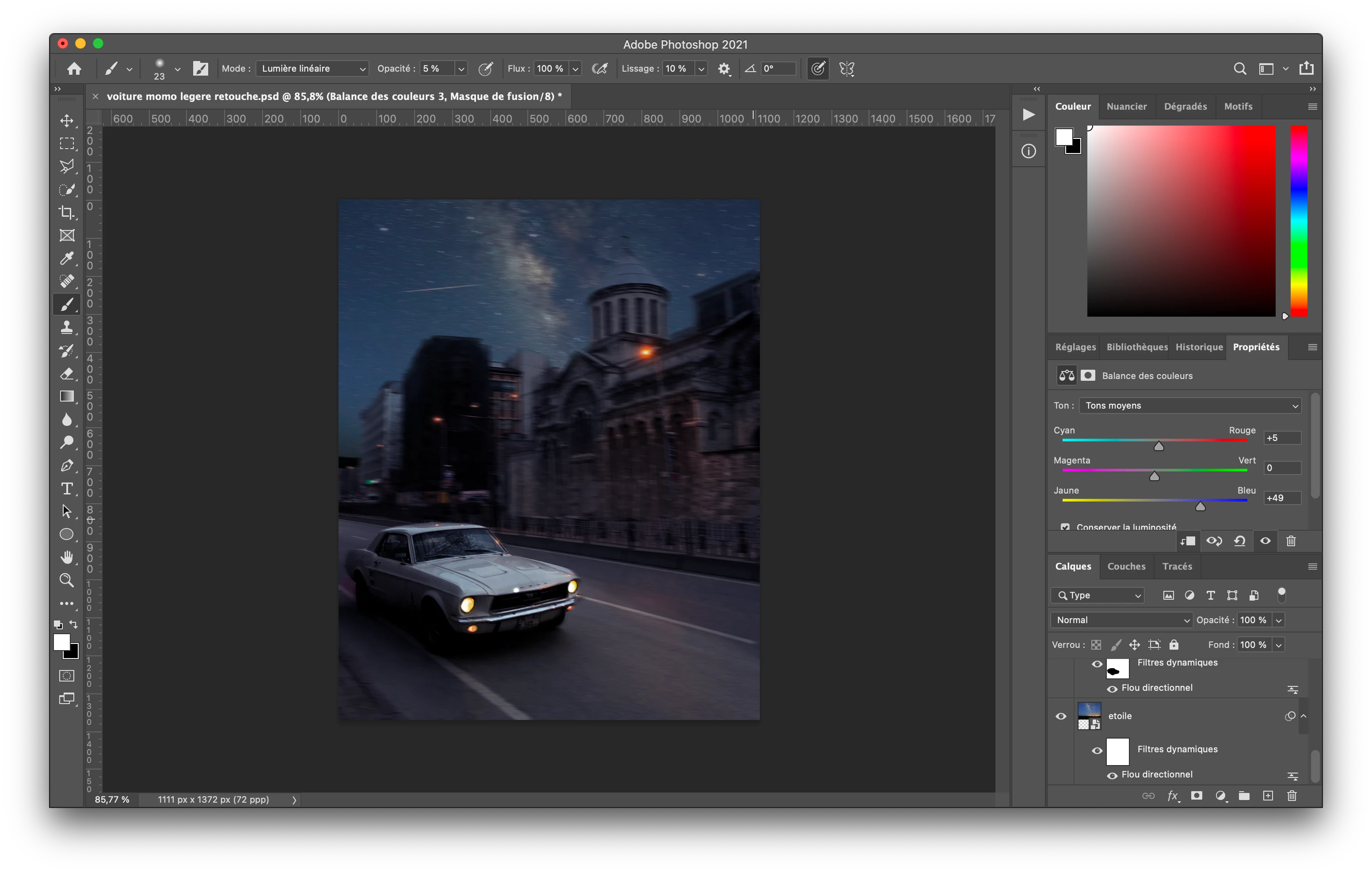
Hey, I have some issue with Photoshop, when I want to export, My pictures is not the same as what I have in my workspace...

What can I do to fix that ? 

thanks in advance
 

This topic has been closed for replies.
Correct answer EmCorp

I just solved it, do not do export, but save as, and choose png or jpeg. (my bad i'm stupid 😂)

4 replies

EmCorpAuthorCorrect answer
Participant
December 27, 2020

I just solved it, do not do export, but save as, and choose png or jpeg. (my bad i'm stupid 😂)

Participant
December 27, 2020

simply go to youtube and search your question.

D Fosse
Community Expert
Community Expert
December 27, 2020

I hope you're not advising the OP to "not color manage this document", as your screenshot suggests?


The answer is to enable color management in Export. You do that by checking "embed color profile". In addition to embedding the profile, that also switches the preview to the correct, color managed version. Export and Photoshop will now match, as they are both correct.


Why this box isn't checked by default is something I have never understood, and if it was up to me they should change this outdated policy immediately. It causes no end of confusion. All major web browsers are fully color managed today and will show the "Photoshop version" in any case, not the default "Export version".


All that said, color management only works correctly as long as you have a sound and valid monitor profile on your system. If not, Photoshop can't display correctly, it just uses whatever profile it gets from the operating system. You're normally supposed to use a calibrator for that; but if you don't have one, it happens quite often that laptop/monitor manufacturers distribute monitor profiles through Windows Update. These are very often defective in various ways. It could be that's happening here; this brightness difference shouldn't really be there.

EmCorpAuthor
Participant
December 27, 2020

it's working for the color thanks but I have this thing on my picture, I dont know what it is

Simmer1
Community Expert
Community Expert
December 27, 2020

Hi,


Make sure all your colour profile matches up.


Edit > Assign Profile: