
Exposure stacking blows out highlights
Hi folks,
Trying to stack a few exposures. I import, rasterise, auto align, then auto stack. Despite the darker exposures containing all the info from the sky, this is ignored and is blown out. It seems the exposures stack on top of eachother, getting brighter and darker in relevant areas.
I've tried with 2 exposure brackets up to 7, graduated, without better results. I can paint back in the windows on the mask after autostack has created the stack, but this creates harshlines where the exposures where not blended.
Could someone help me stack exposures where this effect isn't happening? HDR merge yields terrible results as well.
Thank you!
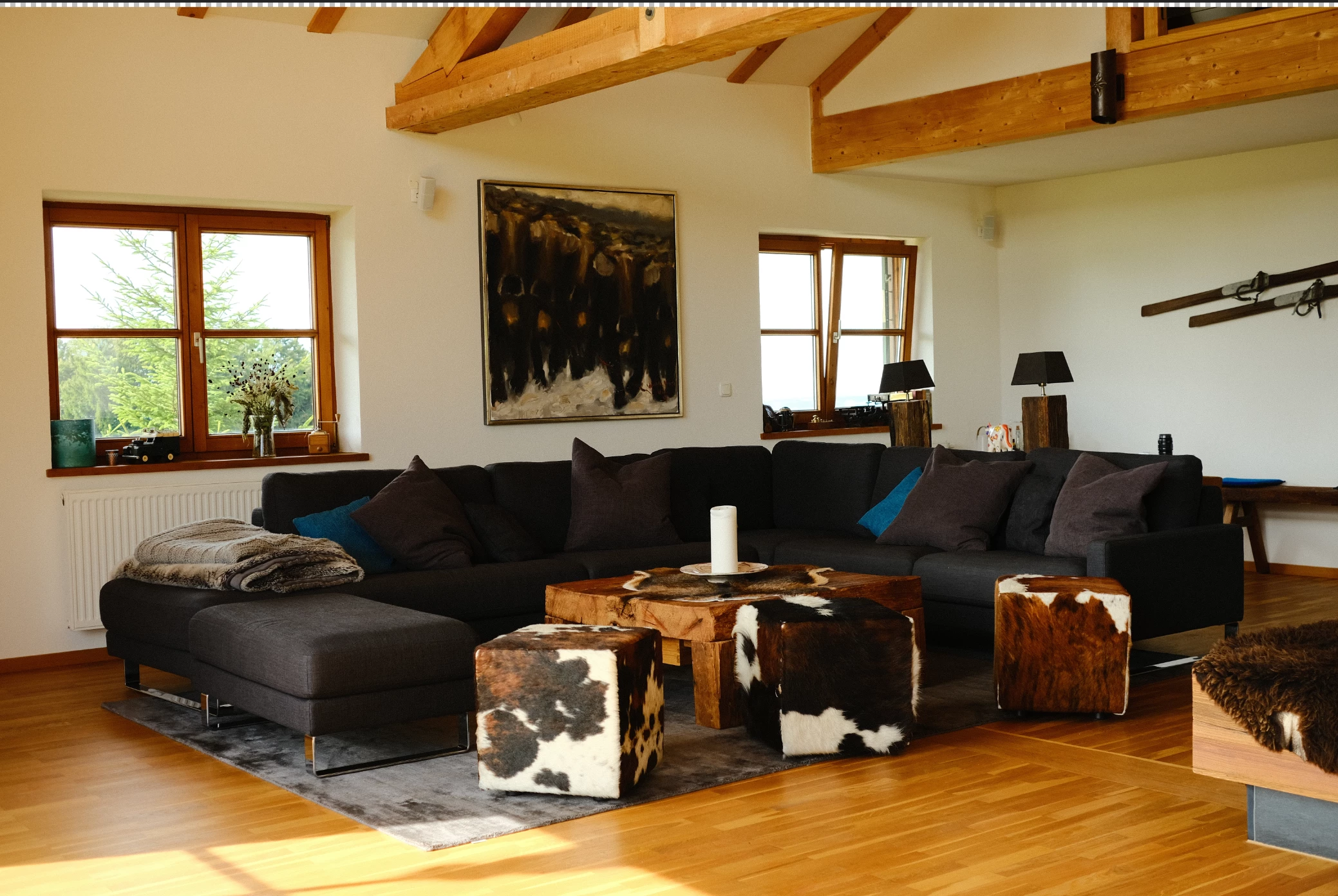
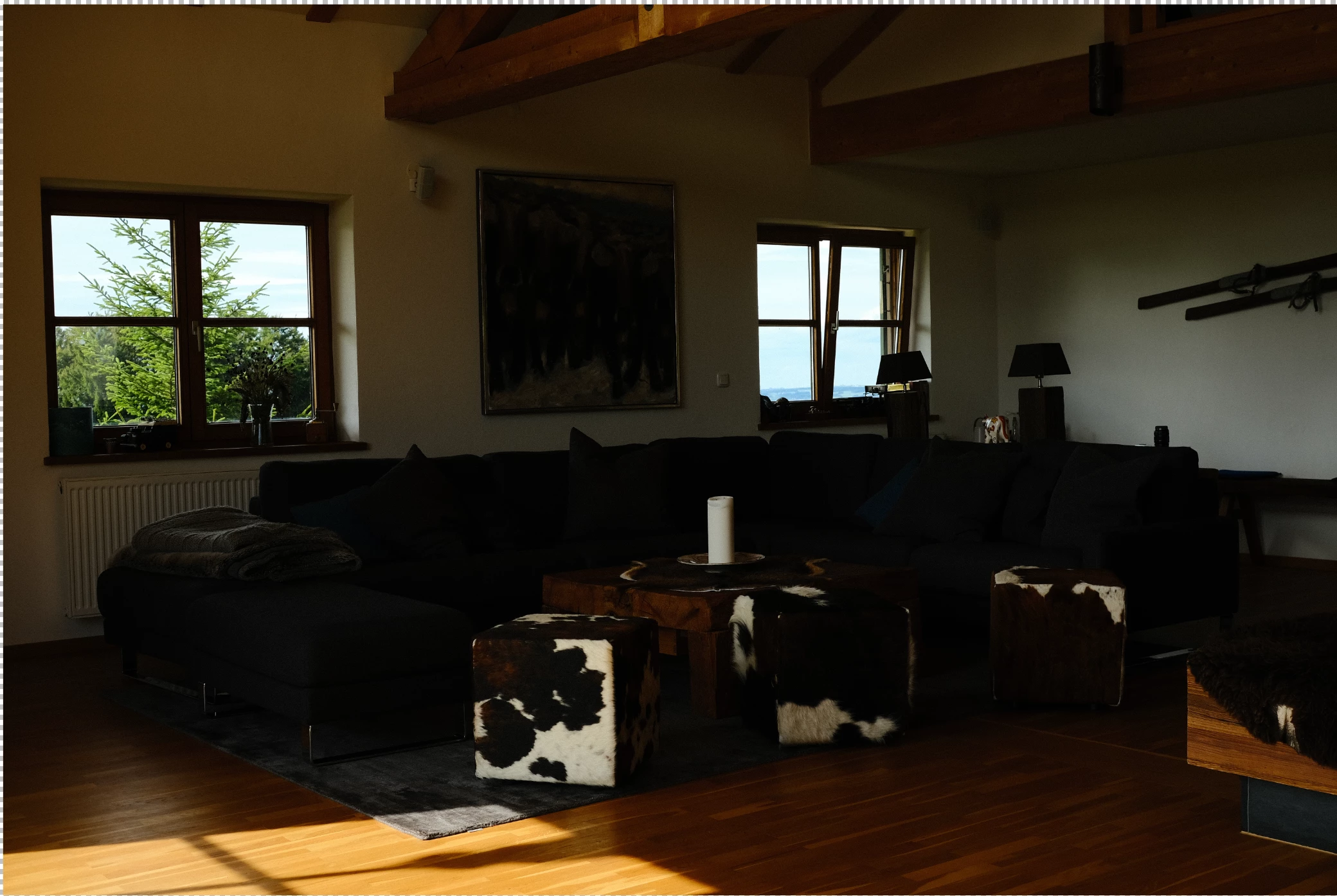
Below is a dark and light image, and the resulting stack - windows blown out and the midtone details all darkened. I have~ 30 of these to do so doing them by hand is not feasible. 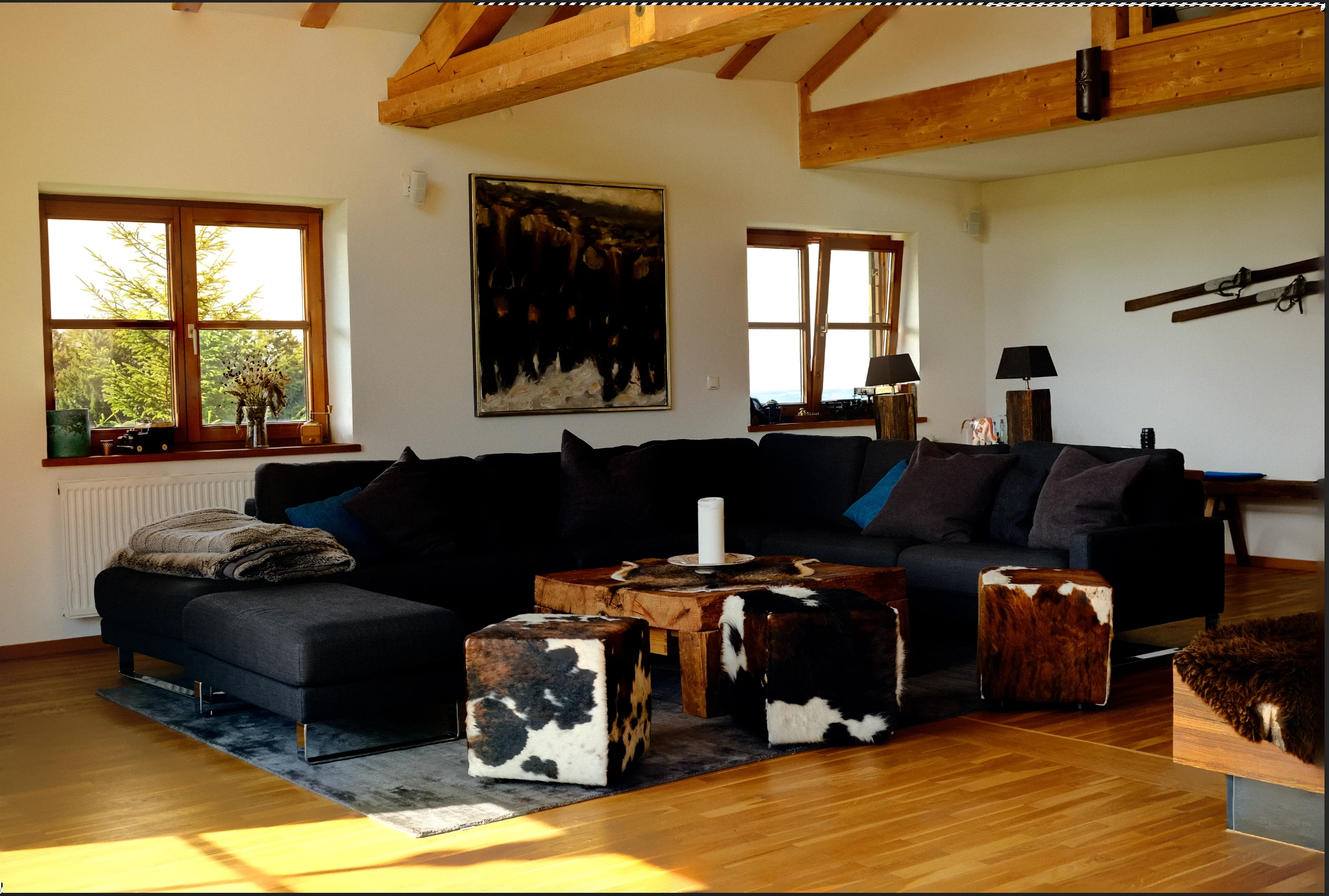
 AdChoices