abcx89943186
Known Participant
May 13, 2019
Question

extra space out of artboard when saving file

  • May 13, 2019
  • 1 reply
  • 962 views

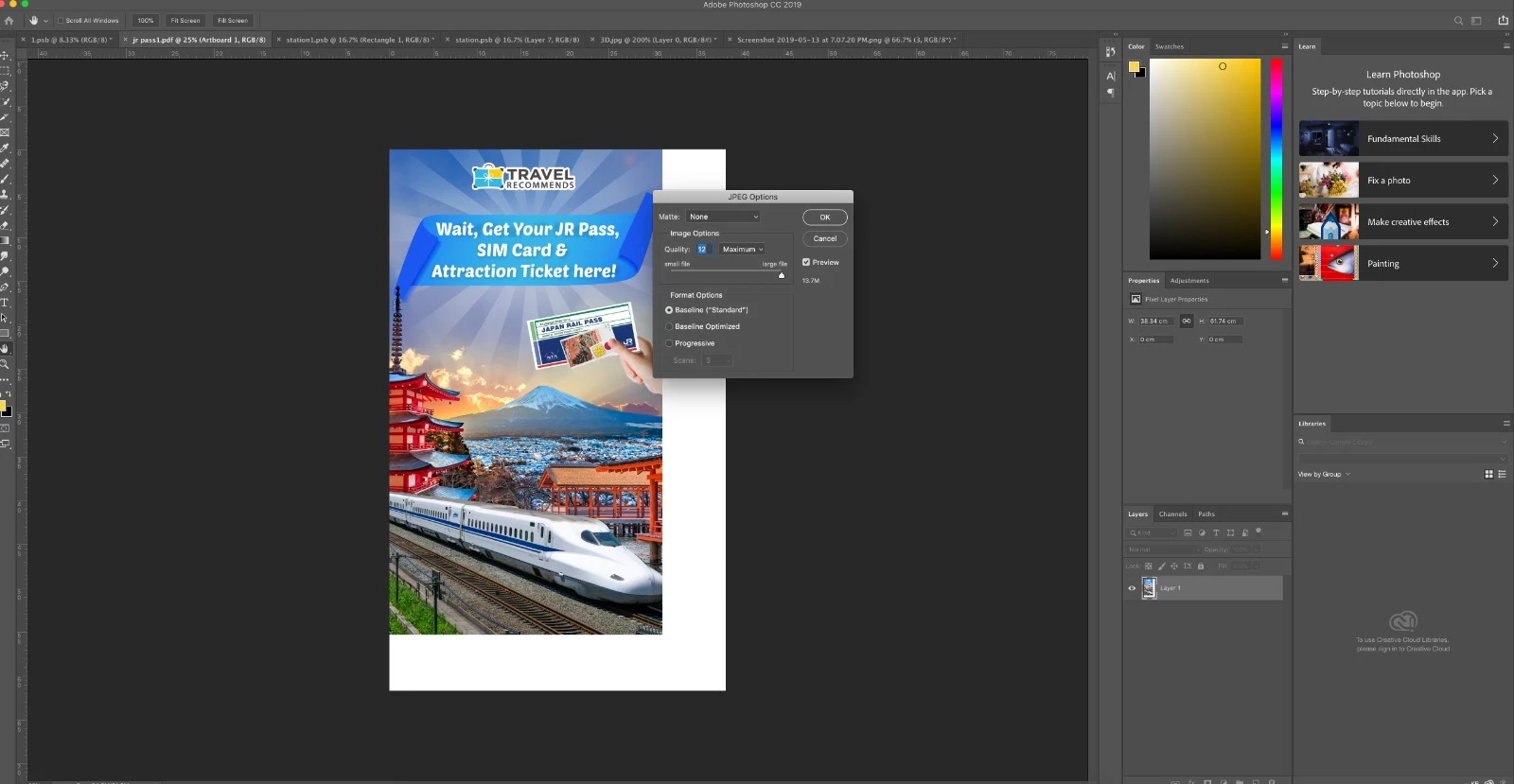
Hi guys, when I tried to save my photoshop file in jpeg or pdf, extra white space appear out of the art board like the attached..

But it's OK when I save it as png..

How can I save the file such that there's no white space?

any advise is appreciated!! Thanks!!
    This topic has been closed for replies.

    1 reply

    Daniel E Lane
    Inspiring
    May 13, 2019

    Definitely need to know what version of Photoshop you are working with and what Operating System you are using. This is an odd one. I've spent the last 10 minutes trying to duplicate it. But in your layers panel, I can see that the white area is actually there around the edge of the image. You could always just crop it off and it will go away. Not sure how you were able to save a png and not have that white be there since it will save the entire image in png as well.

    So my suggestion is to just use the crop tool and remove that white area and save.