Inspiring
February 15, 2020
Question

Fading edge of image
  • February 15, 2020
  • 1 reply
  • 1370 views


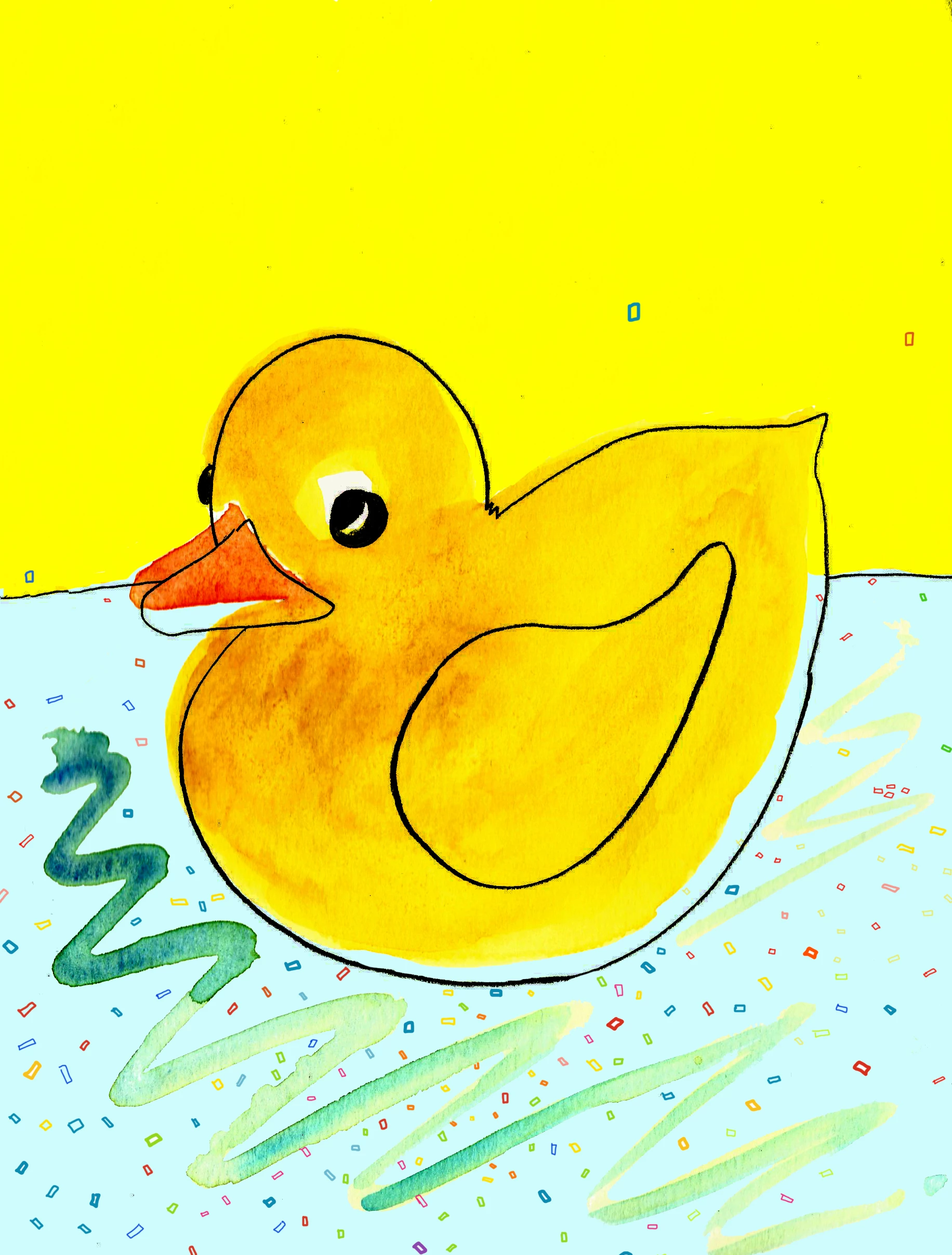
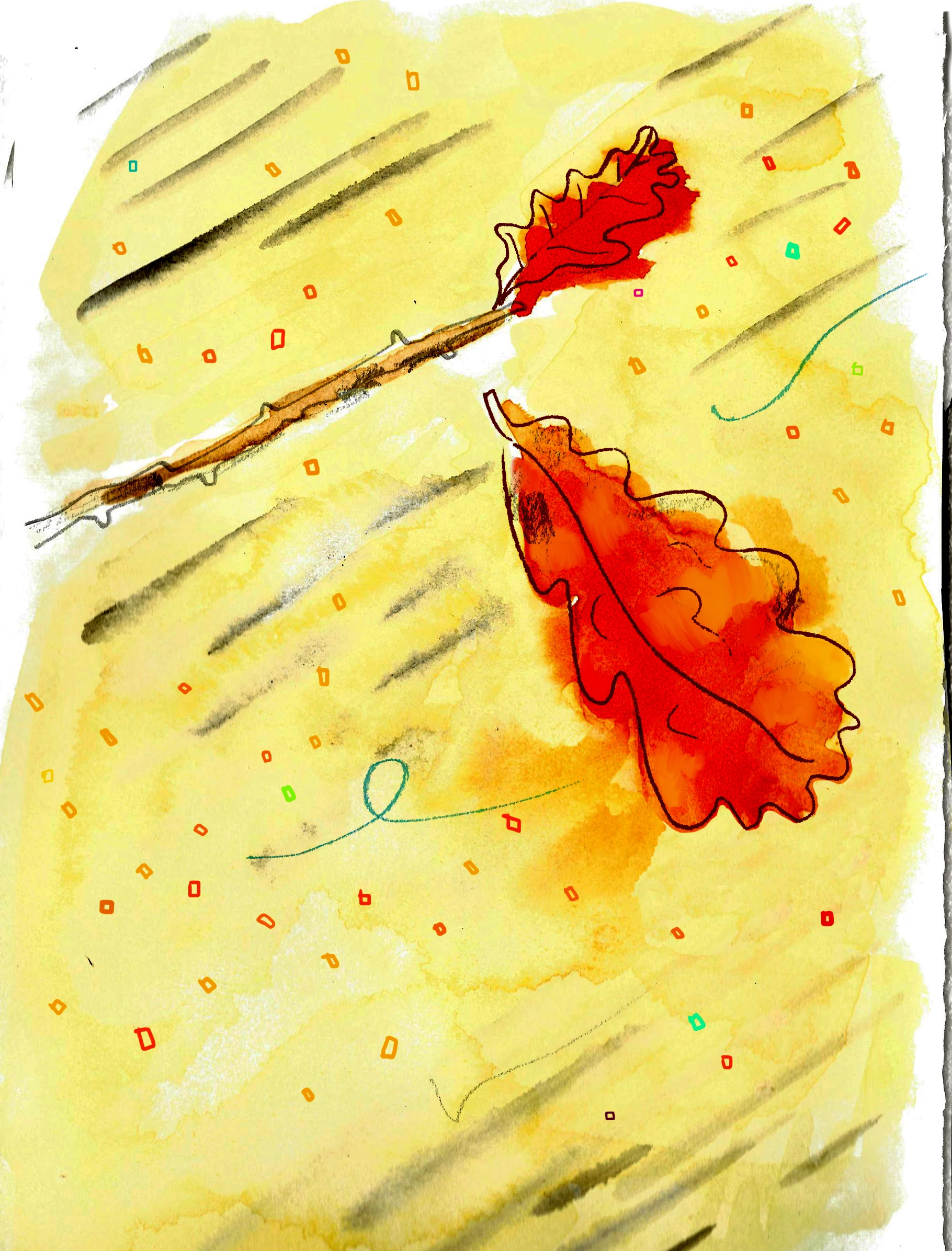
I'm making a childrens book with watercolour backgrounds. In the image posted with the leaf I made the edges kinda fade out. I would like to know how I could achieve the same effect around the edges using a photoshop tool in duck image. Any ideas please? Thank you. Marc

This topic has been closed for replies.

1 reply

davescm
Community Expert
Community Expert
February 15, 2020

Select all the layers making up your image and either put them in a smart object or a group. Add a layer mask to the SO (or group) , select the mask in the layers panel,  and paint on the areas you want to fade with a black brush. You can use a hard brush, soft brush or one of the "paint like" textured brushes. Painting a mask in black makes those areas transparent.

If you want the painted area to be white instead of transparent just put a white layer below the image layers in the layer stack.

Dave

Inspiring
February 15, 2020

Thank you so much Dave for the speedy response - very kind.

I'll try this out tomorrow. 

Thanks again.

Marc

davescm
Community Expert
Community Expert
February 15, 2020

Great - let us know if you have any problems

Dave