
September 26, 2013
Answered

file-format module cannot parse the file.

  • September 26, 2013
  • 2 replies
  • 88078 views

I am trying to open a image to edit in Photoshop CC. I am getting the following message:-   Could not place the document ‘arrow_right_alt1-512’ because

file-format module cannot not parse the file. I make this upper cover but when i put any image in the backgroud layer it shows me that Error. Please any one Solve me for that error.

no parser or file format can open the file.  Can you solve my Solution ?

Image no.1
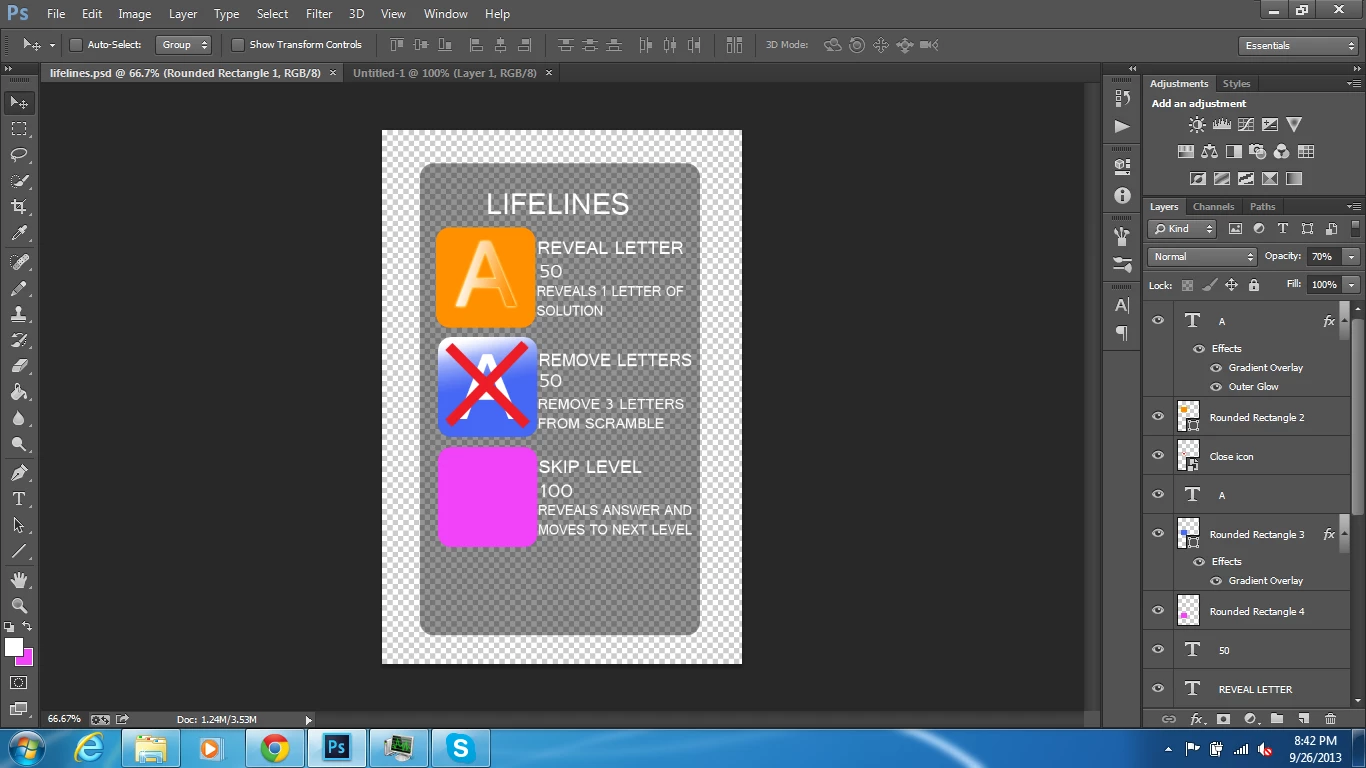
Image no.2
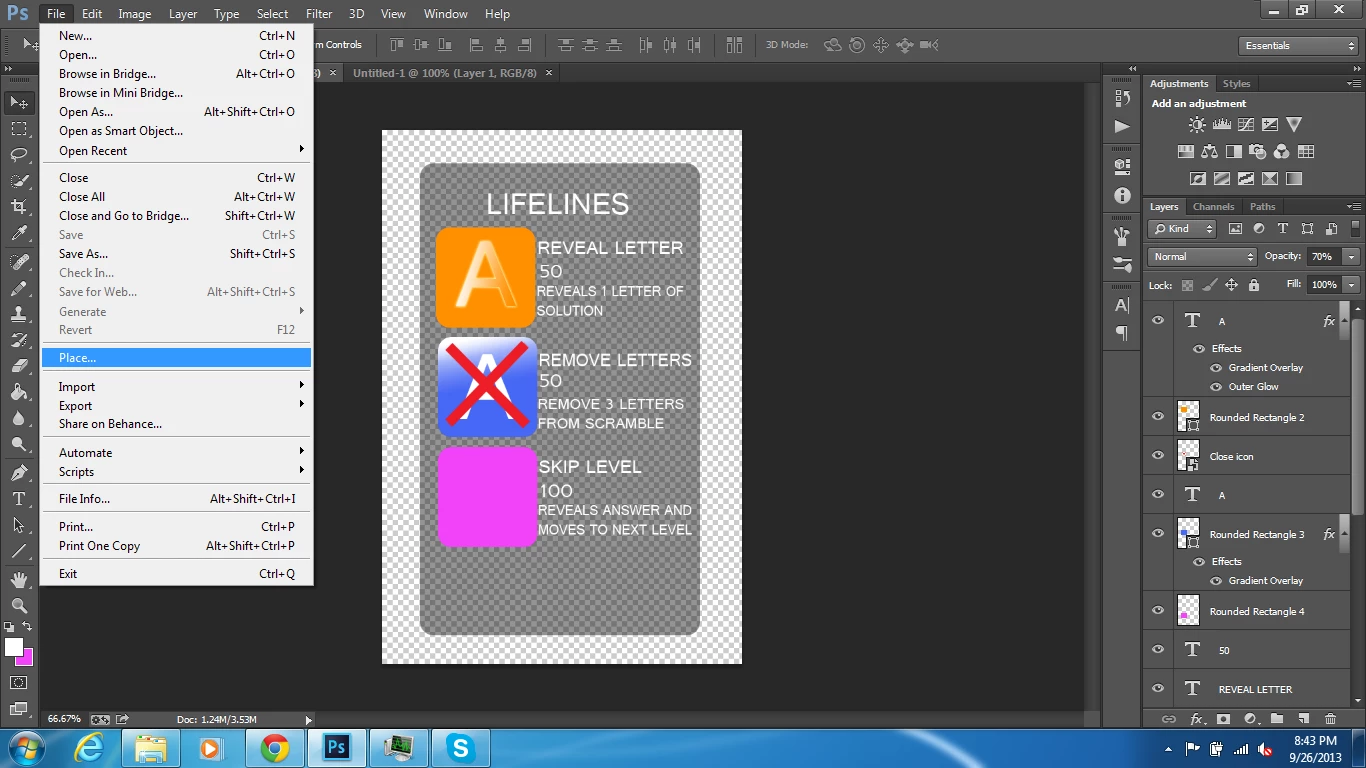
Image no.3
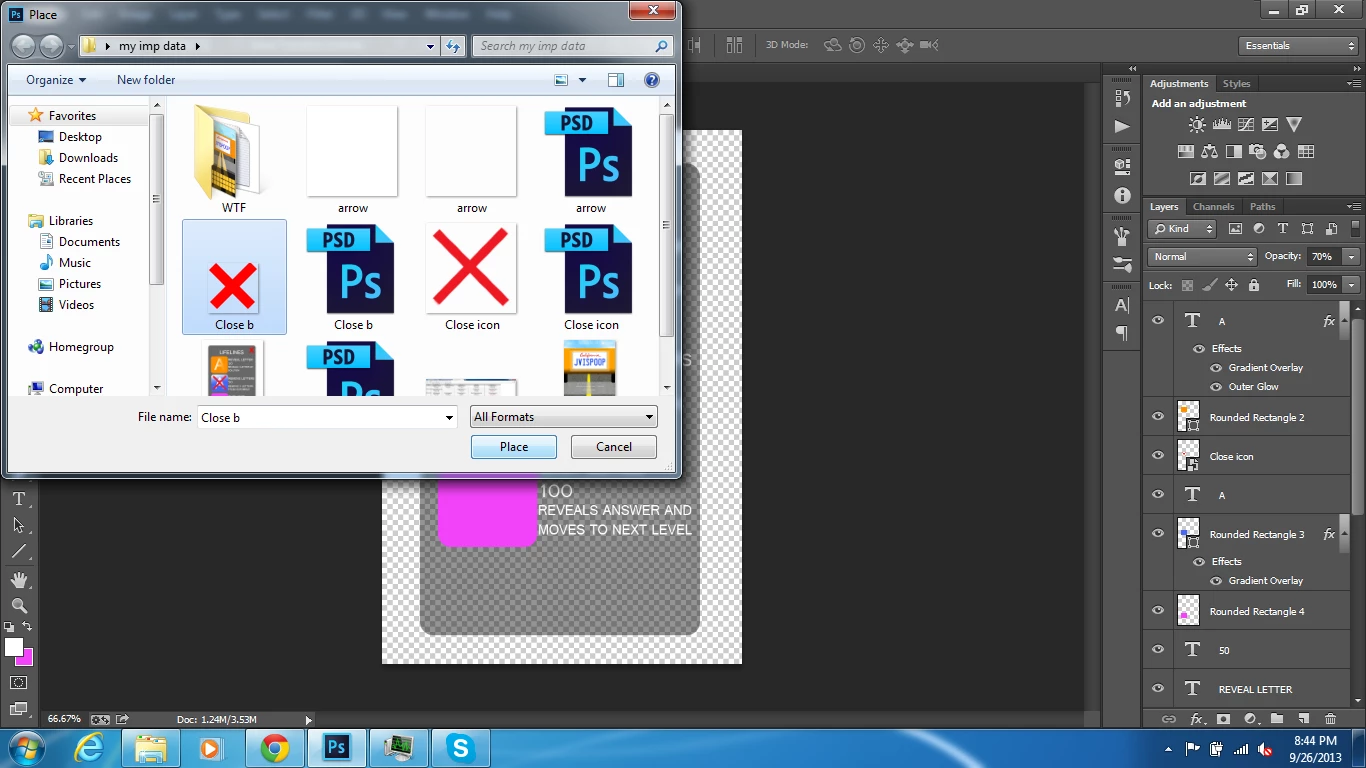
Image no.4

These are Picture view & easily to understand everyone. Please Solve my Problem.

Message was edited by: Muhammad_Anees
This topic has been closed for replies.
Correct answer Noel Carboni

I suspect you have saved a PSD or JPEG format file but accidentally named it .png, but it's impossible to know from your screen grabs.  Photoshop does not try to autodetect the file format - it trusts that you have saved the file with the proper extension, and uses that format to try to open it.

Your solution will be to make sure Close b.png is named with the proper file extension for its actual type.

Sometimes the freeware tool IrfanView is capable of telling you that you have saved a file with the wrong extension, as it DOES look inside and try to autodetect the format.

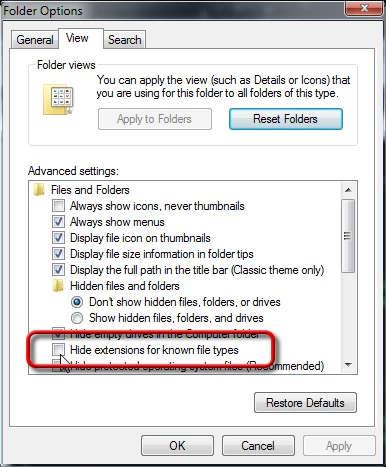
Consider going into your Windows Folder Options settings and uncheck the [ ] Hide Extensions for Known File Types setting.  Then you will see the file extension for all files shown in Explorer (e.g., File - Open) dialogs.  That helps to reduce confusion.

-Noel

2 replies

Noel Carboni
Noel CarboniCorrect answer
Legend
September 27, 2013

I suspect you have saved a PSD or JPEG format file but accidentally named it .png, but it's impossible to know from your screen grabs.  Photoshop does not try to autodetect the file format - it trusts that you have saved the file with the proper extension, and uses that format to try to open it.

Your solution will be to make sure Close b.png is named with the proper file extension for its actual type.

Sometimes the freeware tool IrfanView is capable of telling you that you have saved a file with the wrong extension, as it DOES look inside and try to autodetect the format.

Consider going into your Windows Folder Options settings and uncheck the [ ] Hide Extensions for Known File Types setting.  Then you will see the file extension for all files shown in Explorer (e.g., File - Open) dialogs.  That helps to reduce confusion.

-Noel

September 27, 2013
Noel Carboni

Consider going into your Windows Folder Options settings and uncheck the [ ] Hide Extensions for Known File Types setting.  Then you will see the file extension for all files shown in Explorer (e.g., File - Open) dialogs.  That helps to reduce confusion.

Its not reduce my Solution. Please give me a right solution for this problem.

-Anees

Noel Carboni
Legend
September 27, 2013

Your solution is to give the file the proper extension, to match the actual format in which you saved it.

I suggest you read carefully what I wrote above again.

-Noel

Arpit Kapoor
Community Manager
Community Manager
September 27, 2013

[Moved the discussion to Photoshop Forum]