
swesebbe
Participant
September 30, 2018
Question

File too large for Save for Web?

  • September 30, 2018
  • 3 replies
  • 3146 views

I'm working on a 9720 x 1080 px file and want to export slices divided into 8x 1080 by 1080.

I've done this before, but after updating to Photoshop CC 19.1.6 save for web doesn't seem to export files of that size. It says image size can't be over 84,27%
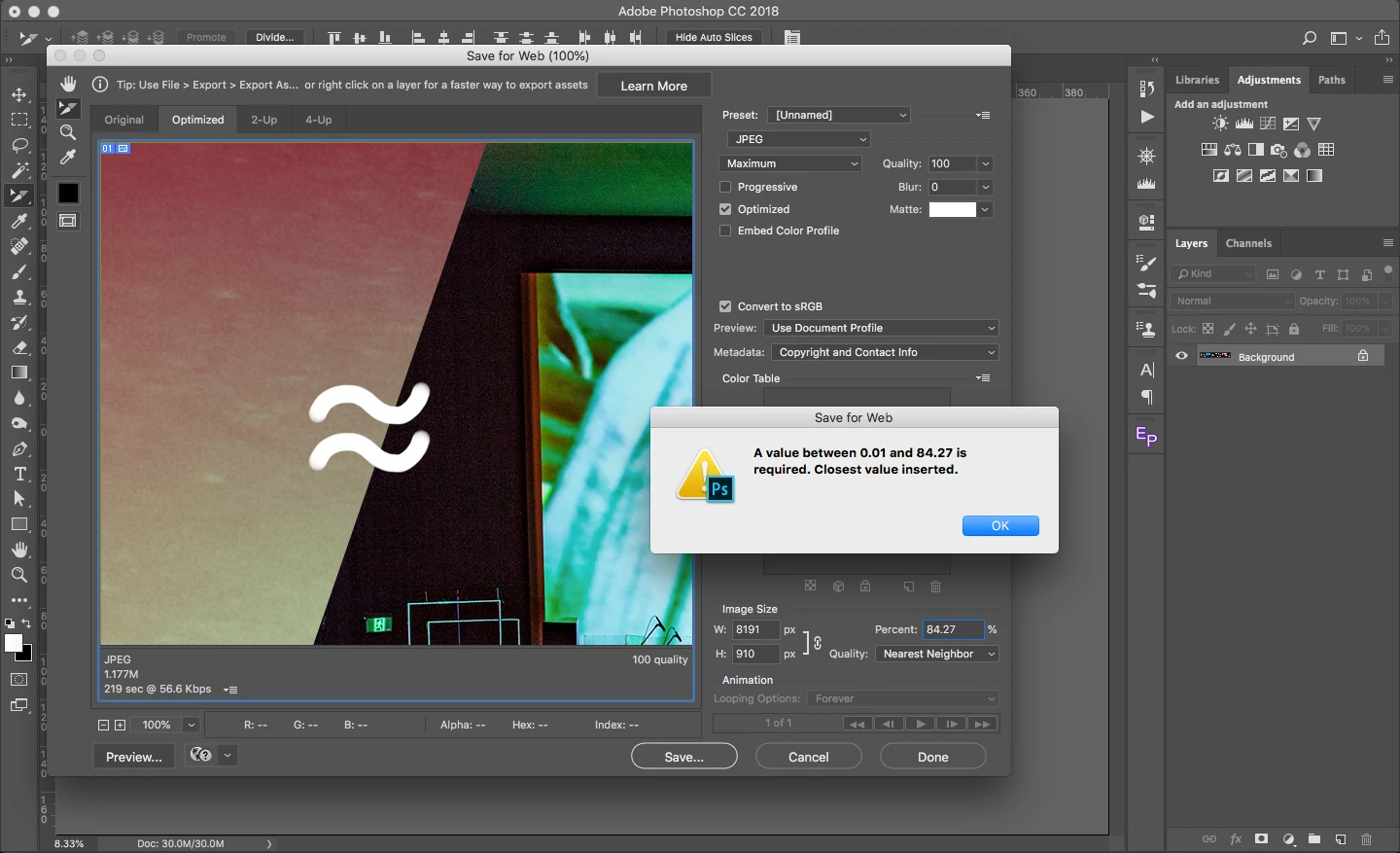
Is there another way to export slices as separate jpg files? Does anyone else have the same issue with Save for Web exports of larger files?

This topic has been closed for replies.

3 replies

D Fosse
Community Expert
Community Expert
September 30, 2018

Save For Web has always had a size limitation somewhere in the 8000 pixel region. Can't recall the exact number. SFW is old code based on the old ImageReady from Photoshop 7.0, and the new Export module is intended to replace it.

JJMack
Community Expert
Community Expert
September 30, 2018

One thing you can try is duplicate the document set a selection 1920x1080 at top left and do a copy paste. target the background and move the selection 1920 to the right and copy past. Repeat till you have your 9 1920x1080 layers on top of the background layer. Delete the background layer. Select all and target the 9 layer and align the layers to selection the left side.  Then use menu image trim. Your document will now be 1920x1080 with your 9 image stacked.  Use menu File>Export>Layers to files. If you nee to do this often record an action to do it.

JJMack
swesebbe
swesebbeAuthor
Participant
September 30, 2018

Thanks, it’s helpful to know another way around it even though it‘s not as quick and easy.

lambiloon
Community Expert
Community Expert
September 30, 2018

I think then you to do it manually....Thanks

Ali Sajjad / Graphic Design Trainer / Freelancer / Adobe Certified Professional