Answered
Files loaded for a stack do not open in Photoshop, but instead work area flashes constantly
Since updating to the latest version I am unable to open files for a stack in Photoshop.
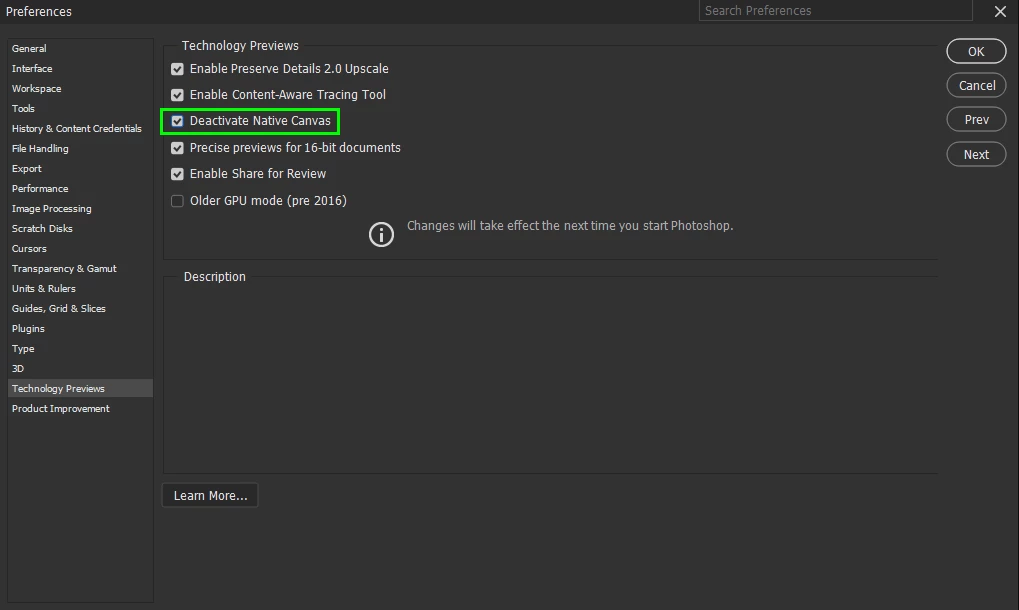
My normal route would be to select 'Scripts' - 'Load files into stack' - browse for the relevant images and then click on 'ok'. However when I now click on 'ok' only one image shows in the right had pane and then the work area starts flashing white and black. A certain glitch. I have closed and re-opened Photoshop, and have also shut down my computer and restarted, but am having the same issue each time.
 AdChoices