January 9, 2020
Question

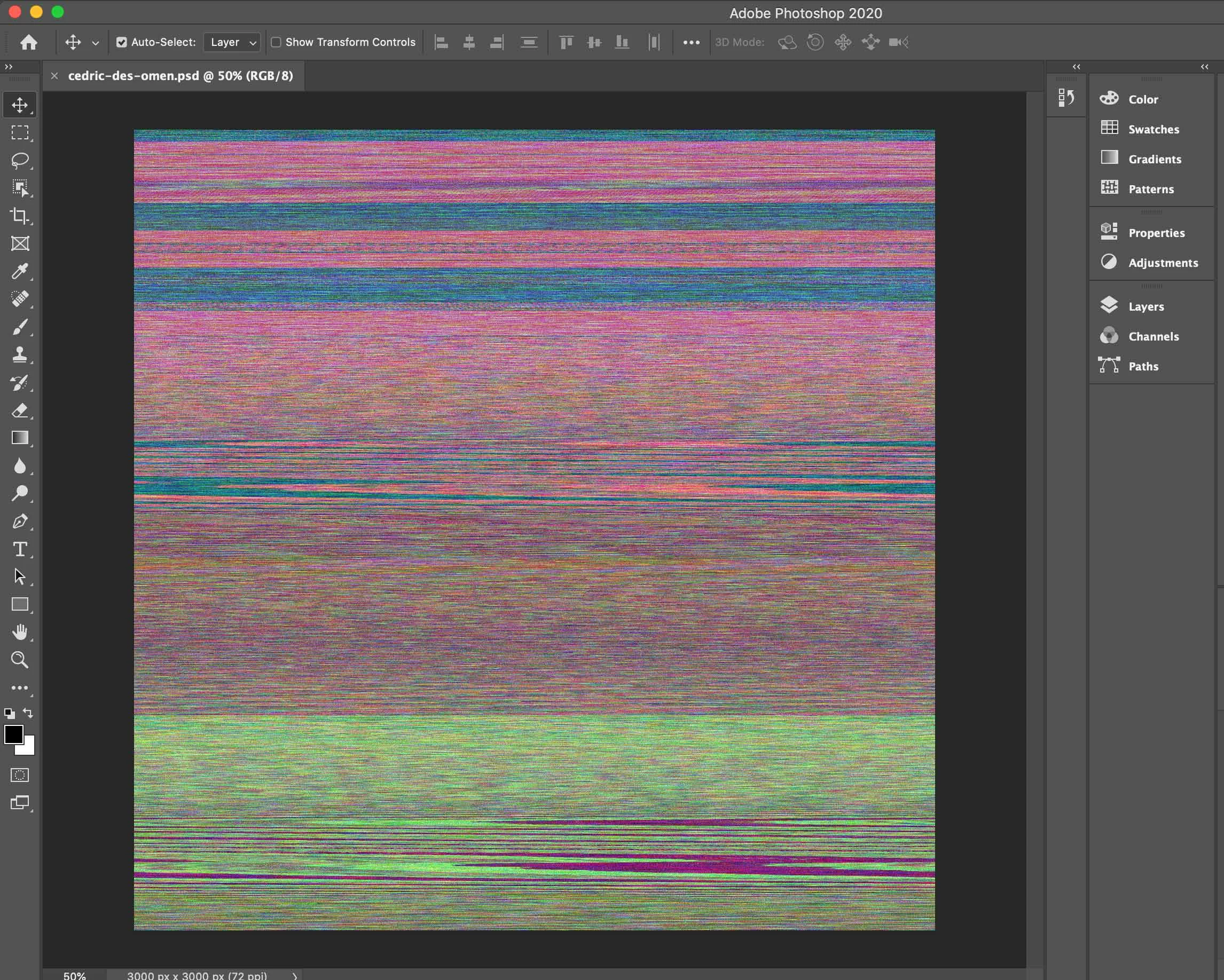
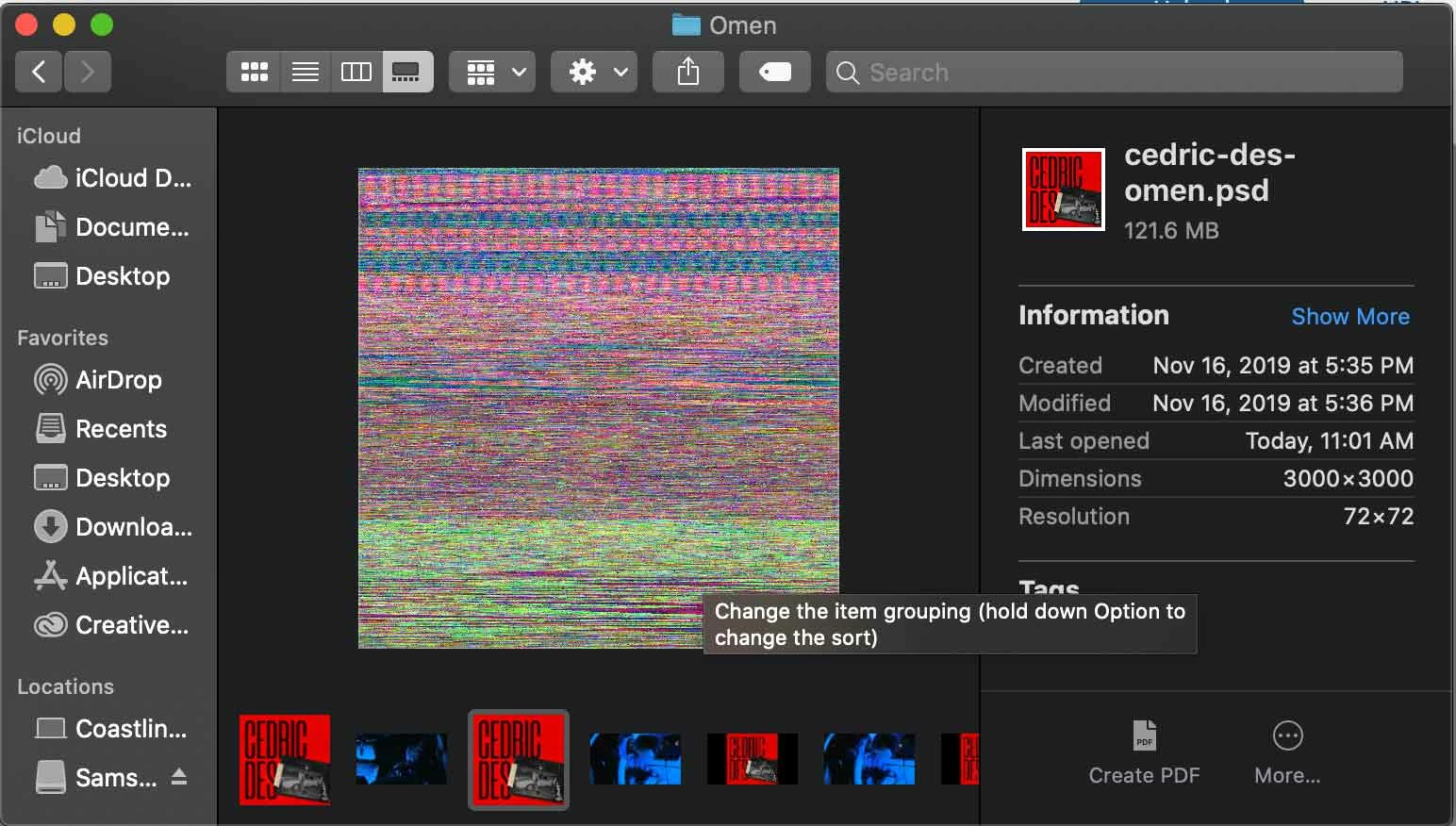
Files showing artwork in preview but opens up to one glitched layer??? See images

  • January 9, 2020
  • 3 replies
  • 1407 views

This topic has been closed for replies.

3 replies

melissapiccone
Community Expert
Community Expert
January 9, 2020

Your preview is a seperate image from your actual file. With everything you have tried, I'm going with your file is corrupted.

Melissa Piccone | Adobe Trainer | Online Courses Author | Fine Artist
January 9, 2020

Inclined to agree. I was really hoping there'd be a solution though. 🙂

happie_97
Community Expert
Community Expert
January 9, 2020

I am wondering it the issue is with the graphic processor. I've seen this issue with an earlier version of Photoshop.

Our fix was to to to Edit > Preferences (Windows)   |   Apple > Preferences (Mac)

Select Performance

Uncheck Use Graphics Processor

January 9, 2020

Right @happie_97. I saw that as a possible and gave it a try. Didn't work.

January 9, 2020

I've tried the following:


Restarting Computer

Unistall/Reinstall Photoshop 2020

Reverting to Photoshop 2019

Unchecking the "Use Graphic Processor" feature in the Performance Setting

happie_97
Community Expert
Community Expert
January 9, 2020

Oh wow! I didnt see that you've already tried unchecking that. It shows the same way in Photoshop 2019?

January 9, 2020

Yep, the same in both. It's weird because not all my files are doing this. I'm just discovering that some of them are.