Participant
November 23, 2017
Question

fill color is strange

  • November 23, 2017
  • 2 replies
  • 304 views

so I did a design of a hoodie template, and then i saved it as jpg.

and then I need to add some details so I used lasso tool just to fill some colors

but then I decided to change the color of the camos

so I used color range tool to select the camos.

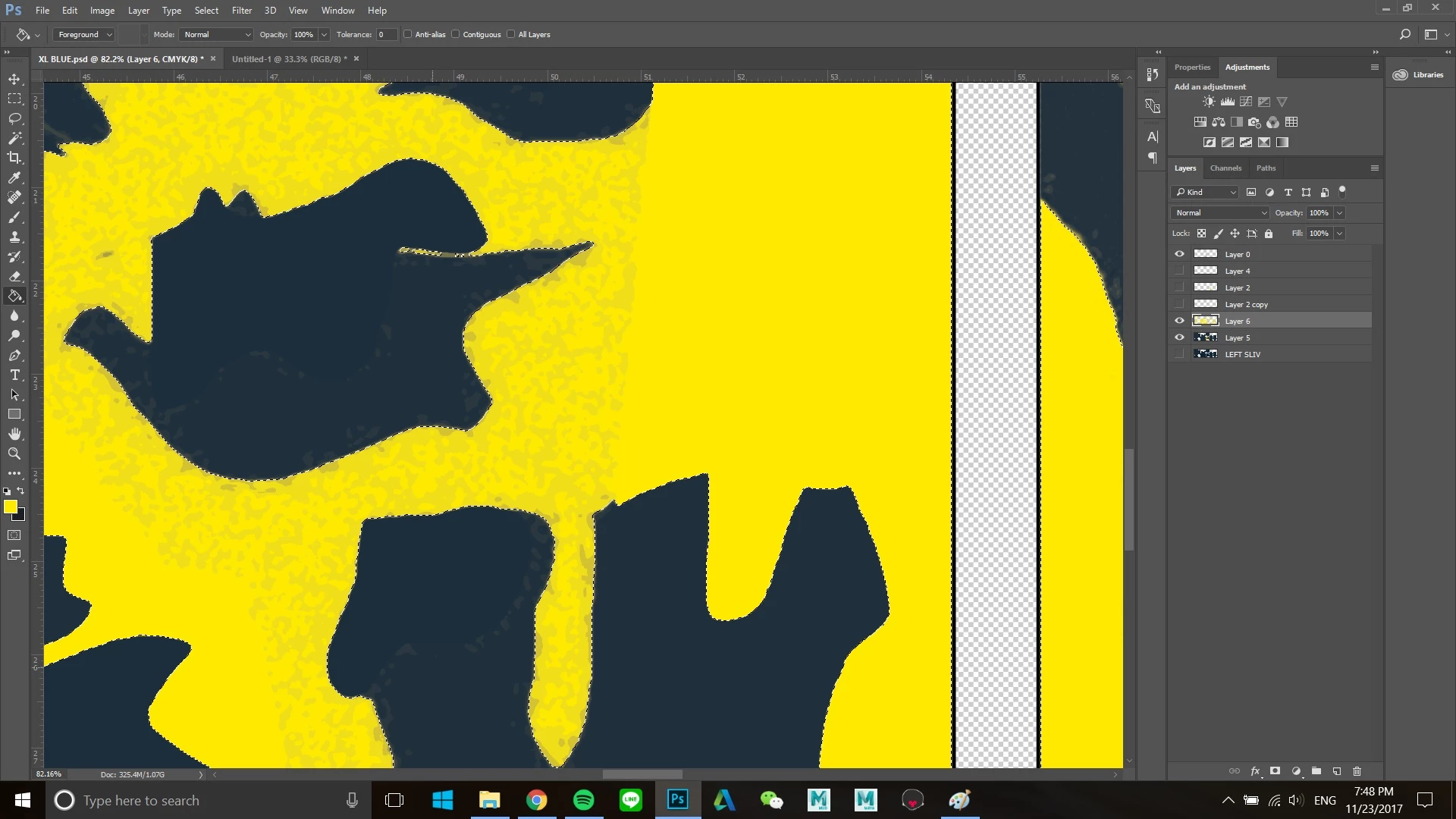
after I got my selection, when I tried to fill the color using paint bucket tool but then the color is strange like this.
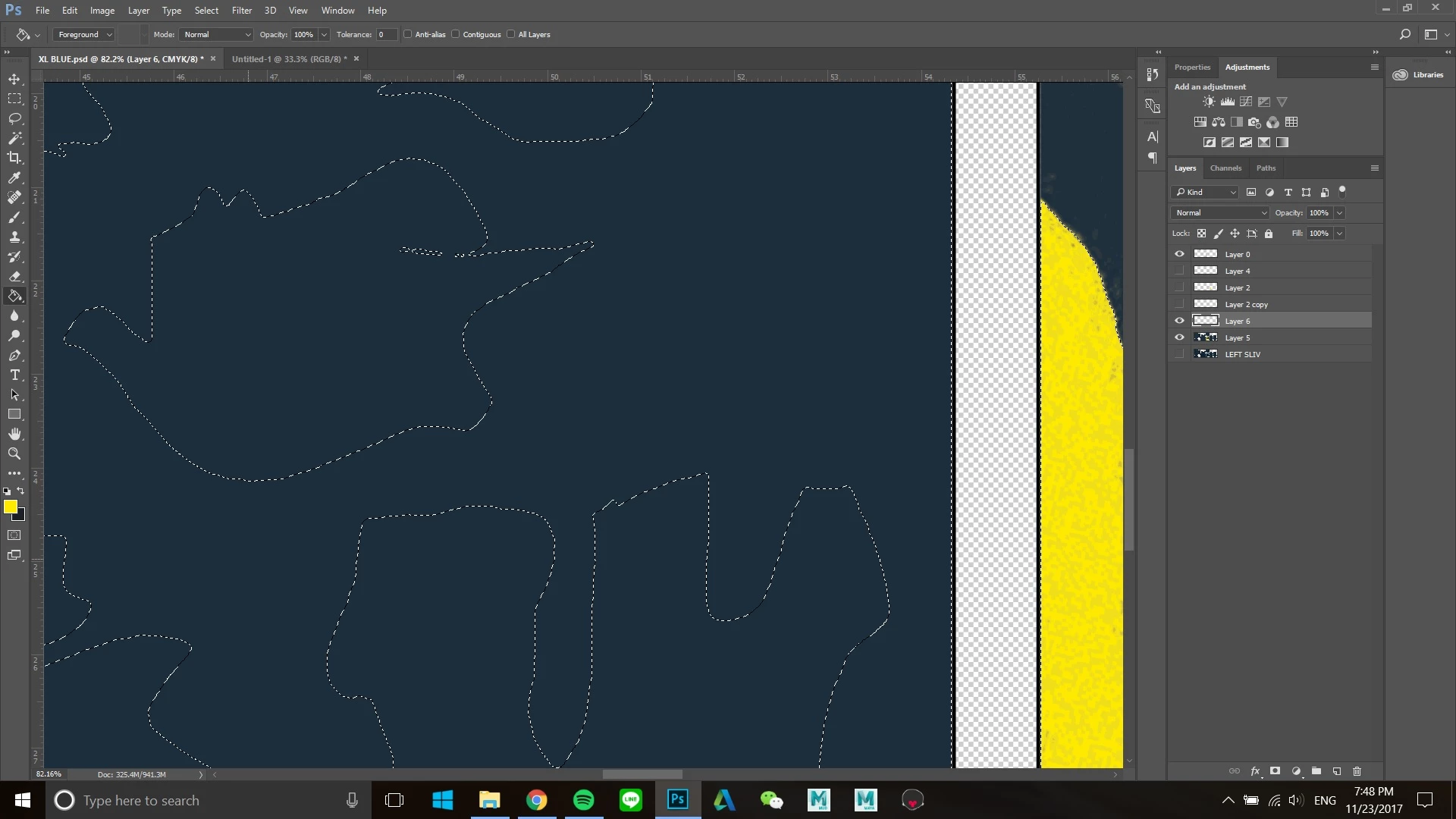
how can I make all parts the same color?
This topic has been closed for replies.

2 replies

cmgap
Community Expert
Community Expert
November 23, 2017

What happens if you move the yellow layer above layer 0?

Participant
November 23, 2017

I tried deleting the layer 0 but nothing happened

davescm
Community Expert
Community Expert
November 23, 2017

It could be a few things and without seeing your file it is hard to tell which.

1. Check that your selection is solid - you may need to increase the fuzziness

2. What is on that top layer (Layer 0) ?

3. You used the paint bucket tool - which has tolerance settings. A better tool would be to use a solid color fill layer with a mask made from the selection

Dave

Participant
November 23, 2017

hi ! thanks for the answer

I tried all of them and it doesnt seem to work

I think it is because the original file has a different kind of color sharpness (I don't know the word)

like in this pic

can you tell me how to still select the same color and repaint them with same sharpness ?