Participant
July 6, 2017
Answered

Fill option is not working..help

  • July 6, 2017
  • 2 replies
  • 956 views

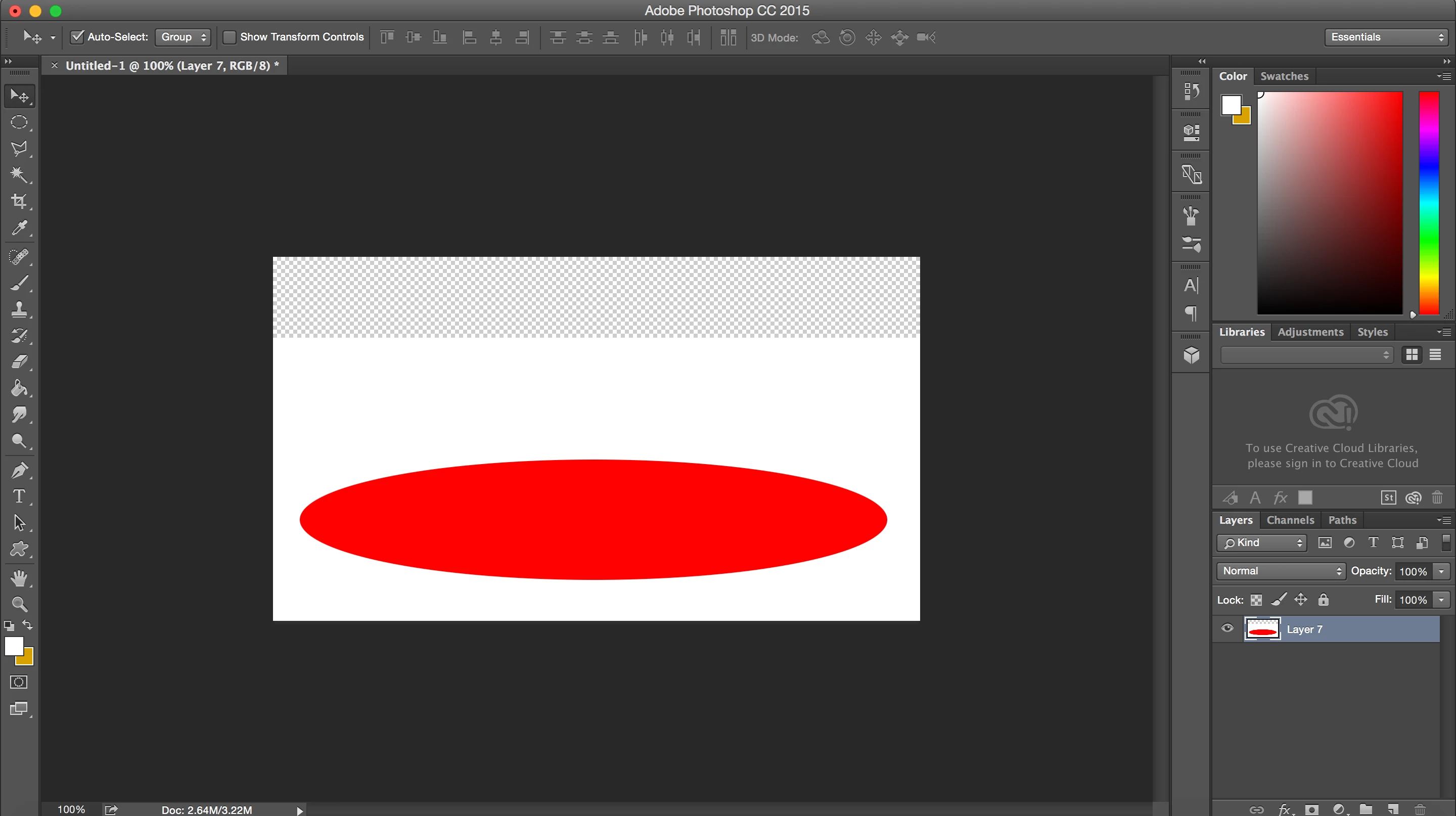
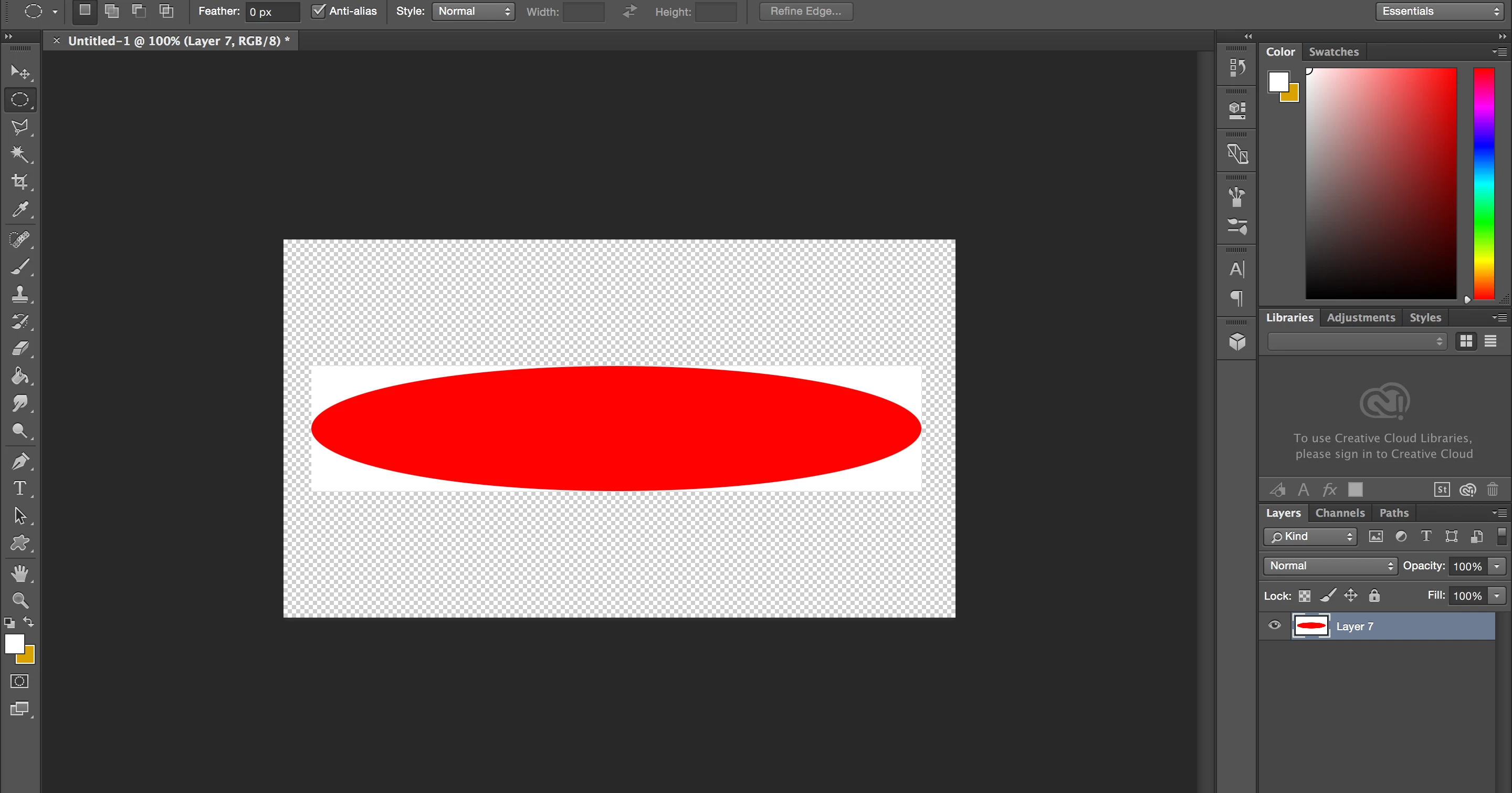
So I was using the fill option on Photoshop CC 2015, and it was working fine. Randomly I went to fill in an elliptical marquee tool with a color and it ended up creating a white border around it. Then when I tried moving it, it would make my whole layer white (minus the elliptical. I have no clue how this happened. Please help..

Here are images of what it looks like...
    This topic has been closed for replies.
    Correct answer JJMack

    If you show us the steps you use we may be able to help to help you. What you posted does not help know what steps you did  or what your  document looked like before the fill you did or hoe you filled. Paint bucket, Fill Tool, ellipse tool etc.  You state marquee tool selection but show no selection.

    2 replies

    josephlavine
    Community Expert
    Community Expert
    July 7, 2017

    Are you still having an issue with this?  if so, please describe your steps.  I tried to duplicate your issue multiple ways and could not.

    JJMack
    Community Expert
    JJMackCommunity ExpertCorrect answer
    Community Expert
    July 7, 2017

    If you show us the steps you use we may be able to help to help you. What you posted does not help know what steps you did  or what your  document looked like before the fill you did or hoe you filled. Paint bucket, Fill Tool, ellipse tool etc.  You state marquee tool selection but show no selection.

    JJMack