
Fill slider with color burn blend mode
I've had a lot of success enhancing color by using a Saturation adjustment layer (Sat set to a high value) and a blend mode of Color Burn or Color Dodge. The adjustment is controlled by lowering the Fill slider in the Layer panel down to 5 or 10%. I learned this from Unmesh Dinda on his Youtube video.
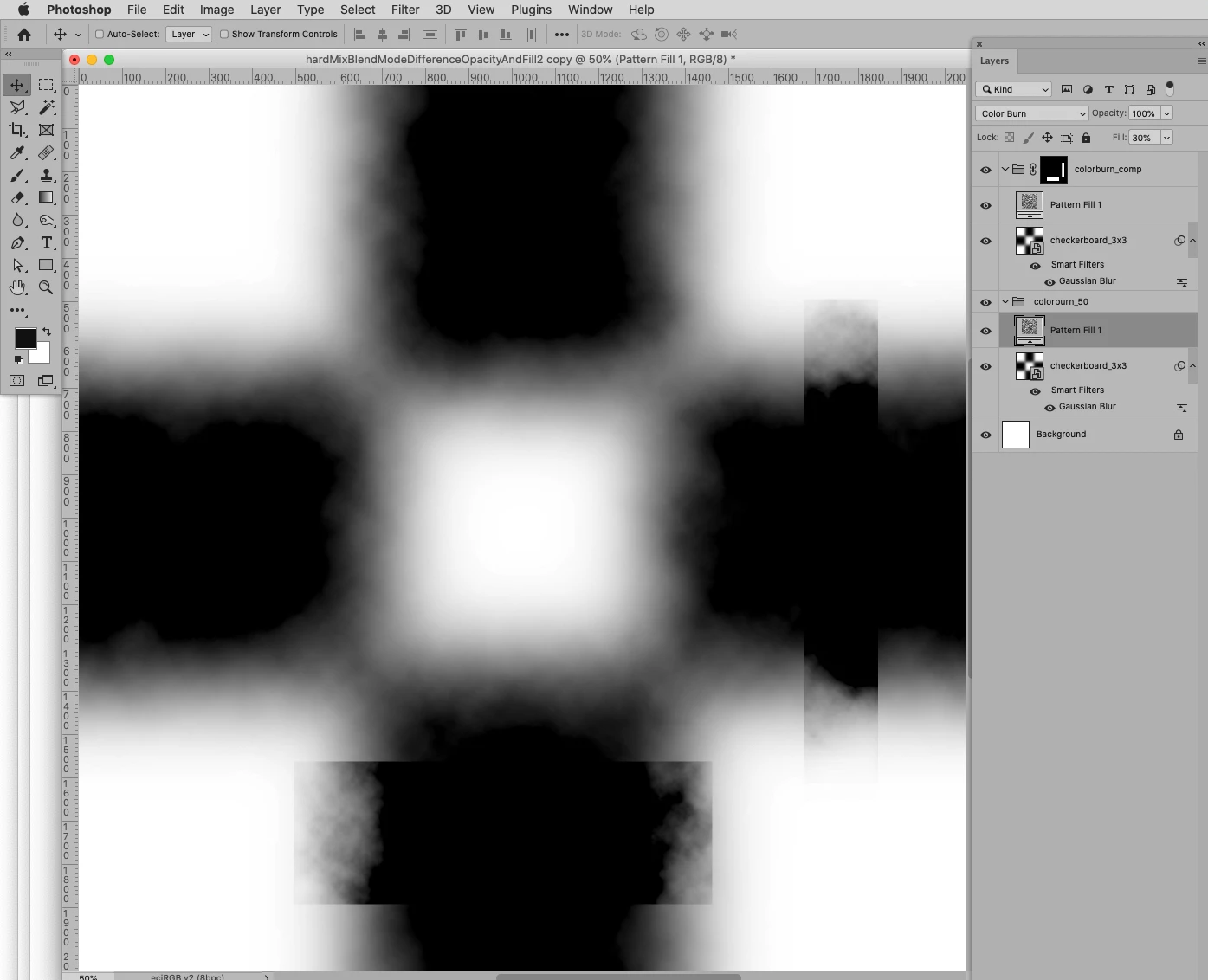
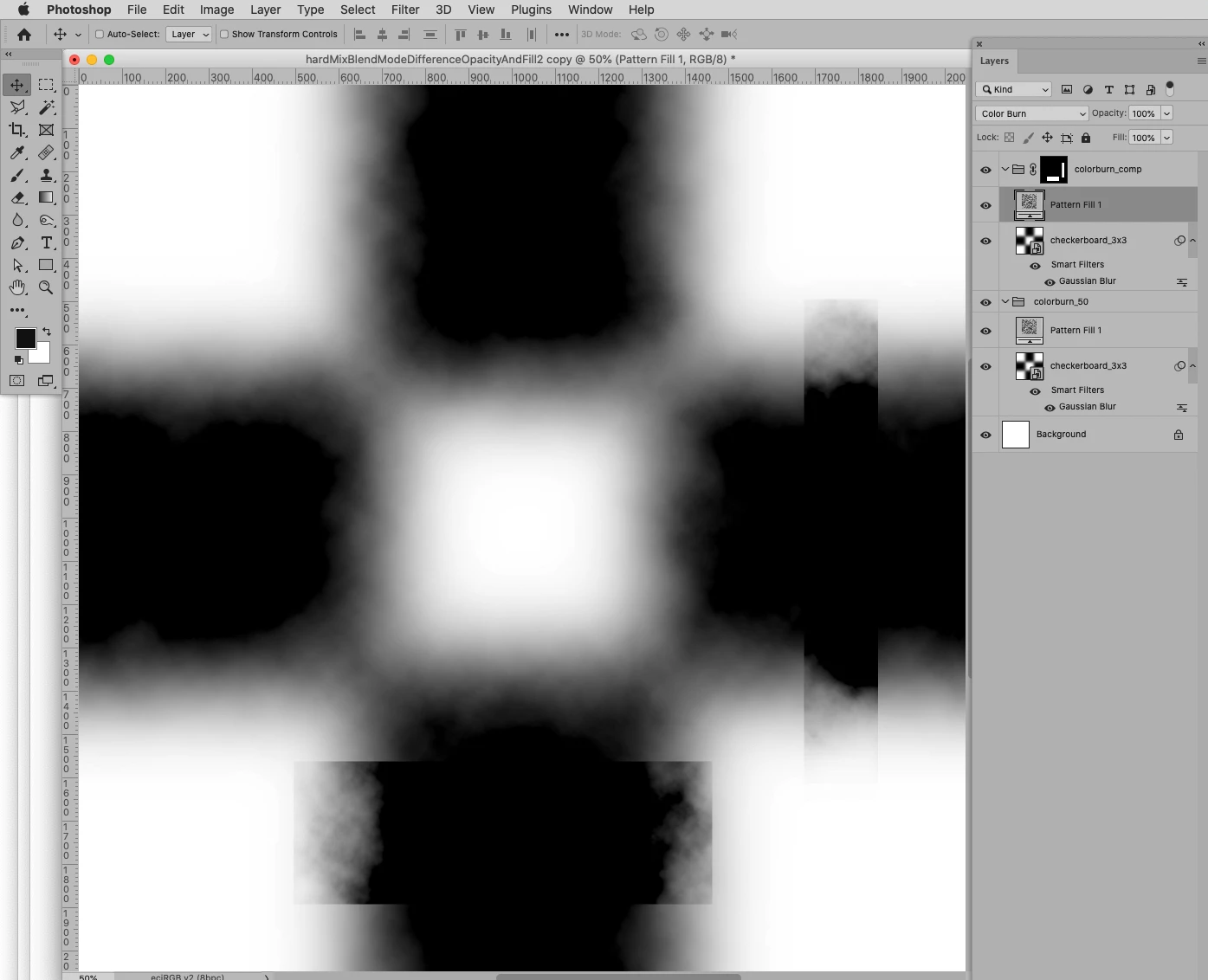
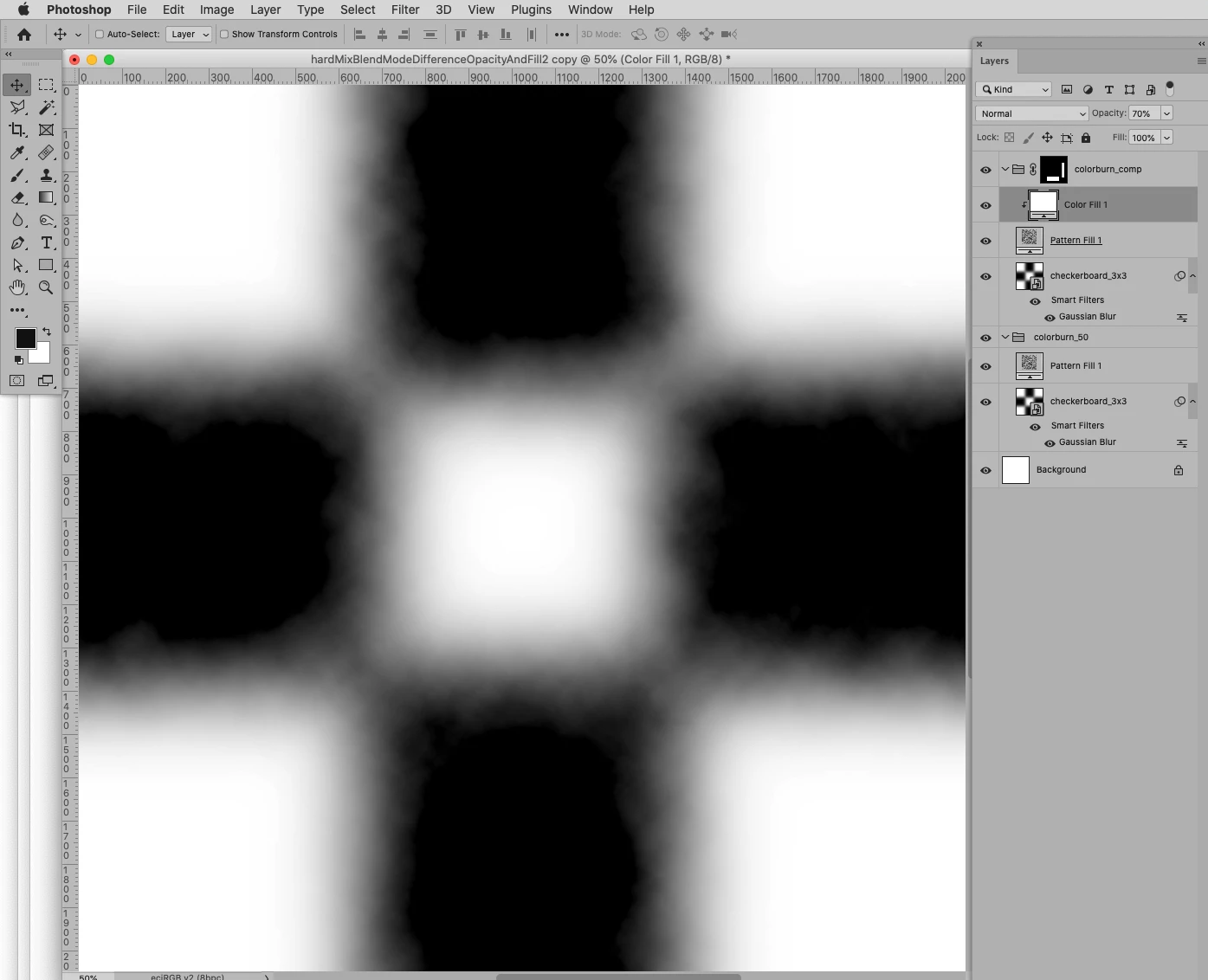
Unmesh explains how to use the method but not why it works. I’d like to understand why Fill works that way so I can control it better. Once the Fill value gets down in the 5% range, even small differences generate significant changes.
The blend modes where Fill works differently include:
Color Burn
Linear Burn
Color Dodge
Linear Dodge
Hard Light
Linear Light
Pin Light
Hard Mix
I'd appreciate any insights the Community can offer on how this technique achieves its results behind the scenes.
 AdChoices