Participant
September 30, 2024
Question

Filling selection spills into unwanted areas

  • September 30, 2024
  • 1 reply
  • 122 views

Hi!

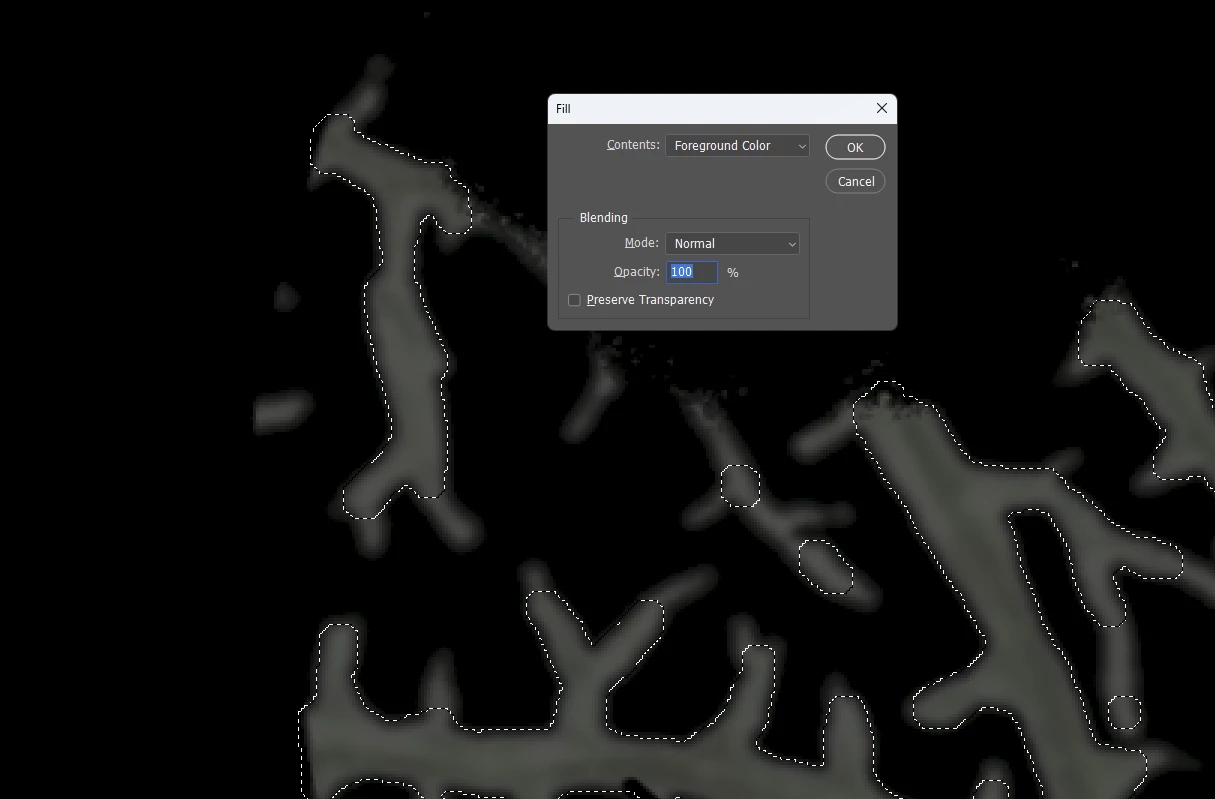
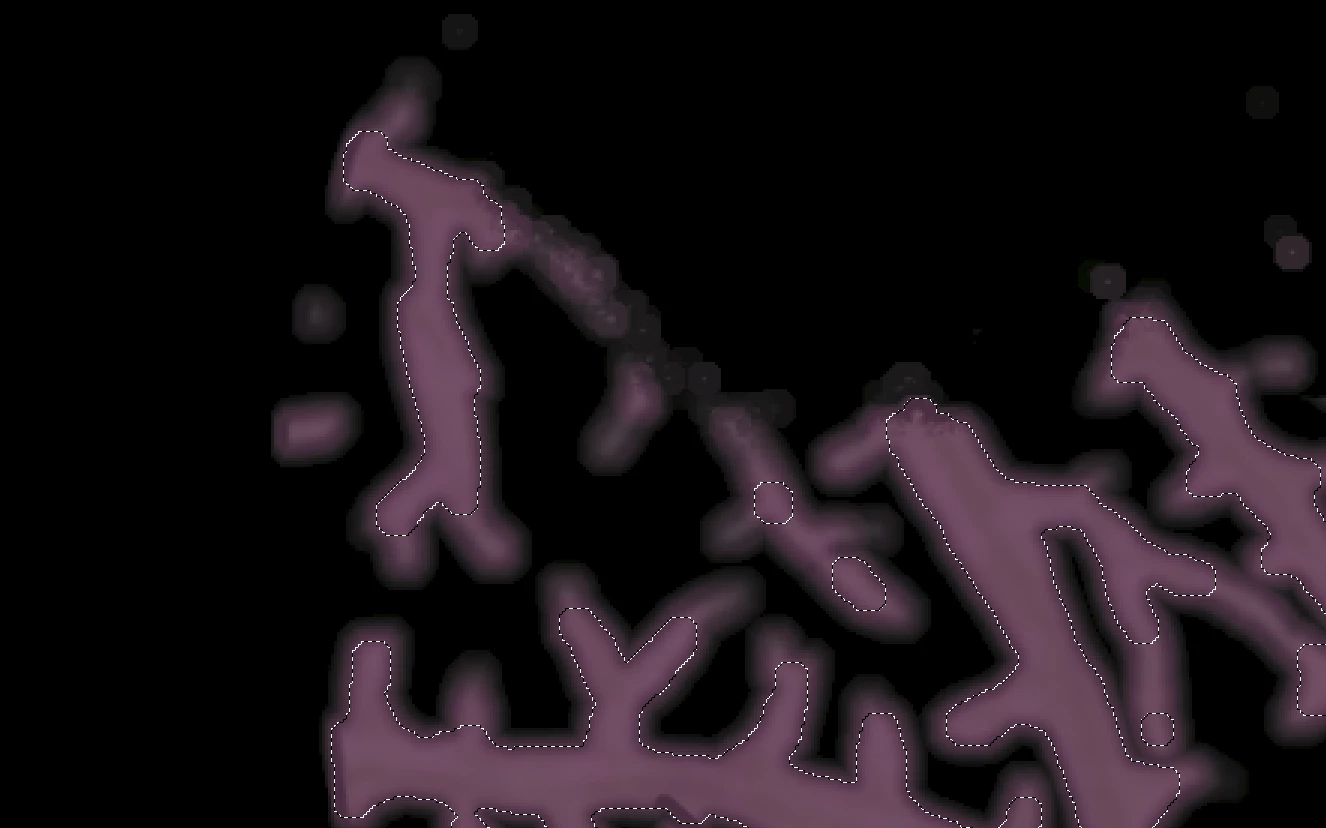
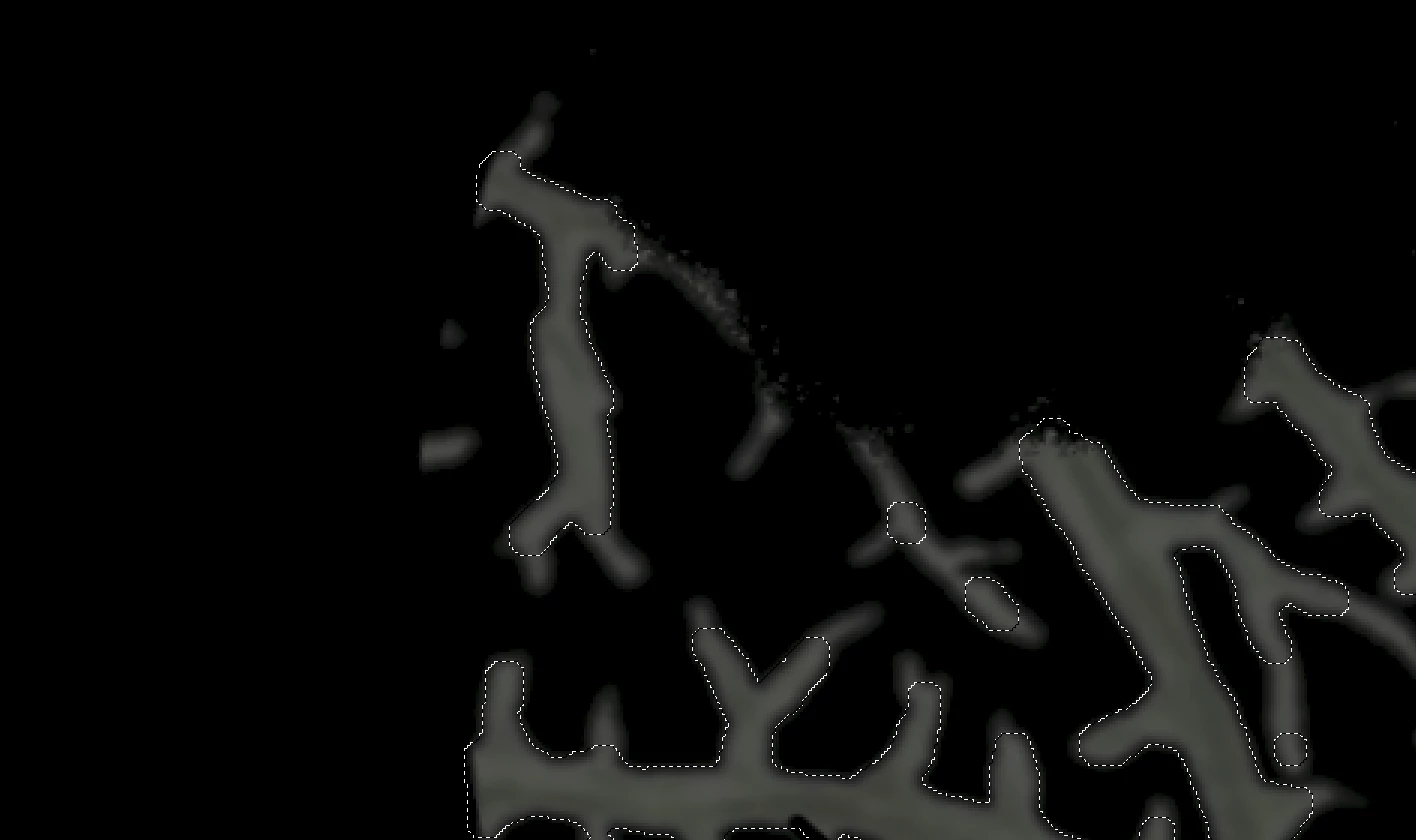
I did a quite intricate (for me) selection, but when I try filling it with foreground color, the color goes into totally unwanted areas. How can I force it to fill only inside the selection boundaries?

Thank you!


This topic has been closed for replies.

1 reply

Myra Ferguson
Community Expert
Community Expert
September 30, 2024

It appears that you have areas that have anti-aliasing. Anti-aliasing is a way to soften corners in a raster (pixel-based) image with either transparency or lighter or darker pixels than the main content.


To change the color overall, then you could add an adjustment layer such as Hue/Saturation (Go to the middle icon at the bottom of the Layers panel and select Hue/Saturation... or go to Layer > New Adjustment Layer > Hue/Saturation...) above the selected layer.