Answered
Filter Gallery
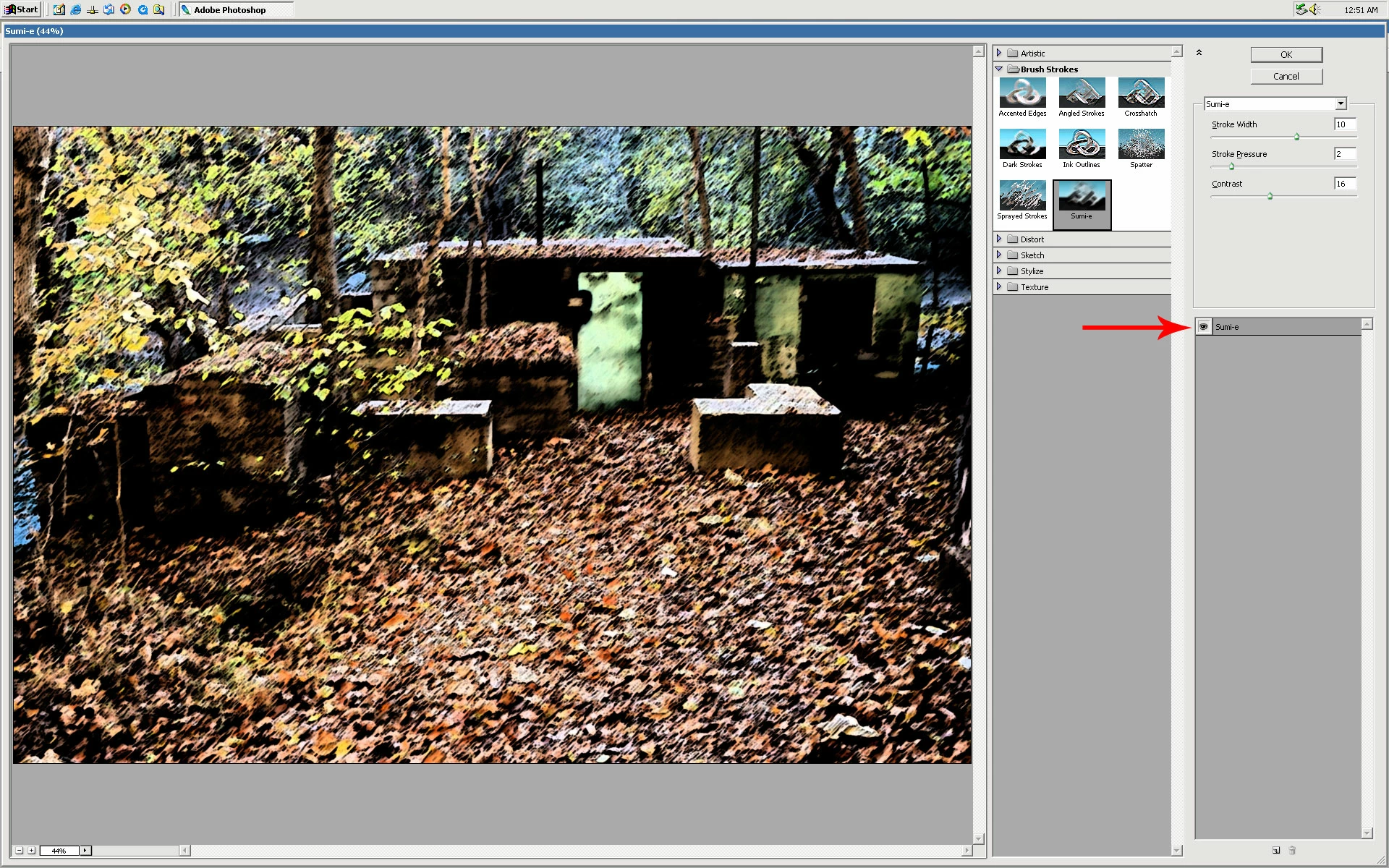
My Filter Gallery opens and allows me to select filters and edit them, but the editing has no visible effect in the preview, and the filters don't apply themselves. It hasn't worked since PS updated several days ago.

My Filter Gallery opens and allows me to select filters and edit them, but the editing has no visible effect in the preview, and the filters don't apply themselves. It hasn't worked since PS updated several days ago.
Check to make sure the Eye (preview) is enabled next to the filter(s)
Already have an account? Login
Enter your E-mail address. We'll send you an e-mail with instructions to reset your password.
 AdChoices