Answered
Filter Gallery misbehaving
Macbook M2, latest Ventura, latest PS beta. This what what all filters return. This is dry brush, not that it matters. Up until recently everything worked as expected.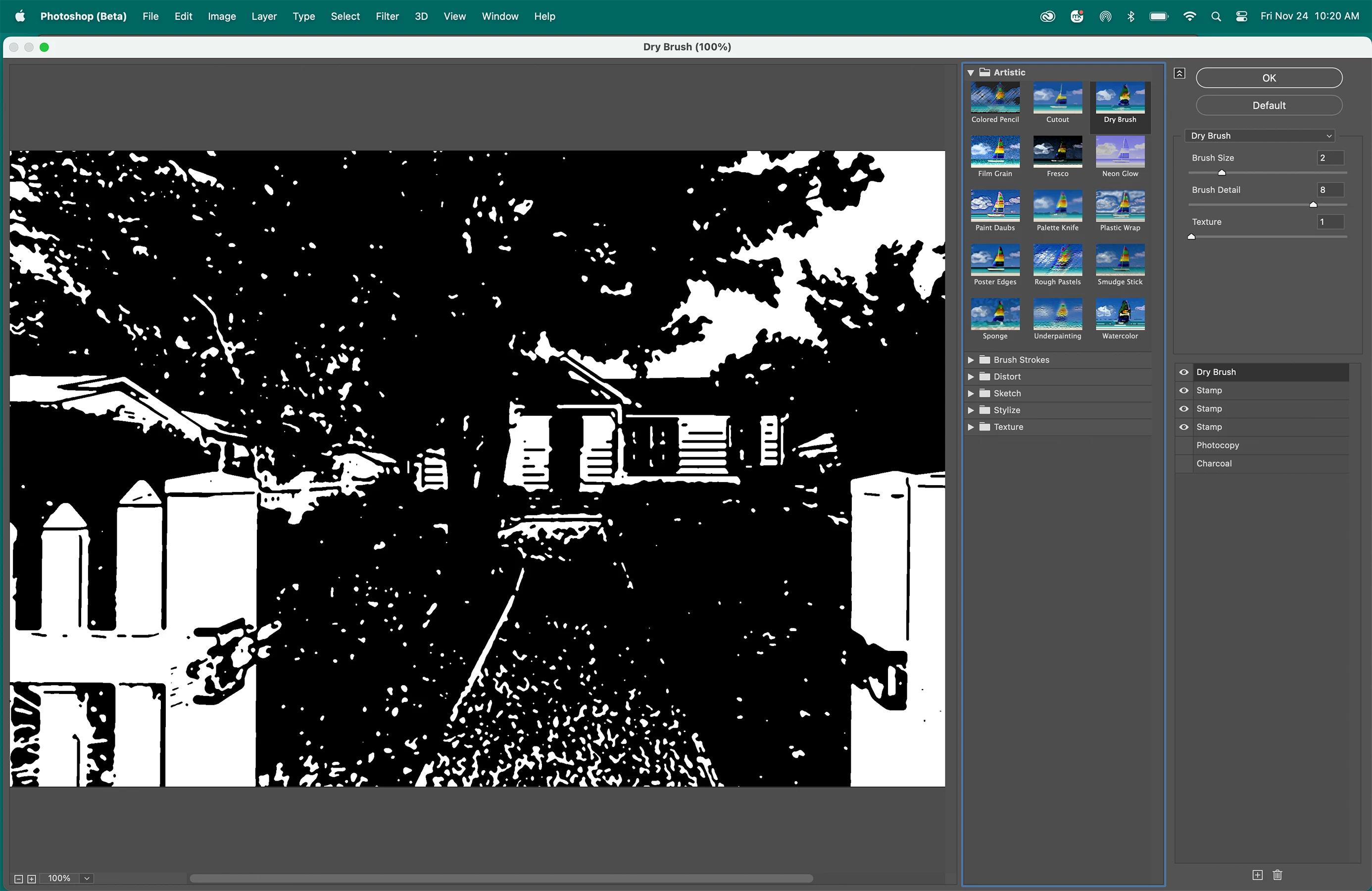

Macbook M2, latest Ventura, latest PS beta. This what what all filters return. This is dry brush, not that it matters. Up until recently everything worked as expected.
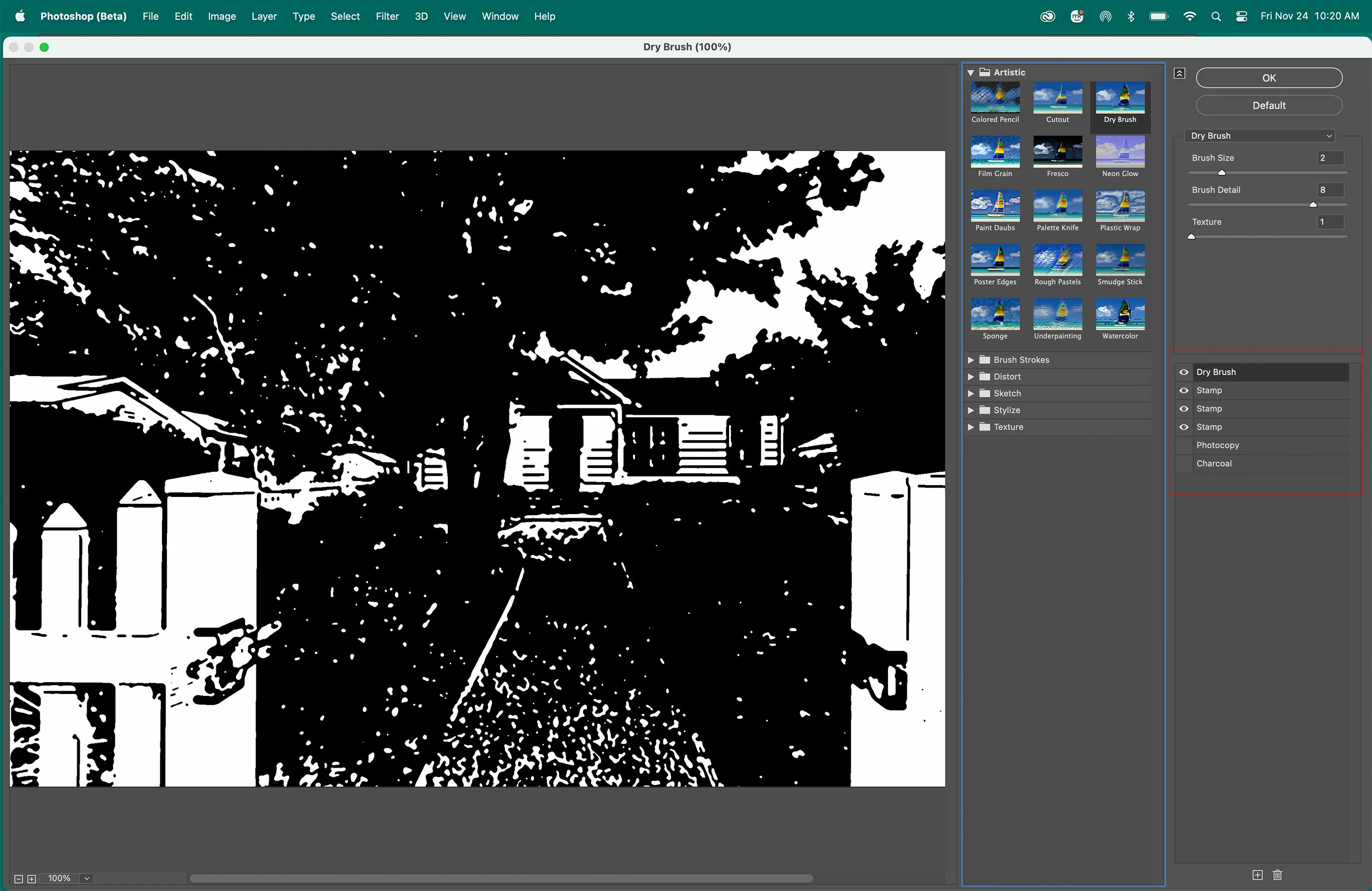
You have bunch of different filters applied and they all blend together.
In the Filter Gallery hold down the Command key, then click Default to reset the Filter Gallery.
Already have an account? Login
Enter your E-mail address. We'll send you an e-mail with instructions to reset your password.
 AdChoices