
lovephotoshopCC
Known Participant
December 21, 2021
Frage

Fonts won't in my folders (windows/fonts) on new PC from my old PC

  • December 21, 2021
  • 1 Antwort
  • 1272 Ansichten

hi sir/madam,


I take all fonts (640) from my old PC to my new PC in windows/fonts but 463 fonts, should be 640.


also open Photoshop CC, you see fonts wont install, any ideas to fix it..
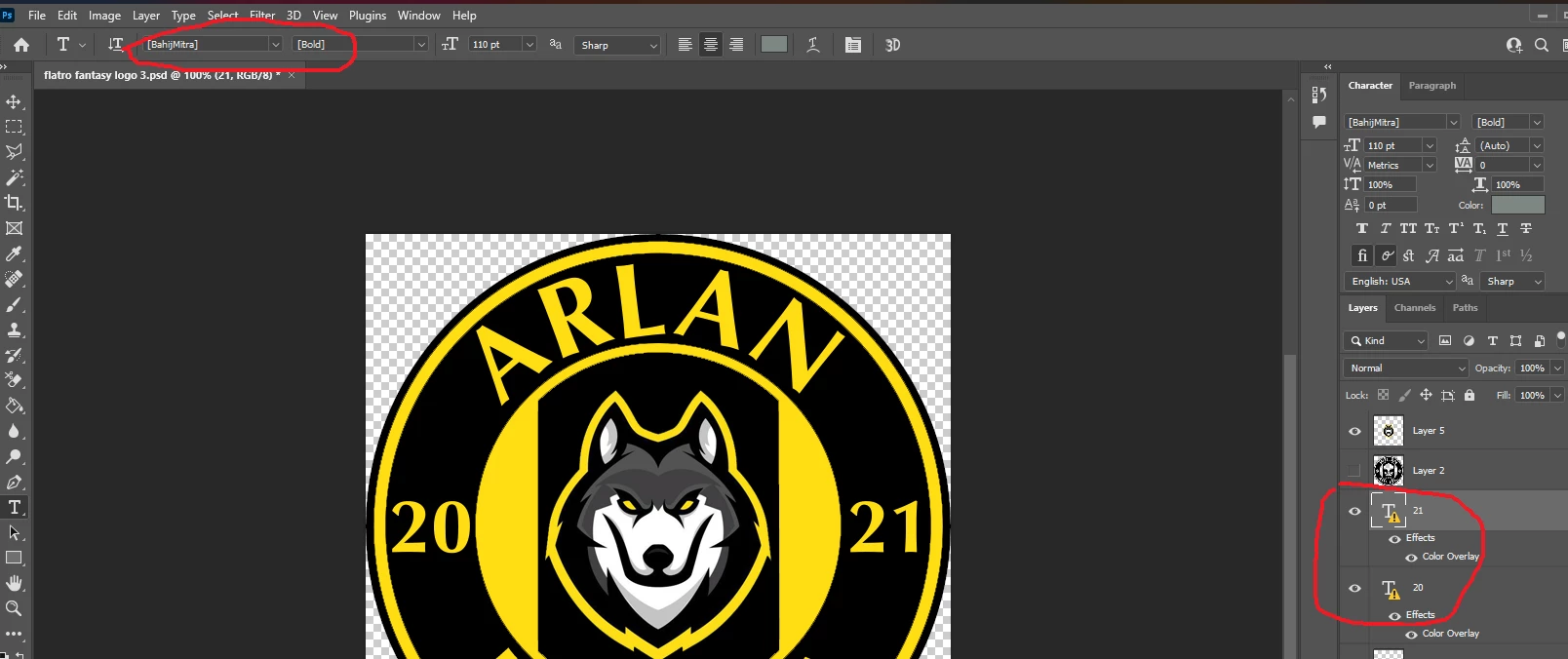
 

i notice that's I click "manage" of fonts but I dotn know whats going on, what I doing?
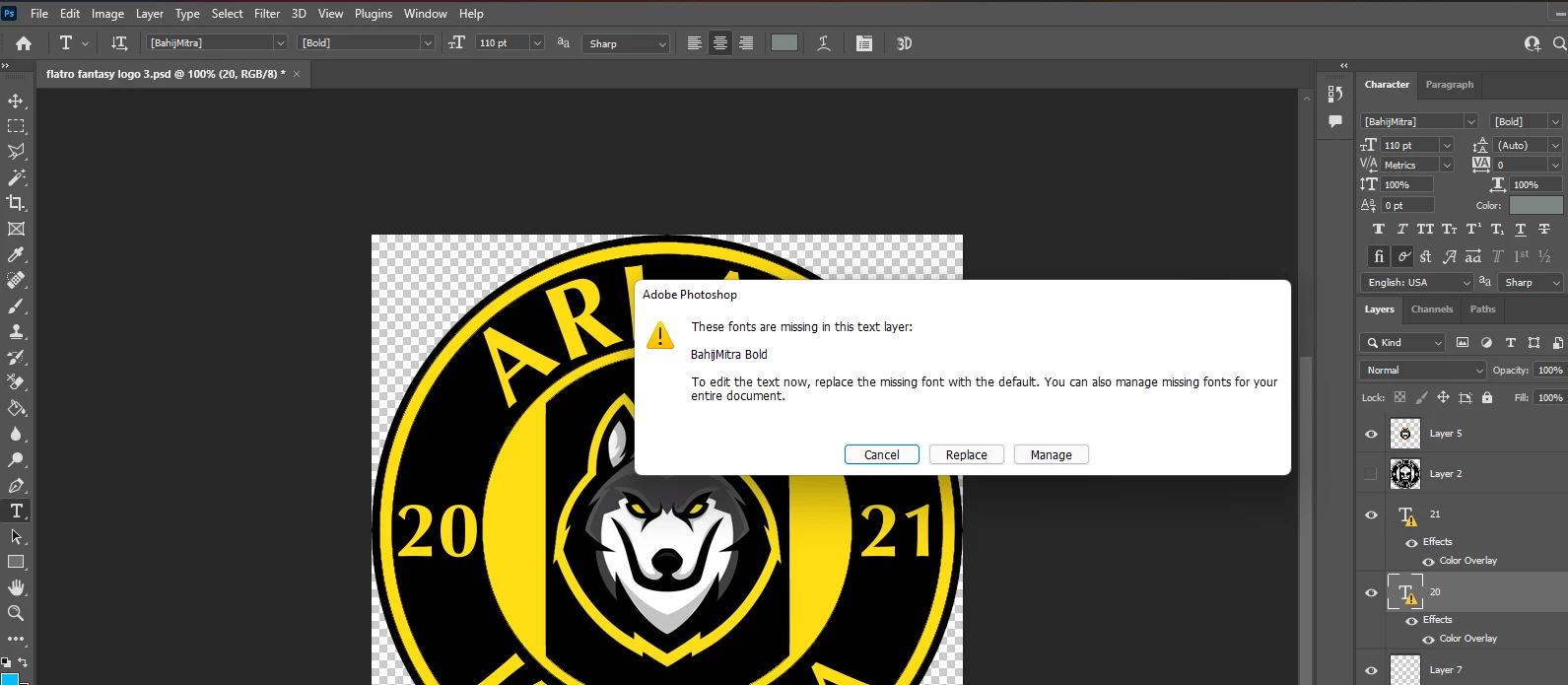
Windows 11. Photoshop CC version- 23.1.0


I'm grateful if anyone help.


thanks

    Dieses Thema wurde für Antworten geschlossen.

    1 Antwort

    Tarun Saini
    Community Manager
    Community Manager
    January 5, 2022

    Hi there,


    We're sorry about the trouble. Please ensure that you have a Fonts folder in  C:\Program Files\Common Files\Adobe location. If not, then you may create a folder under that location and paste the fonts which you copied from the old pc and check if you're able to see fonts in the application or not.


    Also, please check this link related to fonts and let us know if that helps: https://helpx.adobe.com/photoshop/using/fonts.html


    Regards,

    Tarun