


fanemuse
Participant
January 17, 2018
Answered

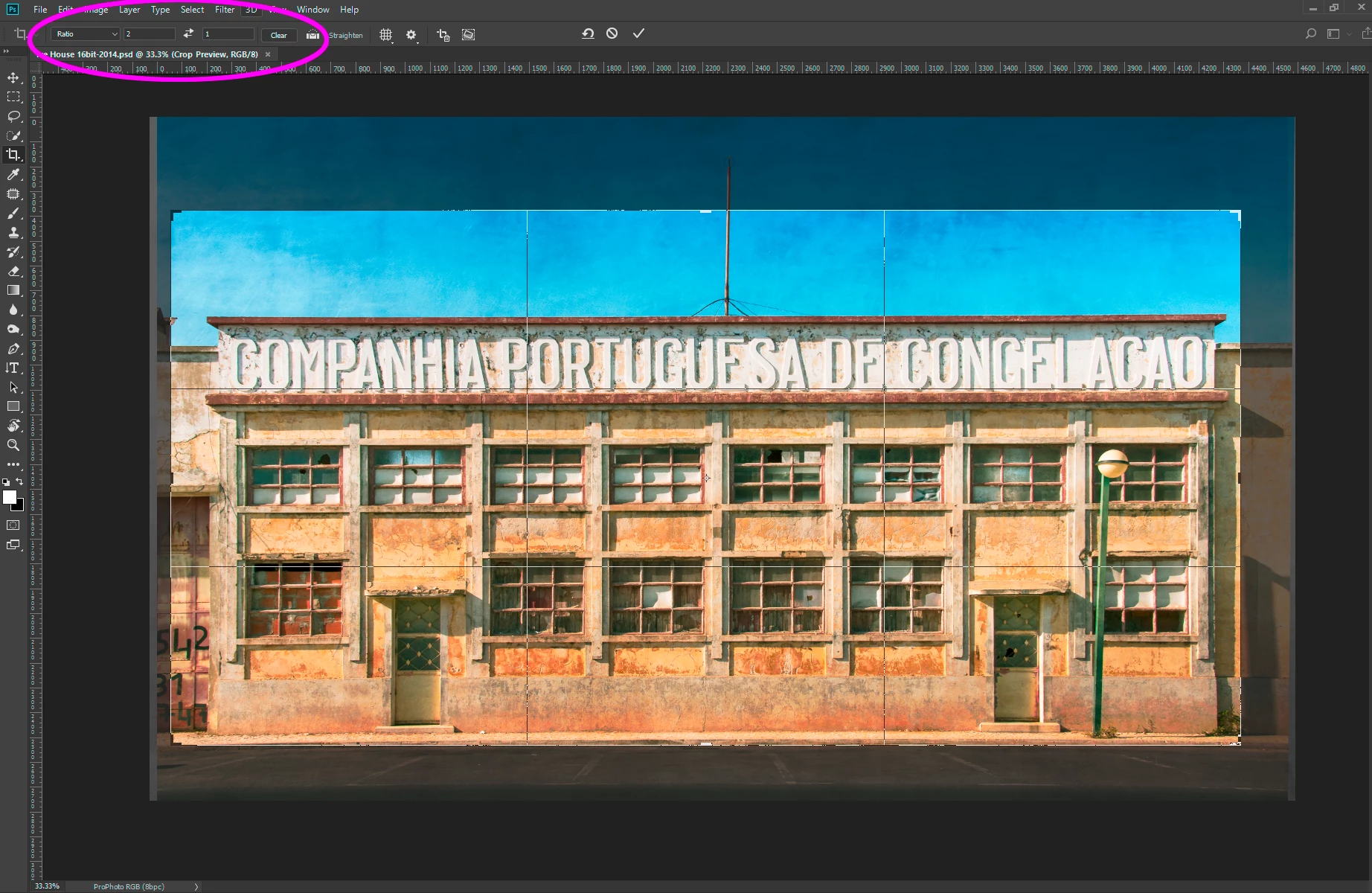
Format 2:1

  • January 17, 2018
  • 1 reply
  • 3544 views

Hi!

I would like to modify a 360 ° image, and put it in google street view.

When the photo is taken there is no problem with street view.

I went on photoshop and modified it as I please, I export without changing settings.

When I add it on street view, a message tells me that my image is not the right format, and that it must be 2: 1.

I can not change the format on photoshop.

A solution to offer me?
    This topic has been closed for replies.
    Correct answer Jon-M-Spear

    1 reply

    Jon-M-Spear
    Legend
    January 17, 2018

    You need to crop the photo in Photoshop so that its width is twice that of its depth.  You can set the Photoshop crop tool to this ratio so that there is no guesswork.

    fanemuse
    fanemuseAuthor
    Participant
    January 17, 2018

    I also try this, it does not work, as well as cropping with the ratio 2:1...

    If you have another idea I am ready to try anything

    Jon-M-Spear
    Jon-M-SpearCorrect answer
    Legend
    January 17, 2018