Participant
November 8, 2019
Question

Frames stroke disappears in pdf

  • November 8, 2019
  • 1 reply
  • 970 views

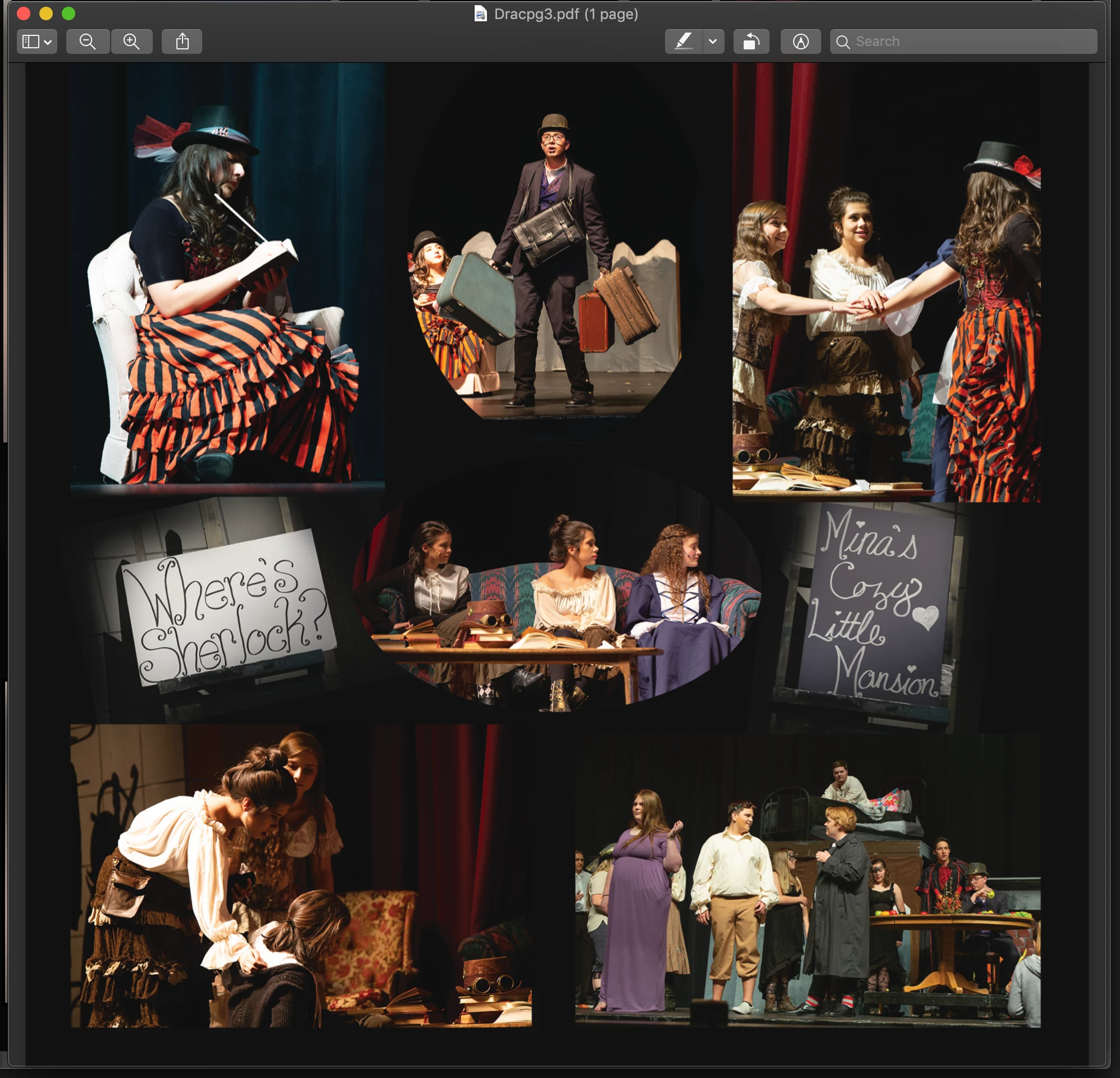
I am making book pages in photoshop with the frames tool.  Frames is easy to drop the photos into and easily change for individual pages but when I save them as a pdf for the printer the stroke created in the frames settings is missing.  
This topic has been closed for replies.

1 reply

JJMack
Community Expert
Community Expert
November 9, 2019

I removed the Frame tool from my CC 2109 toolbar and disabled its shortcut because it uses places which may degrade images resizing then and the frame tool will not resisze image that have been size too small by place to fill a frame the tool will only downsize  placed images to fit in smaller frames. Adobe Frames Layers and Frame tool's operation is not constant.  Replacing frame layers content requires that the replacement objects is exactly the sames sizes object file.  The replacement must be exactly the same size, Aspect Ratio and Print resolution as the original image that was frammed  correctly withe the frame tool. 


I have not tested PS 2020 Frame Tool.  Photoshop has never had problems framing image before Adobe Frame tool introduction.  However, Adobe Frame tools has problems framing some image files.  I just ignore the tool exist and hide its existence.


If your layered document with frame image layers have strokes in Photoshop. I have no idea why saving a PDF file with photoshop  the Image would not have  have framed strokes.  I would think the Image would be a raster image in the PDF file or the PDF file format may support photoshop layers. I do not save PDF file with Photoshop. For me PDF is more for publishing  a manual or books.

JJMack
PiipsiiAuthor
Participant
November 9, 2019

When placing an image in the frames tool it creates the image as a smart object.  I thought using a smart object helped so it did not get degraded when changing size.  Of course I mostly downsize when using frames.  But even if they are the same aspect ratio,

the stroke around them does not transfer to a pdf?  They show up if I save it as a jpg or keep as psd. I am creating a small photo book. Maybe I will try rasterizing the layers.  

Thank you.

PiipsiiAuthor
Participant
November 9, 2019

My rasterize option wasn't available but I did convert it to a smart object which merged the frame with the image and then the stroke shows up in the pdf. You helped me understand some workings of the tool.  Thanks!!!