
Free Transform "Program Error"
I had a minor, fraction-of-a-second power surge the other day, and ever since then, Photoshop hasn't been allowing me to free transform. When I rename the Photoshop folder and restart, it'll work again--until I restart again. When I uninstalled and reinstalled Photoshop and restarted the computer, it worked again--until I restarted again.
It gives me an error stating, "Could not complete your request because of a program error" every time I try to use the transform handles to resize. It'll let me move it around, but sometimes it'll show afterimage lag. It'll also show low res aliasing at every other zoom resolution, which is, as far as I know, generally a graphics card issue--but this card is supposed to be pretty good and made for this sort of thing, and it worked perfectly find prior to the power surge. I'm attaching a screenshot of the error.
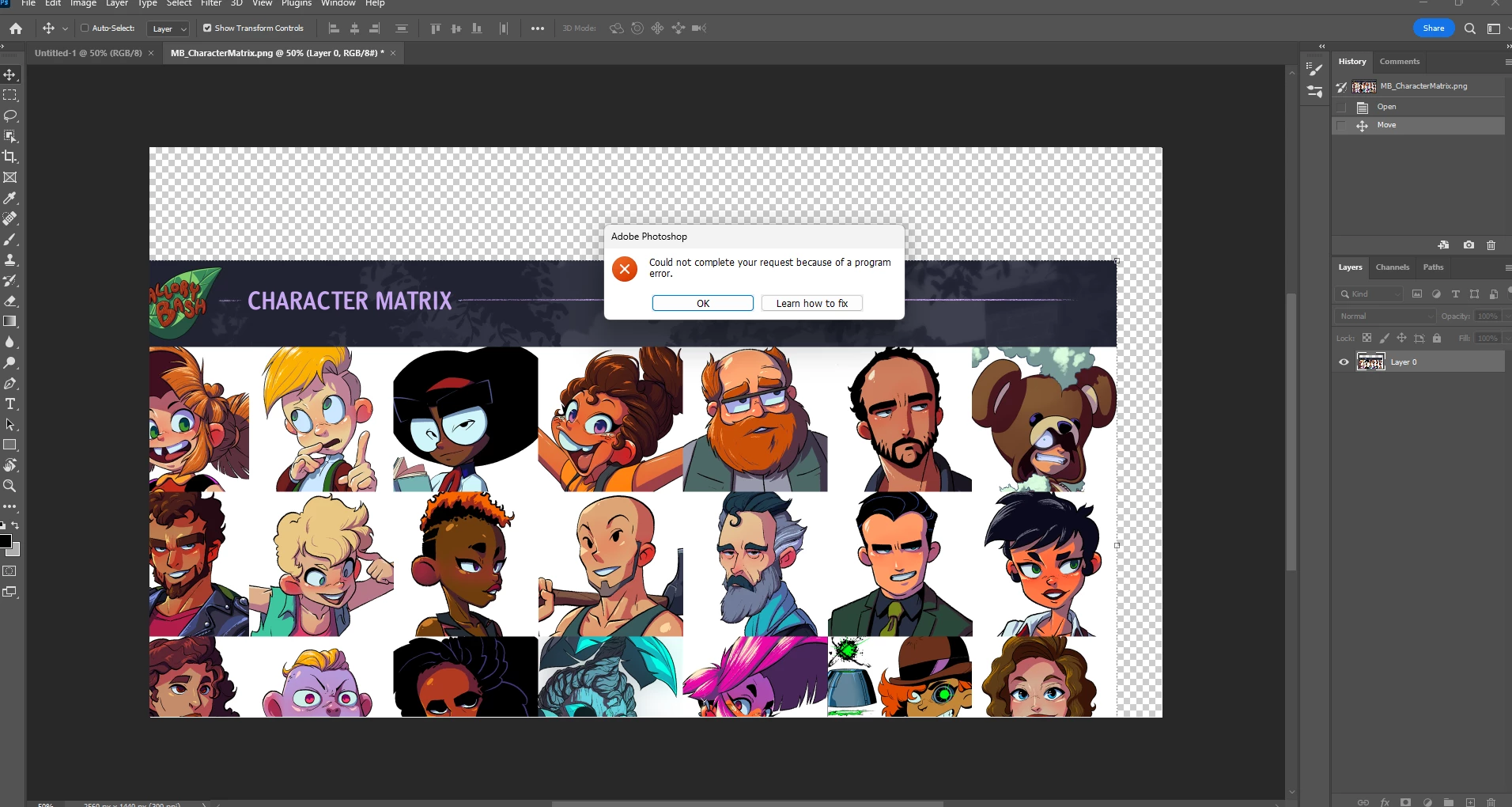
I'm running Windows 11 on a brand new Dell PC. Here are the specs:
CPU
Processor 11th Gen Intel(R) Core(TM) i7-11700 @ 2.50GHz 2.50 GHz
Installed RAM 32.0 GB (31.6 GB usable)
System type 64-bit operating system, x64-based processor
Pen and touch Pen support
Edition Windows 11 Pro
Version 22H2
Installed on 1/1/2023
MONITOR
LG LED LCD Monitor
Model 32UN880
WACOM CINTIQ
Model DTK-2260
 AdChoices