
Free transform tool not precise anymore after implemnting new features (hover layers)
Implementing new features doesn't always mean making them better.
In this case, you make them worse, Adobe...
After the last update, the look and feel of the free transform tool and much more the move tool (layer is selected) changed from a decent outline of the object/layer to a solid line, which don't show the precise object sice (line is not corresponding to the object size on all sides) anymore. The line is also covering the view for precise working with the object and the magnetic lines don't match up, too.
There's a slight offset from ther boundary of the object and the transformation outline...
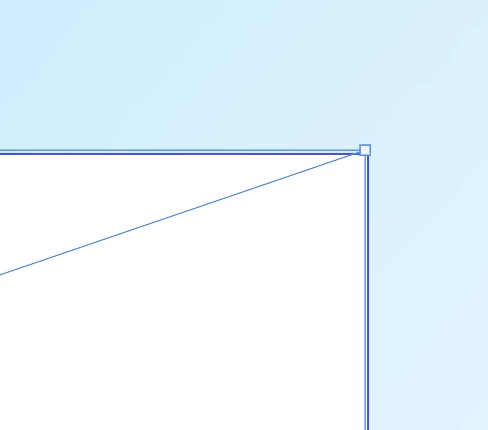
Adding some help lines shows the hassle... vertical one matches the inner boundary line. Horizontal matches the outer boundary line.
What's wrong with you, Adobe? Your software should be pixel perfect, even and exactly in those parts of it.
Kind regards.
 AdChoices