Participant
December 10, 2021
Question

Frequency Separation apply image

  • December 10, 2021
  • 2 replies
  • 478 views

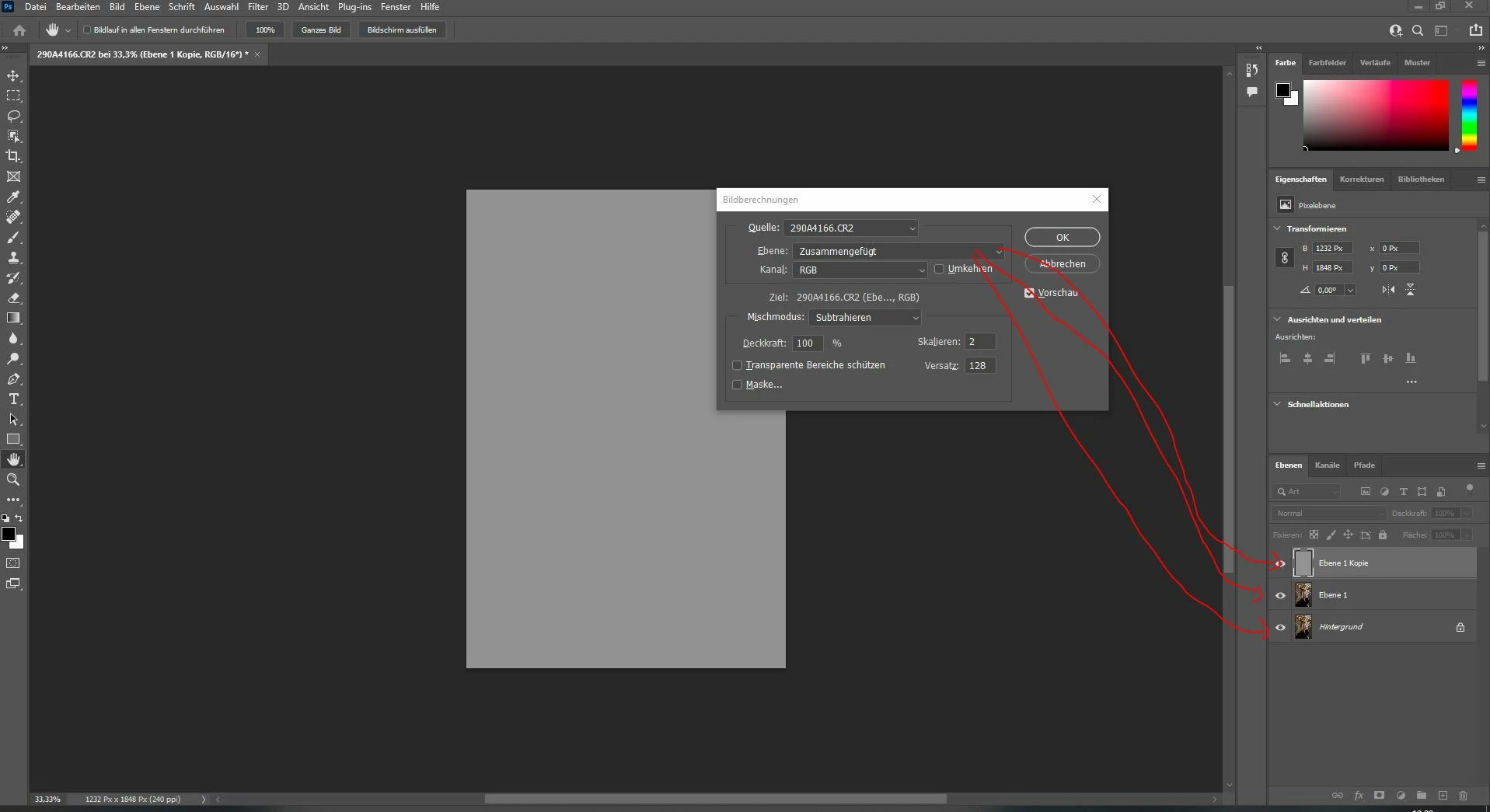
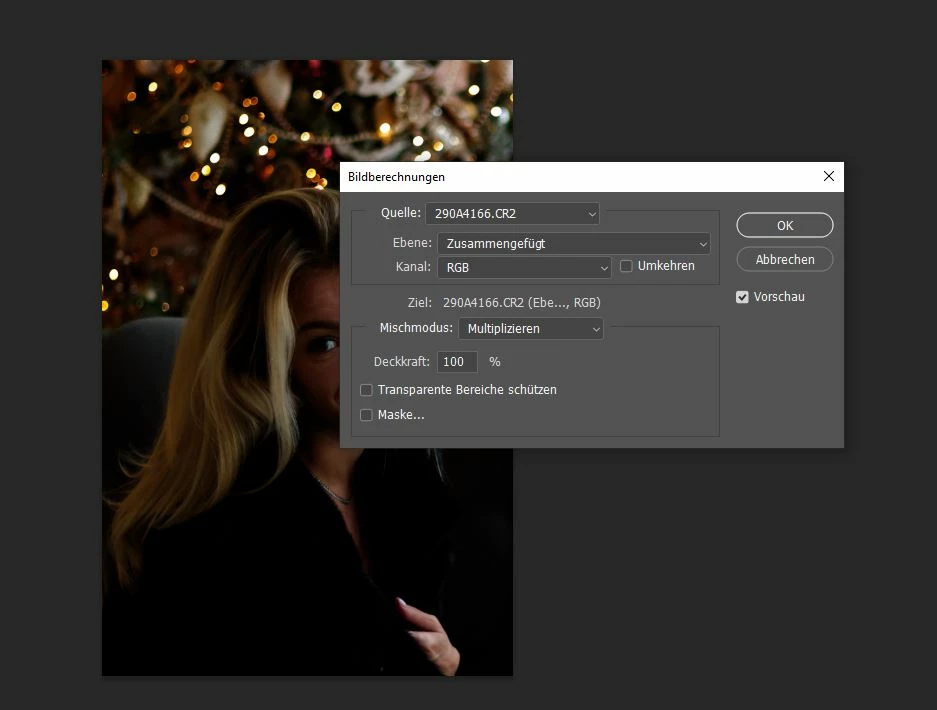
Hey guys i wanted to try a new techique how to improve my freuqenz separation. But on my windows pc it isnt working.

I have to select image and than apply image, but on the layer field i cant select shadows..... just the three layers which are marked red

what iam doing wrong
 

This topic has been closed for replies.

2 replies

Chuck Uebele
Community Expert
Community Expert
December 20, 2021

I'm a bit confused. You mentioned that you want to select "Shadows." Apply image only works with selecting layers. Is you want to use HF just on the shadows, you will have to create a luminosity mask.

Eugenio.NYC
Participating Frequently
December 20, 2021

I can see you have a 16 bit image but your settings are for the 8 bit image

In the resulting Apply Image window, make the appropriate settings for an 8 bit image or a 16 bit image


8bits: subtract + scale 2 + offset 128

16 bits: invert + add + Scale 2 + offset 0


Let me know if that works

E