MStefaniszyn
Participant
April 15, 2022
Question

Frequency Separation NOT WORKING

  • April 15, 2022
  • 4 replies
  • 1322 views
  1.  Duplicate layer (HF, LF and Background)
  2.  Apply Gaussian Blur to LF
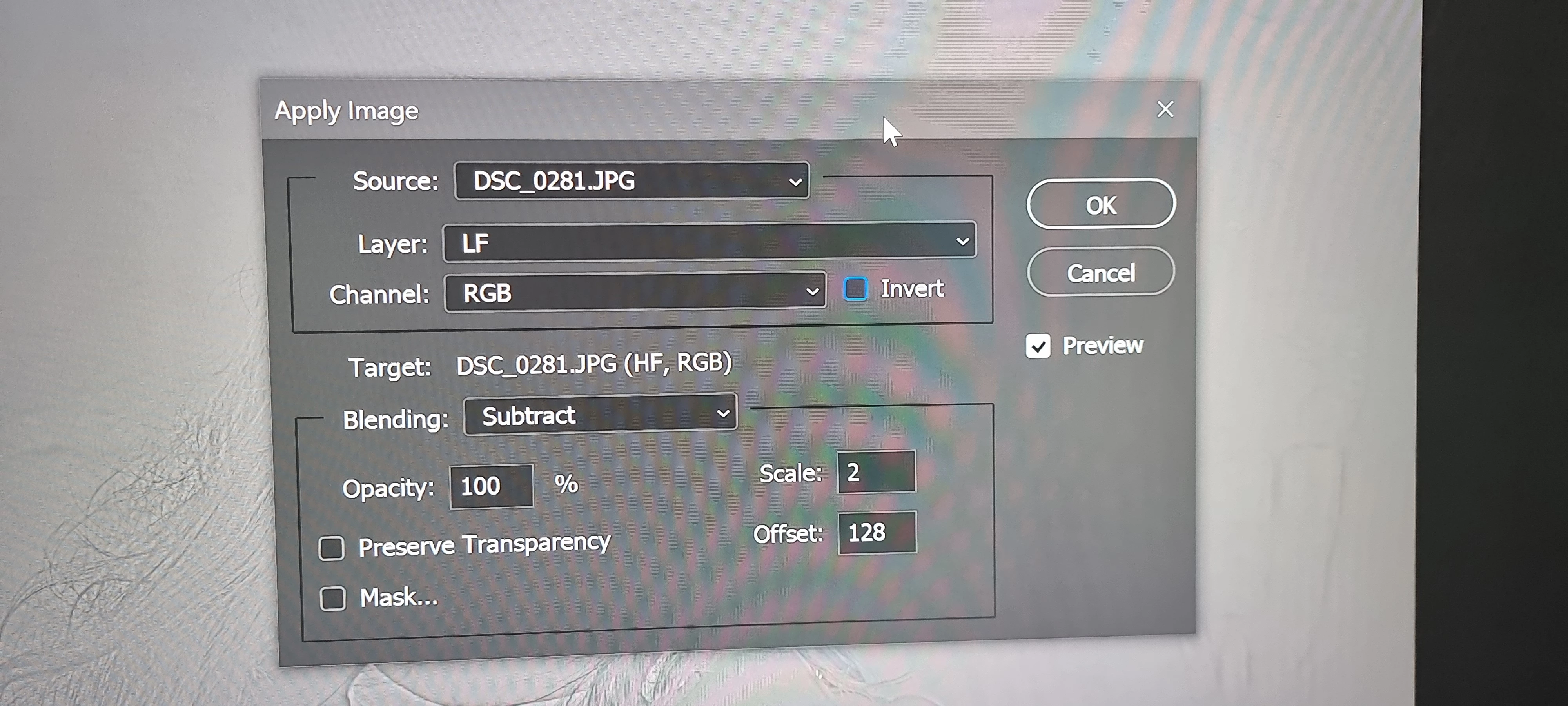
  3.  Apply Image to HF


  4.  Set HF to Linear Light 
  5.  Select LF and using the Lasso Tool select the subjects forehead.
  6.  Apply Guassian Blur to the selected area.


So I followed the steps above on a JPEG photo. However, the application of the blur caused the skin to go dark rather than softer. 
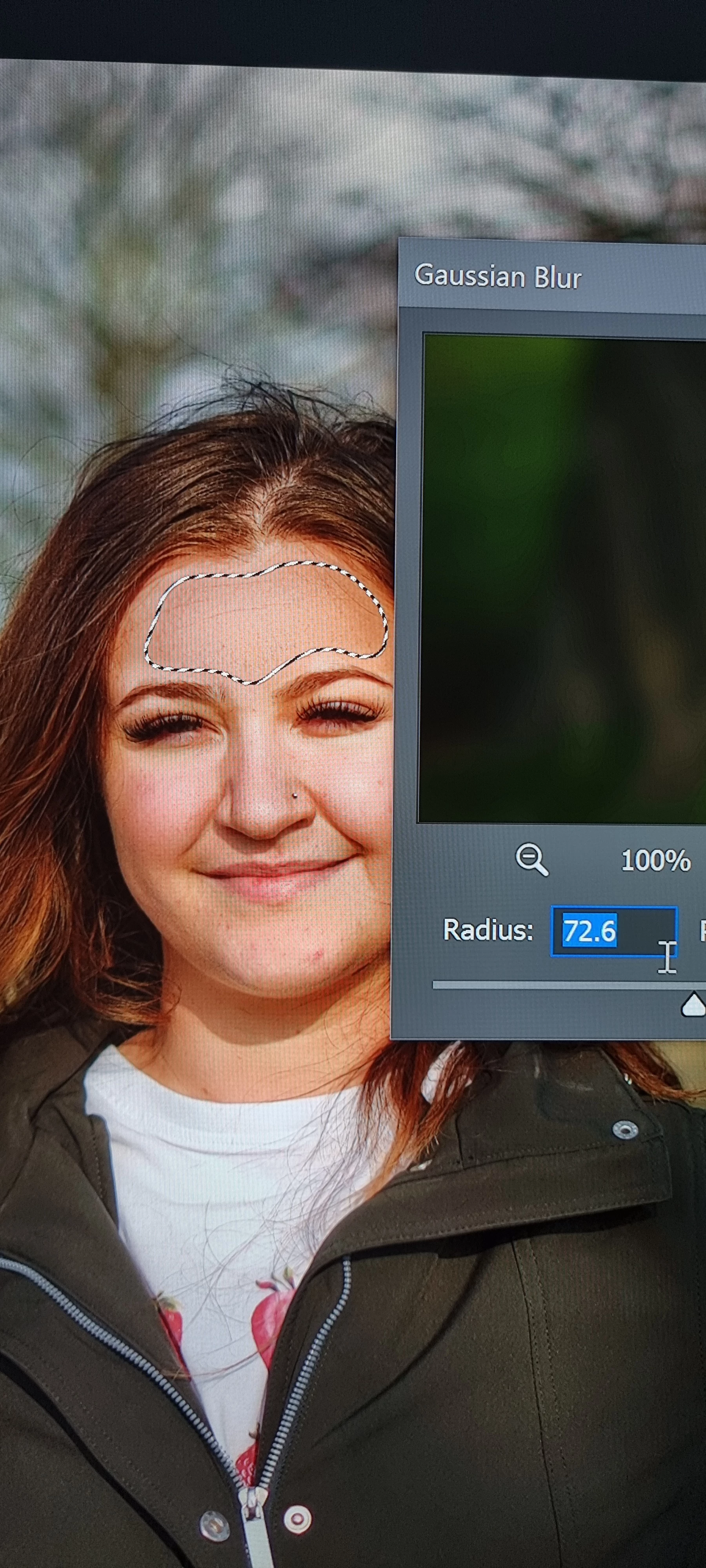


Any help would be appreciated! 

This topic has been closed for replies.

4 replies

c.pfaffenbichler
Community Expert
Community Expert
April 17, 2022

An aside: In the future please post screenshots instead of photographs of the screen. 

https://www.take-a-screenshot.org

Chuck Uebele
Community Expert
Community Expert
April 16, 2022

You followed the steps ok, but blurring the LF layer (after it's initial blur) doesn't soften the image, but blends the colors and tones together. So you're getting more of an average of the tonal values, which appears to be darker. To soften the image you most likely want to work on the HF layer with tools that lighten the low values and darken the high values. If your intent was to blur the color and tonal values more to eliminate red spots and uneven complexion, then you need to feather your selection a lot more on the LF layer. Maybe use a low opacity  brush to paint over areas of issue.

MStefaniszyn
Participant
April 17, 2022

Thank you!

I'll try this as soon as I'm home and I'll let you know how my attempt went 😅

Stephen Marsh
Community Expert
Community Expert
April 15, 2022

As @Kevin Stohlmeyer mentioned, you have to blur the entire image, not just a portion of it.


You may find the following action helpful:


https://www.dropbox.com/s/vhoal39t9ygl6tt/Frequency%20Splitter%20v4%20Conditional.atn


Kevin Stohlmeyer
Community Expert
Community Expert
April 15, 2022

https://photoshopcafe.com/tutorial/frequency-separation.htm

Try working through these steps for Frequency Separation.

You normally would blur before you create your layers and not make a selection like this and blur - the edge is too sharp.

Frequency Separation retouching is normally done with the healing/stamp tools not a blur.

Lisa Carney also has a great tutorial and an action to create the layers automatically:

https://www.lisacarney.com/basic-frequency-sep


MStefaniszyn
Participant
April 17, 2022

Sound thank you mate! 


👍👍👍