Question
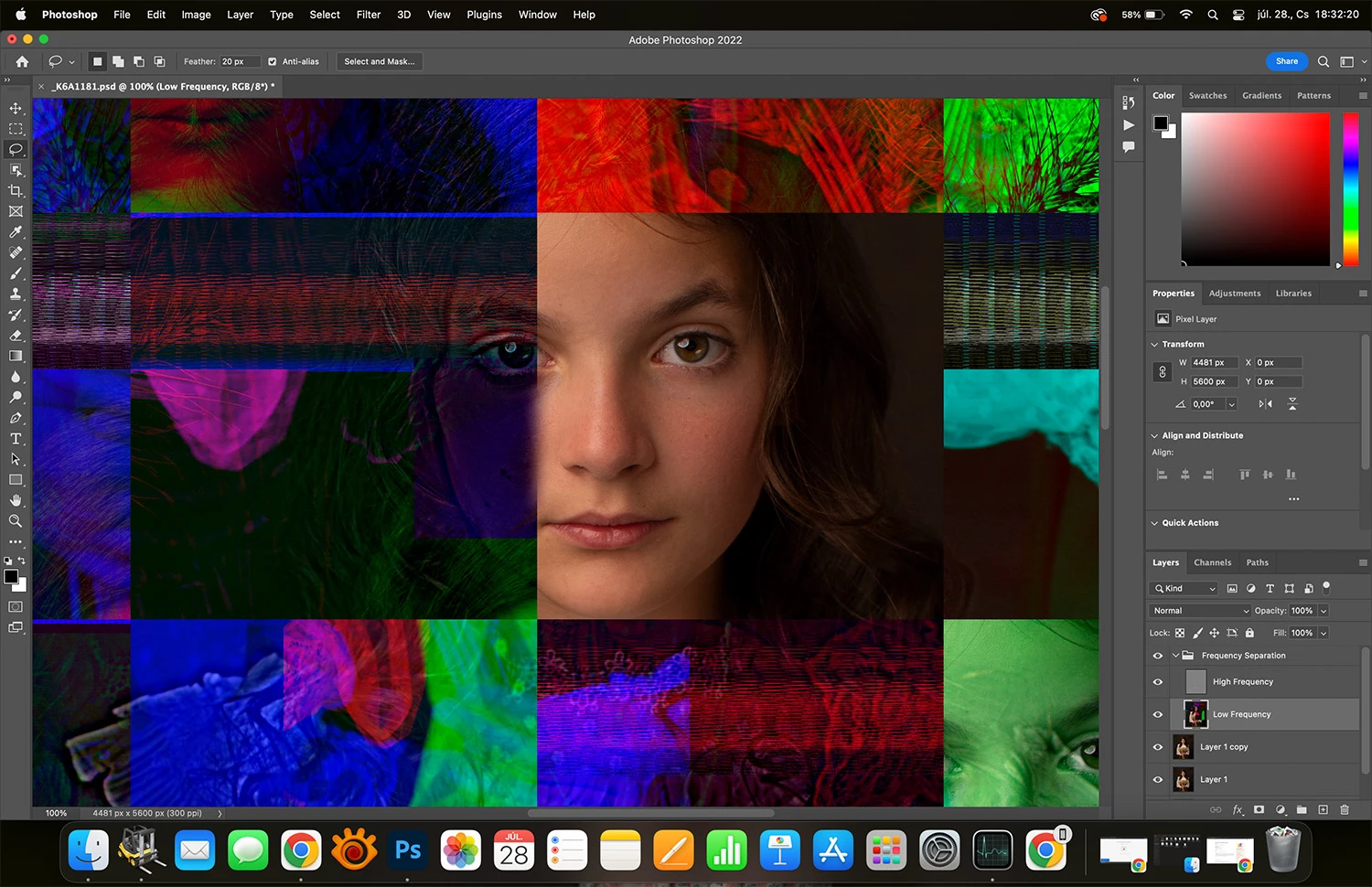
Frequency separation not working properly on new MAC
Hello guys,
could you please help me? A have just bought a Macbook M1 Pro 16. I tried to use Frequency Separation Action in Photoshop, but when I tried to apply Gaussian blur, the image fell apart and got colorful patches on the image. I tried it with more images and more Frequency Sep actions, but the result was the same. I attached an image about it. What can be the reason? Thank you in advance!
 AdChoices