
From Illustrator to Photoshop - problem with quality.
Hi!
I was looking for a solution everyware. I thik I've tried everything...
I have a logo project that I made in the Illustrator. Now I'm making a layout for a webpage and I need to put this logo there. I was trying to copy and paste, paste as a smart object, change resolution and image size, export to SVG. I get the same effect everytime. It loses on quality.
Currently I made a new Illustrator object, where work space has exacly the same size (160x100px) and the same resolution (72ppi), that I need it in my PS project (it's for the smallest size of mobile layout - 320 width and 72 ppi). Result of the import to PS you have in the pictures. I will be really grateful for the method, how to add my logo to the PS project, without loss of quality!
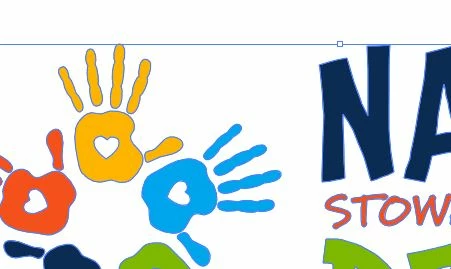
This is view from an Illustrator:
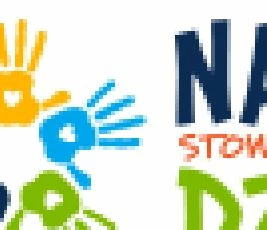
This is view from Photoshop, after import as an smart object:
Photoshop and Illustrator have the latest versions CC (Illustrator with the latest bug fixes package).
 AdChoices