Participant
June 30, 2021
Answered

From live trace illustrator to photoshop crates a stroke around each shape

  • June 30, 2021
  • 1 reply
  • 363 views

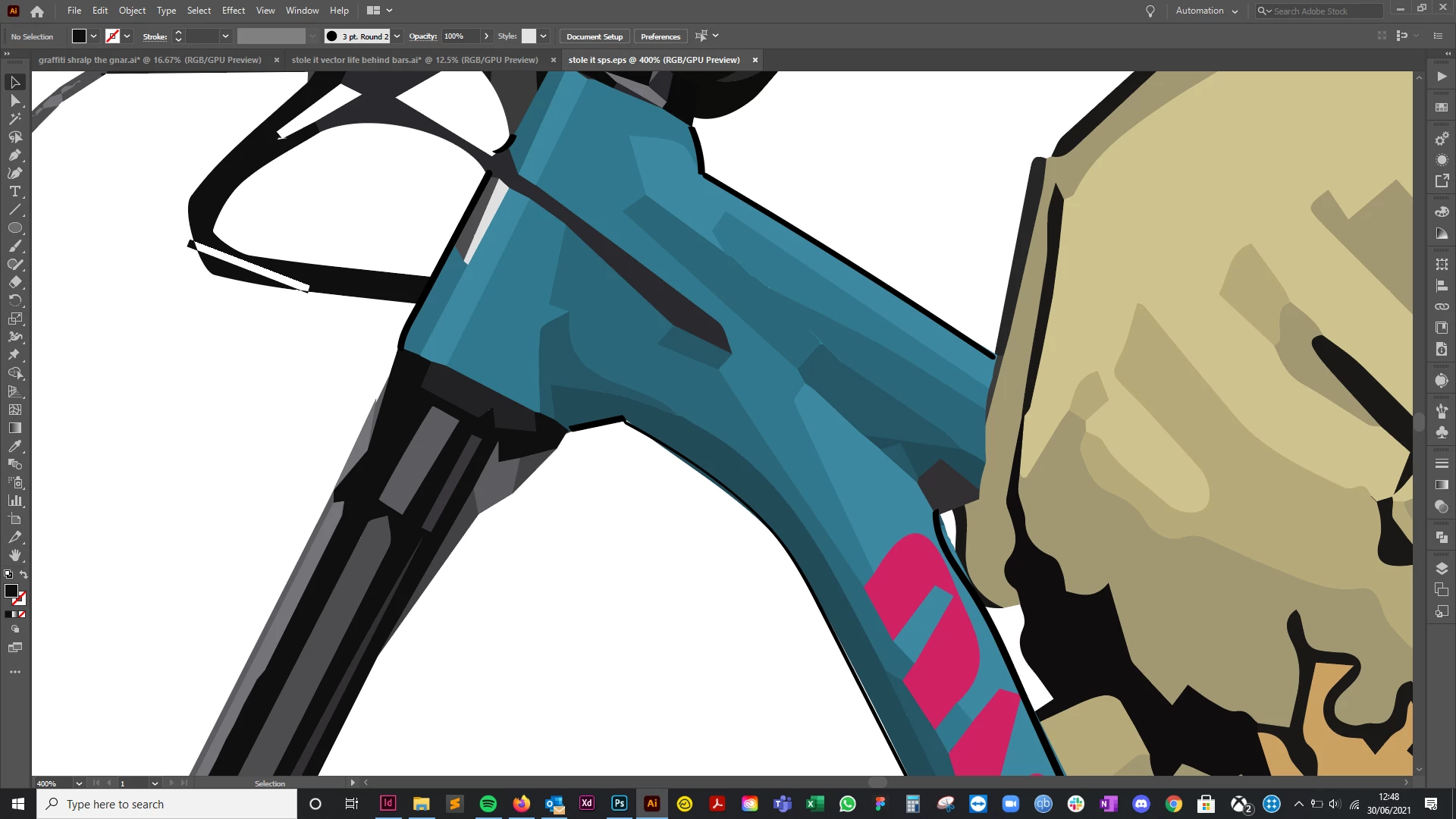
As the title describes, I've created a graphic in illustrator by live tracing and then copied and pasted it into photoshop. When doing this it creates a stroke around each shape when zoomed in. This isn't there in illustrator. What is happening here and can I rectify this issue?


Many thanks in advance
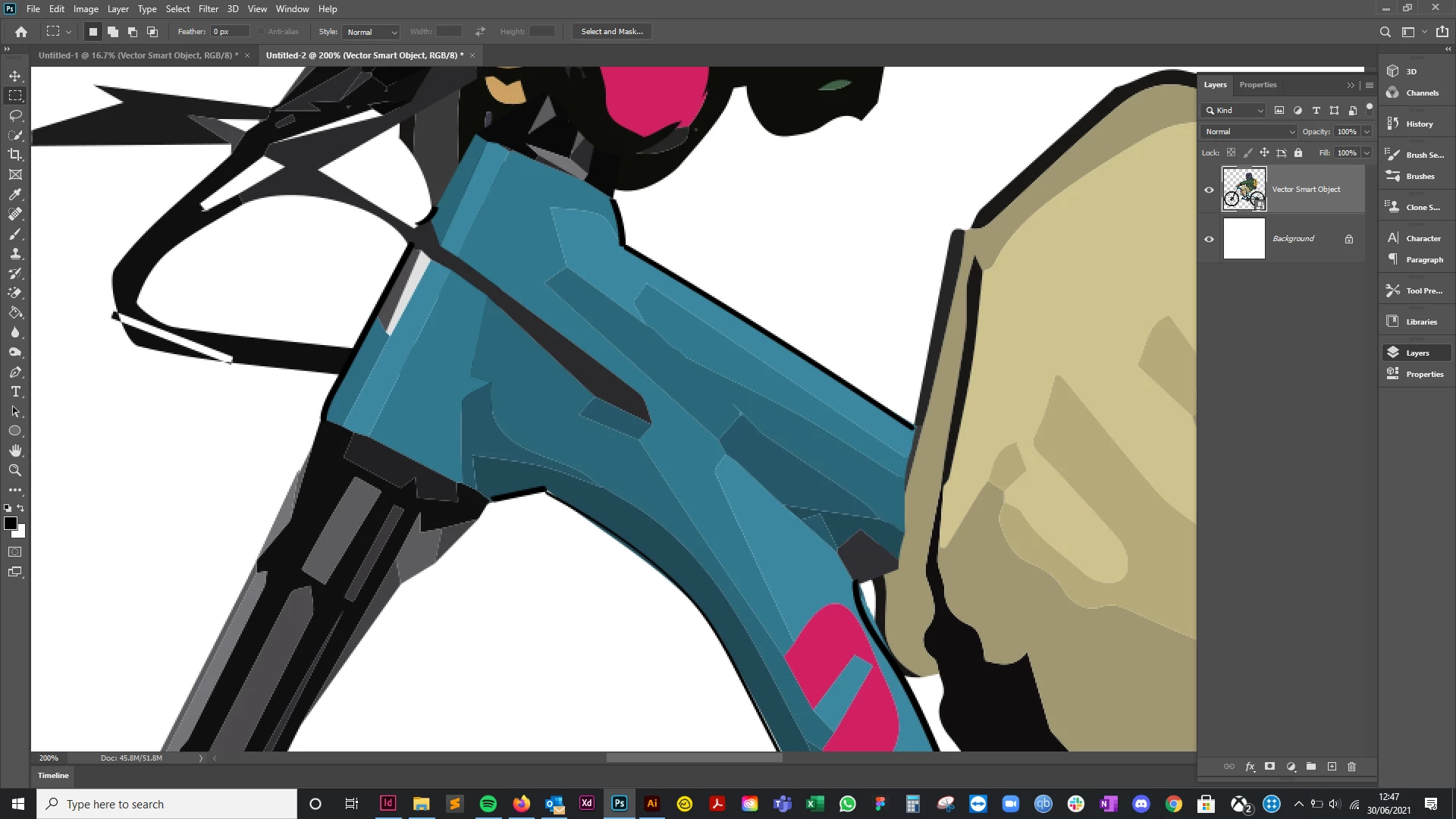
 

This is the stroke around each vector shape that appears in photoshop when pasted


The below is what it looks like in illustrator with no stroke. There isn't a stroke applied
 

This topic has been closed for replies.
Correct answer c.pfaffenbichler

You appear to be mistaken – no stroke, but anti-aliasing. 

So you can either disable the Anti-aliasing or change the Image Trace settings (»Overlapping«). 

1 reply

c.pfaffenbichler
Community Expert
c.pfaffenbichlerCommunity ExpertCorrect answer
Community Expert
June 30, 2021

You appear to be mistaken – no stroke, but anti-aliasing. 

So you can either disable the Anti-aliasing or change the Image Trace settings (»Overlapping«). 

Participant
June 30, 2021

Wow, thank you so much, that is so helpful. I didn't know this existed lol