November 2, 2018
Answered

From real photo to a stylish sketch (not necessarily a vector)

  • November 2, 2018
  • 1 reply
  • 618 views

Dear PS forum,

I'm quite a newbie in Photoshop and I would like to know if I can transform a real image of a plane into something like a stylish sketch. What effects should I use if possible.

To show what I would like to achieve, I added below an example

(NB: the plane is not in the same position, but please ignore this)

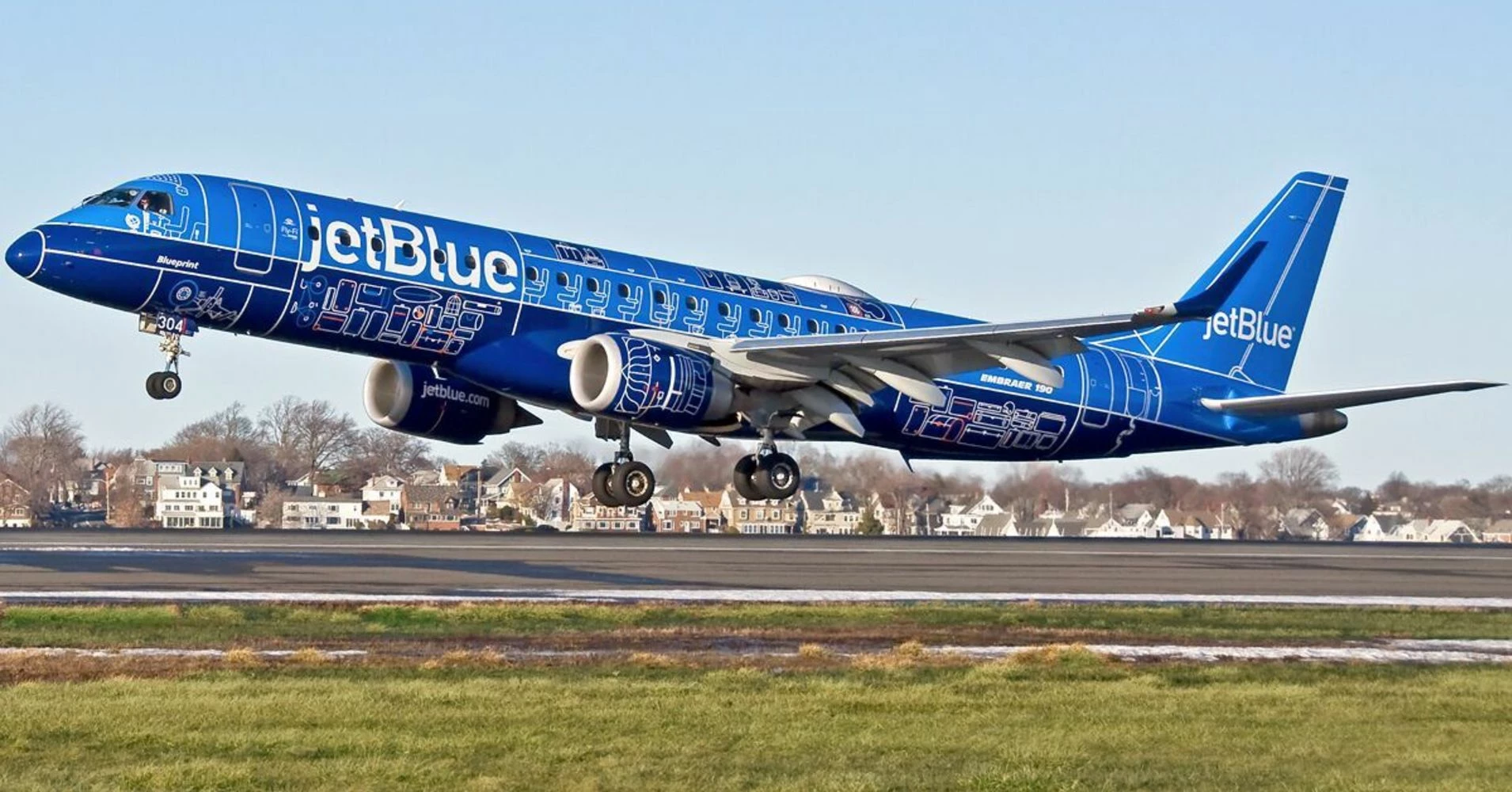
Initial source:
To achieve
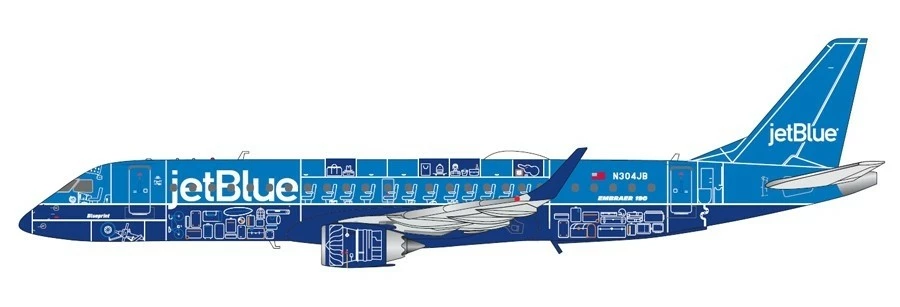
Basically, I would like the retain the shape of the object and lose the shading or any sort of lighting (basically to flatten the colors).

Many thanks for your help!

Gabriel
    This topic has been closed for replies.
    Correct answer Theresa J

    Thank you JJMack!

    The angle is not important, the two photos that I've shown were just for illustrative purposes. I have plenty of angles, which I will leave exactly as they were taken with the camera (no transform needed). I will adjust photo by photo (term batch was used to say that I need a rapid solution because I have plenty of photos to manipulate).

    Can you provide a bit of details on the lighting effect to flatten colors and remove shading?

    Thank you so much,

    Gabriel


    Gabriel,

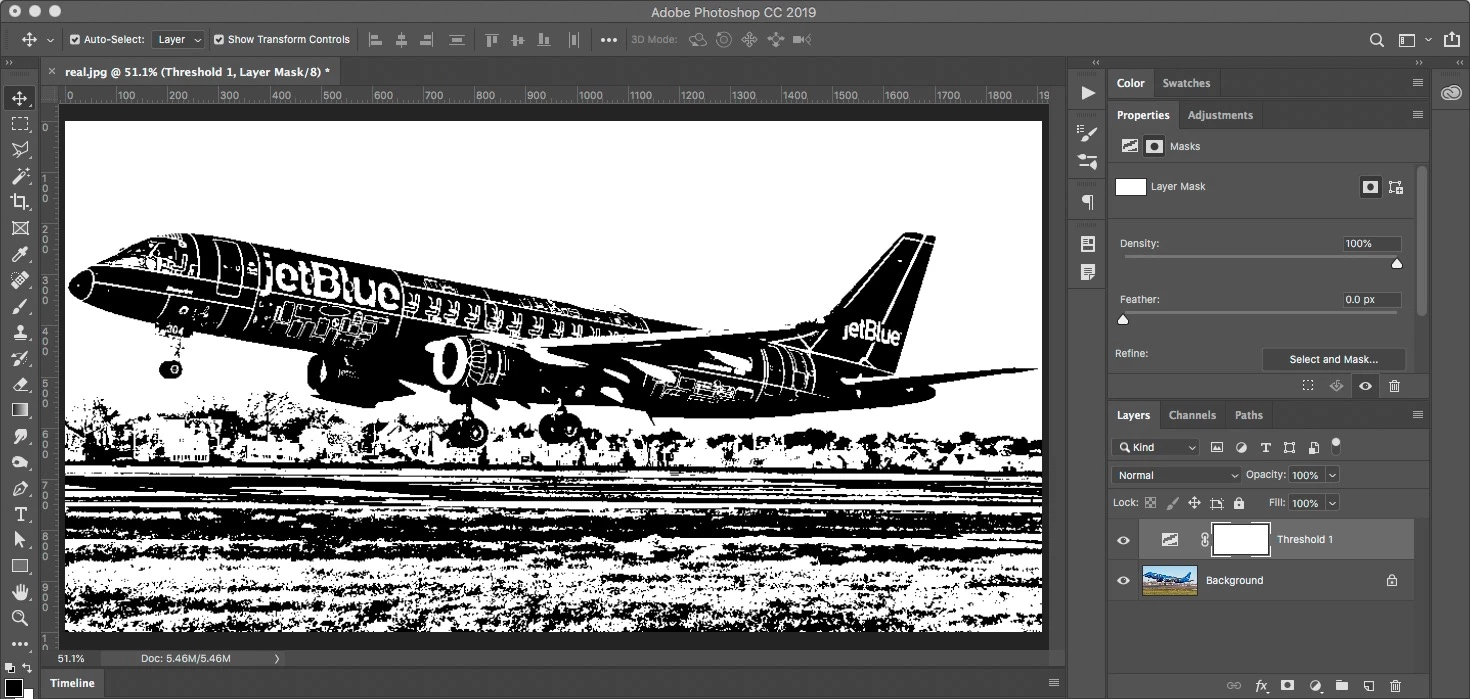
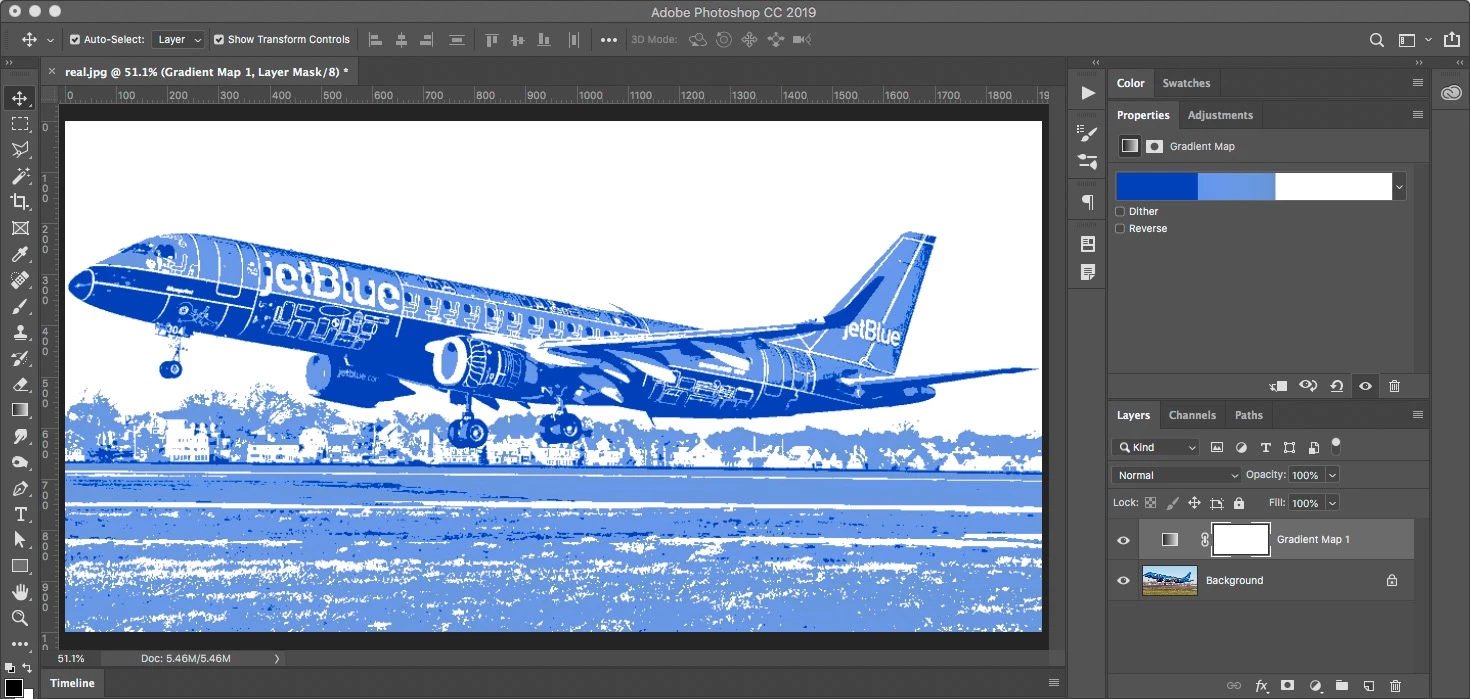
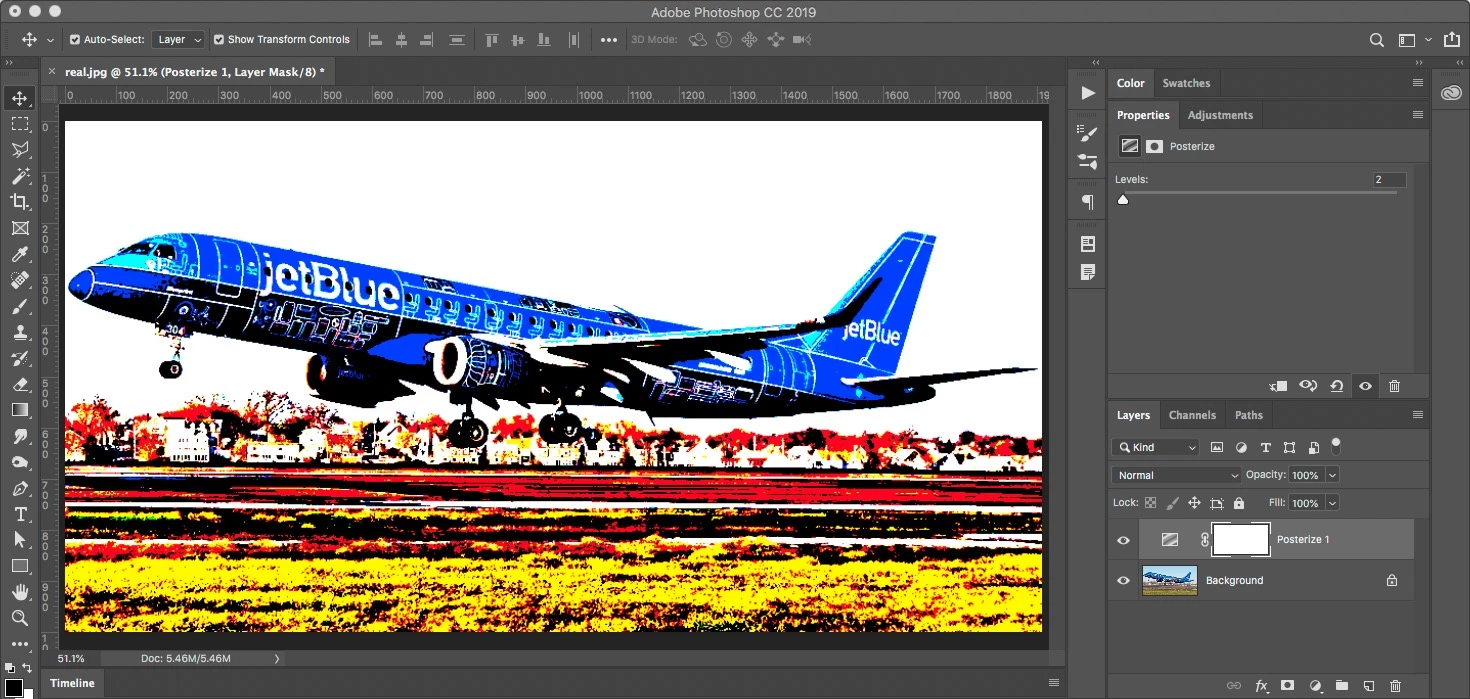
    Here are three different adjustment layer options that might get you in the right direction. None of them are perfect though, and all will required some manual adjustment per image.

    Posterize

    Threshold

    Gradient Map

    1 reply

    Theresa J
    Community Expert
    Community Expert
    November 2, 2018

    The best way to get completely flat colors that are clean and sharp is to redraw it. The best tool for drawing something like this is the pen tool. You can do this in Photoshop, but Illustrator would be even better. There are photo filters you can use to reduce the colors and tones, but you won’t get the same clean result with a filter.

    November 2, 2018

    Thank you Theresa J,

    I do understand that it is better to re-draw it, however I need a solution for a batch of hundreds of photos.

    Can you propose something like a compromise solution (filter)? (Perhaps not so clean and sharp, however better in a batch situation).

    Kind regards,

    Gabriel

    JJMack
    Community Expert
    Community Expert
    November 2, 2018

    What you require is a content aware plug-in that would recognize object like a jet airliner.  Perform a perspective transform to a side view of the jet remove the background then add a lighting effect to flatten the colors and remove shading.  And lastly retract the landing gear.

    Some things can not be batched.   There is not general purpose AI content Aware plug-in that would do anything like you want to do.

    Are all your images of Airliners taking off or landing  at the same angled perspective?

    JJMack