Question
Generative Fill has become much worse
This photo was originally in oval shape with white backround. I've traced inside this oval and then inverted the selection and then apply generative fill. Also tried with first removing the background as well (so it's transparent).
Both methods give useless results. I want to fill in the background/extend/continue it, not add an oval again... this has been happening on all of my similar images, but wasn't an issue a few months ago.
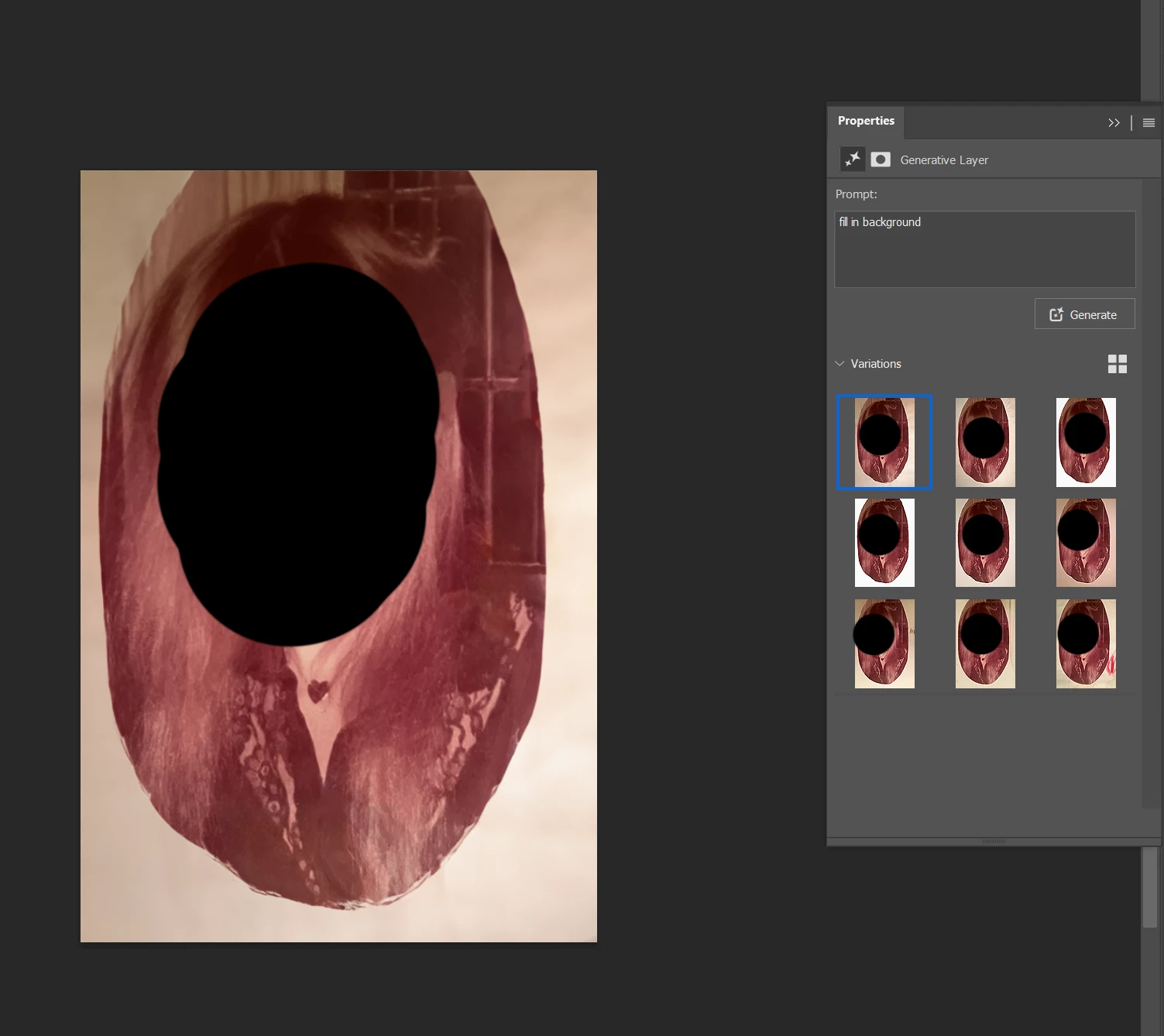
And before you critize me: I've tried with no prompt as well.
 AdChoices