

Generative fills missing in Beta
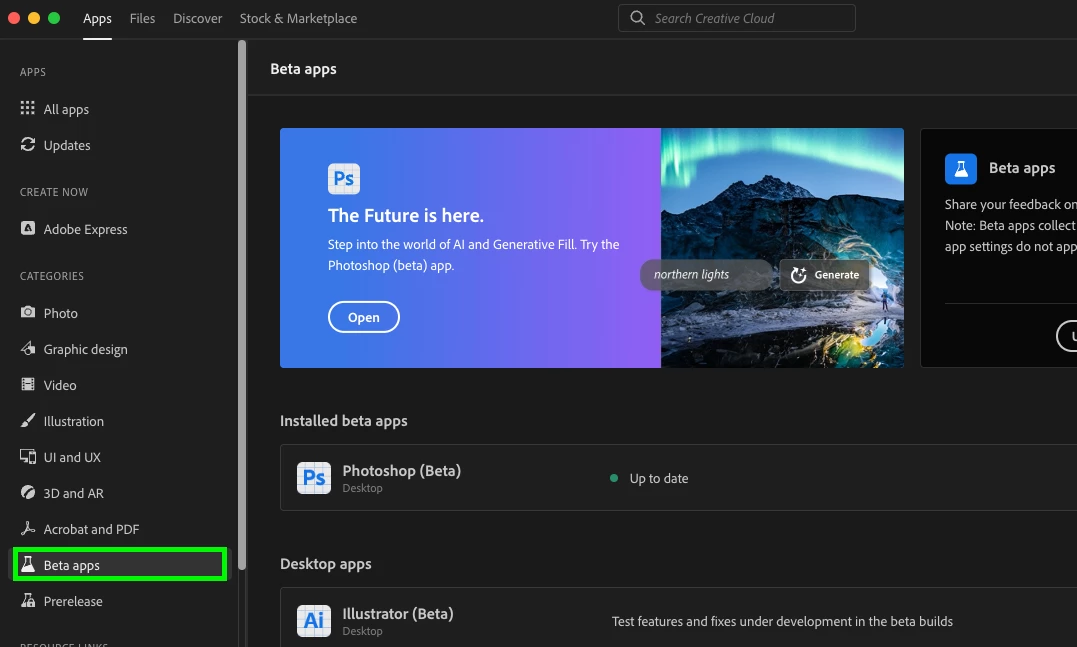
I am disappointed to find numerous advertisements on YouTube and the Adobe website promoting an exciting new feature in Photoshop Beta. After eagerly downloading Adobe Creative Cloud for a 7-day trial, I have been unable to locate this feature. Despite attempting to update the software, it continues to display version 24.5 instead of 24.6.
Please refer to the attached screenshot, which is in Swedish but clearly shows that "Generative Fill" is missing from the left side of the panel. Is there any recourse available to rectify this issue? I am concerned that I will have to struggle for the entire 7-day trial period before being able to utilize the generative fill feature, which may then coincide with the end of my trial.
Is it possible to pause my trial until Adobe resolves this problem? I am solely interested in trying out the generative fill feature and nothing else.

Plattform:
Windows 10, 22H2
64 RAM
 AdChoices