Participant
September 24, 2020
Question

GIF Export/Render Issue (Photoshop 2020)

  • September 24, 2020
  • 4 replies
  • 2292 views

I need a bit of help figuring out what is the matter with my GIF exports

The problem:
Doesn't register as a readable GIF file when uploaded to any website or social media (that includes: Facebook, Twitter, Discord or FB Messenger) - It only shows up as a download file (samples below from GIF uploaded 1-3 times from messenger, discord, and twitter and the error that shows up)


 

I managed to render it before the error happened. It's supposed to look like this:
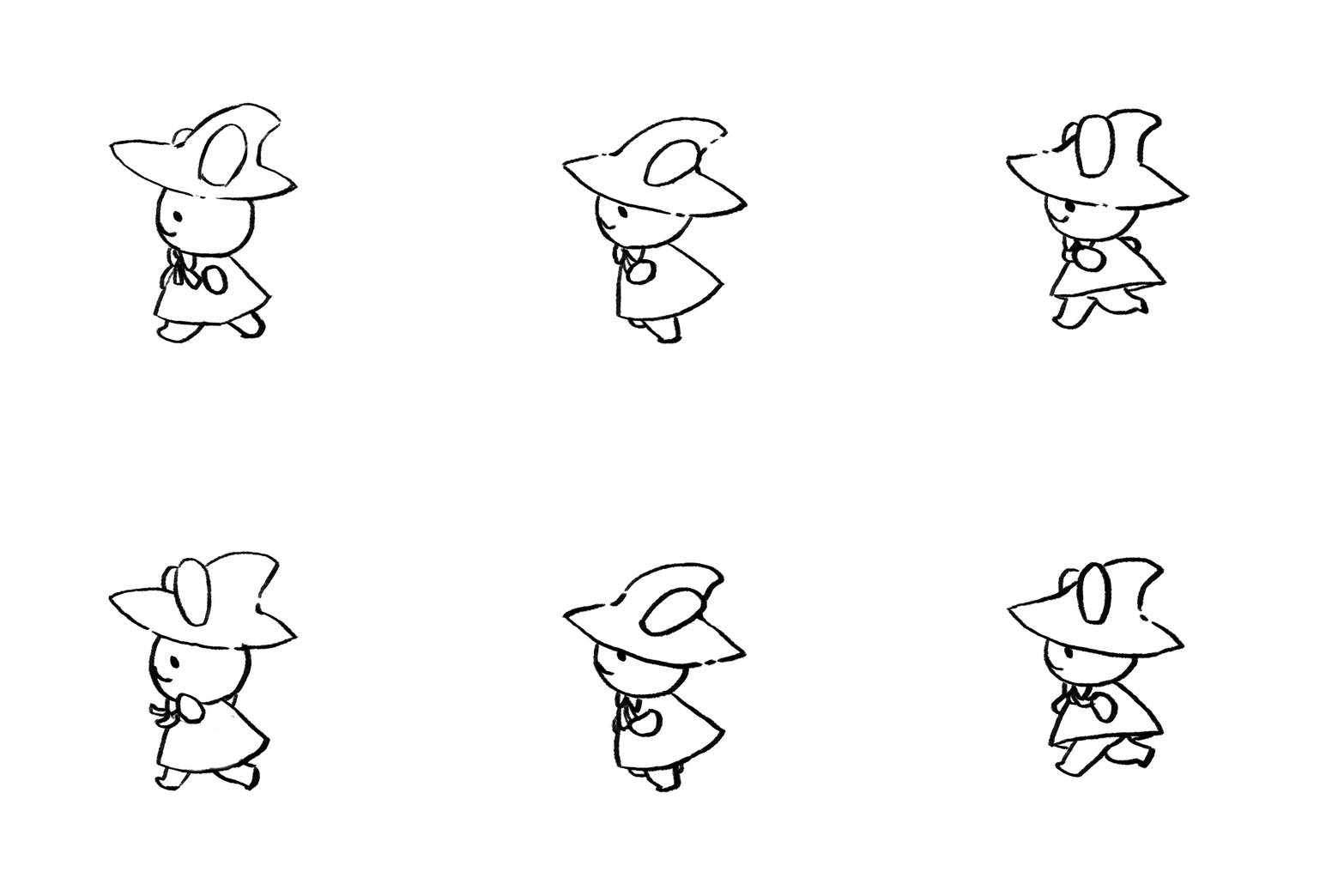
 

(Animation working before the error)


 I had a recent project that required me to render as a GIF with a transparent background and the only setting I am aware of changing was the "preset" and "transparency" (I also rendered it without a background)

Even here in adobe I cannot upload the version of the GIF animation with the error (And it was even rendered from the same photoshop file) It shows up as: 

 

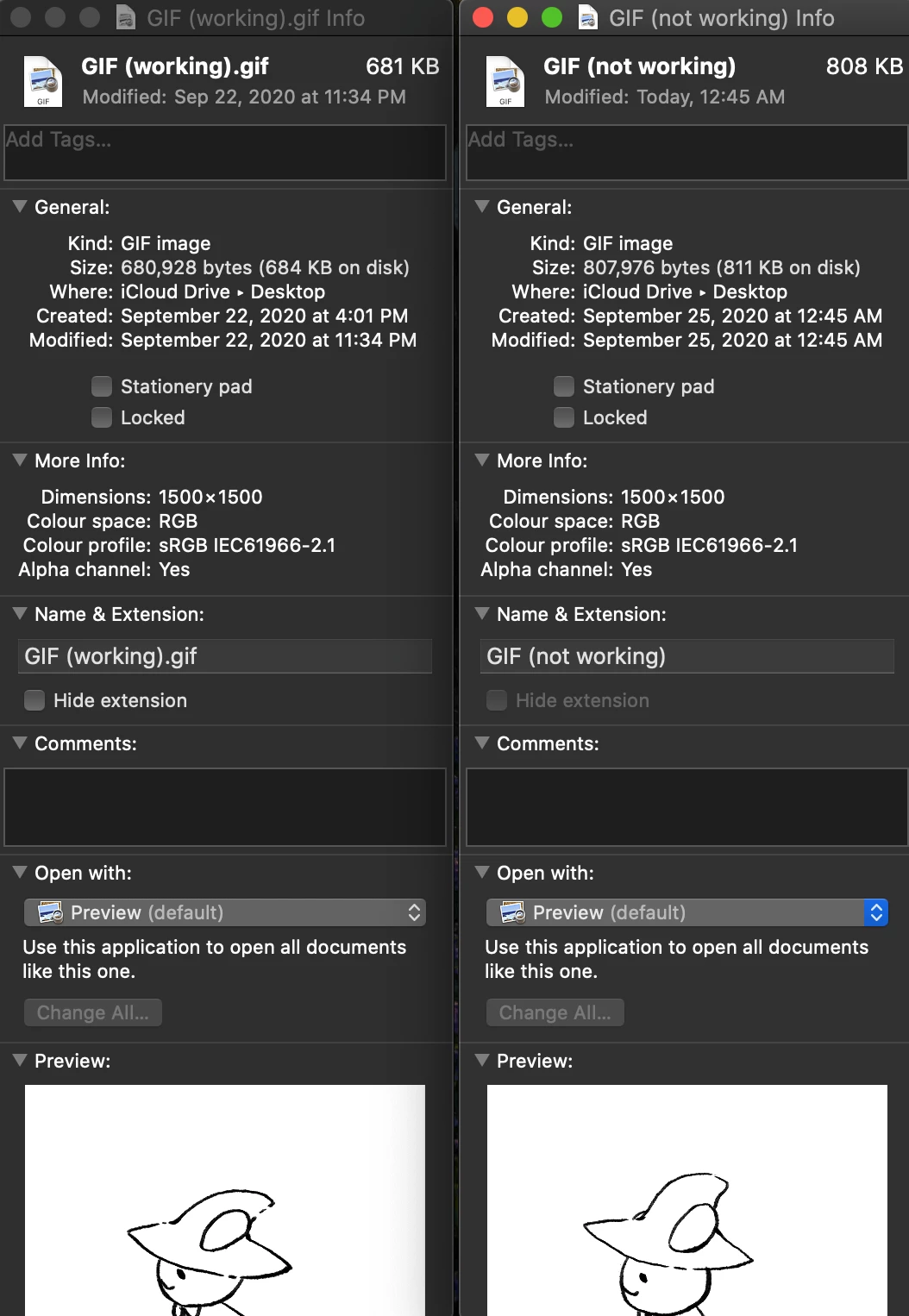
I even double checked if it's actually resigstered as a GIF on my computer (left side is the working GIF file before the error - on the right is the GIF file not readable to any website or app)


I hope somebody can answer my issue. It's really difficult to render GIFs properly without the help of Photoshop 😞

This topic has been closed for replies.

4 replies

Kevin Stohlmeyer
Community Expert
Community Expert
December 21, 2023

@Kaileen5D42 your file that is not working is missing the .gif extension.

Participant
December 21, 2023

I know a bit of time has passed, but I came across the same problem. 


I was able to troubleshoot it, so I thought I'd add my solution here. Normally when changing the name of the file to save I highlight everything and delete the .png, .gif suffix in the title, and the file saves as this type any way. With this you need to make sure that you name the file XXXX.gif before saving. That fixed the problem for me. 

Nancy OShea
Community Expert
Community Expert
September 24, 2020

EZ GIF online animated GIF maker

https://ezgif.com/maker


Nancy O'Shea— Product User & Community Expert
Sahil.Chawla
Adobe Employee
Adobe Employee
September 24, 2020

Hi there,


Thanks for reaching out to us. We need some more information to help you out:


  • Please let us know the version of Photoshop and the operating system you're working on.
  • Share a screenshot of the File > Export > Save for Web (Legacy) dialog.
  • Did you create the gif from a video? Would you mind sharing some info about your workflow?

Regards,
Sahil

Participant
September 25, 2020

The operating system I use is Mac OS Catalina ver. 10.15.6 and I use Photoshop 2020

And here is the Save for Web presets I usually use:


The odd thing is that it opens and reads fine on my computer, but when I try to upload it to any website or app like Giphy, Facebook, FB messenger, Discord, or Twitter (places where you can easily upload a GIF file and it appears normally without any issues) The file is not readable or displays as a download link and not a GIF animation

Here is a download link of the two GIFs (the working and not working one) to check if the error is my computer's problem or if it really is a render error:
https://drive.google.com/drive/folders/1lUZTncBNG_XGj3UEt4QeGb_Y4wNONtdx?usp=sharing

I checked if there are other problems, and it seems the GIF rendering is the only issue I have (it still renders normally as an image or image sequence, but not as GIF)

Participant
September 25, 2020

The animation I did was hand drawn directly on the timeline layers 

When animation is done I go to File > Export > Save for Web and normally render as GIF 128 Dithered

The problem started happening when I animated a project and exported as a "GIF with a transparent background" (here is the said transparent BG aniamtion I did):  https://drive.google.com/drive/folders/1ebLnhMUN0SHshi-6FIoi_1X2tIC5Bodj?usp=sharing


(It also doesn't upload normally to any website or app) - I think it's because it lacks a solid BG, but after I did this animation, I put the presets back for normal GIFs with solid BGs

Here are my presets for GIFs with no BG