Participant
March 26, 2020
Question

GIF Not Exporting due to Unknown Error

  • March 26, 2020
  • 1 reply
  • 705 views

Hi, 


I've been having trouble exporting GIFs from photoshop for the past couple of months. 

As soon as I click 'save' from save for web > GIF > export  a pop up comes up saying 'unknown error'. 


I've tried to changing the size, resoultion, and various settings. I've reset photoshop settings and cleared cache etc. Restarted photoshop too. Not sure what the problem is and how to work around it. 
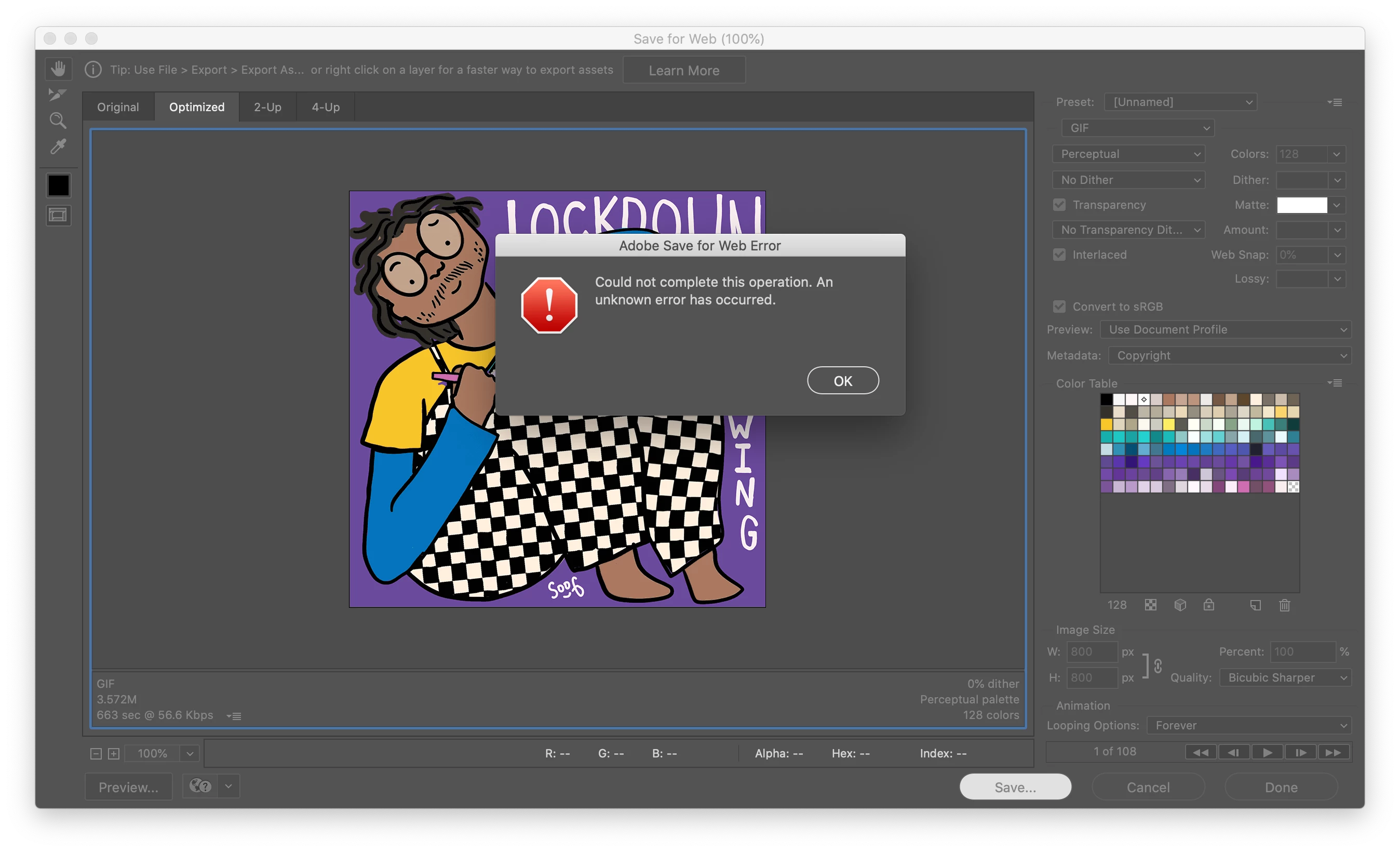
Update: this also wont export any other file type, jpeg png from the 'save for web' panel 

This topic has been closed for replies.

1 reply

c.pfaffenbichler
Community Expert
Community Expert
March 26, 2020

Please try quitting Photoshop and then removing »~/Library/Preferences/Adobe Save for Web 13.0 Prefs«. 

After restarting Photoshop does the issue persist? 

SoofiyaCAuthor
Participant
March 26, 2020

Thanks for the reply, I tried that just now and still getting the same error message 😞 

c.pfaffenbichler
Community Expert
Community Expert
March 26, 2020

What have you done for general trouble-shooting so far? 

Restoring Preferences after making sure all customized presets like Actions, Patterns, Brushes etc. have been saved might be a good starting point:

https://helpx.adobe.com/photoshop/kb/basic-trouble-shooting-steps.html