
Gif quality - want larger size
Hello,
I know GIF loss of quality in Photoshop has been discussed in this forum many times, but I can't seem to find any answers to my specific problem. First off, I am using Photoshop CC version 20.0.1 on a MacBook Pro with OS 10.13.6. I am trying to create a two-frame digital ad, size 428x60. There is really not any animation besides the text changing on the second frame. The frames are supposed to loop 4 times and then stop. I have created ads with this same setup, size, settings many many times without problems. Now, however, when I go to Export the ad for the web, and save as a gif, the quality is terrible--not just the photo (I know that loss of image quality is to be expected), but the whole thing, type and logo are pixelated as well. My original file starts out at 795 kb and gets compressed to around 25 kb--and I don't need it to be that small. 100kb would be fine. I just can't figure out how to compress it to any size besides "optimized."
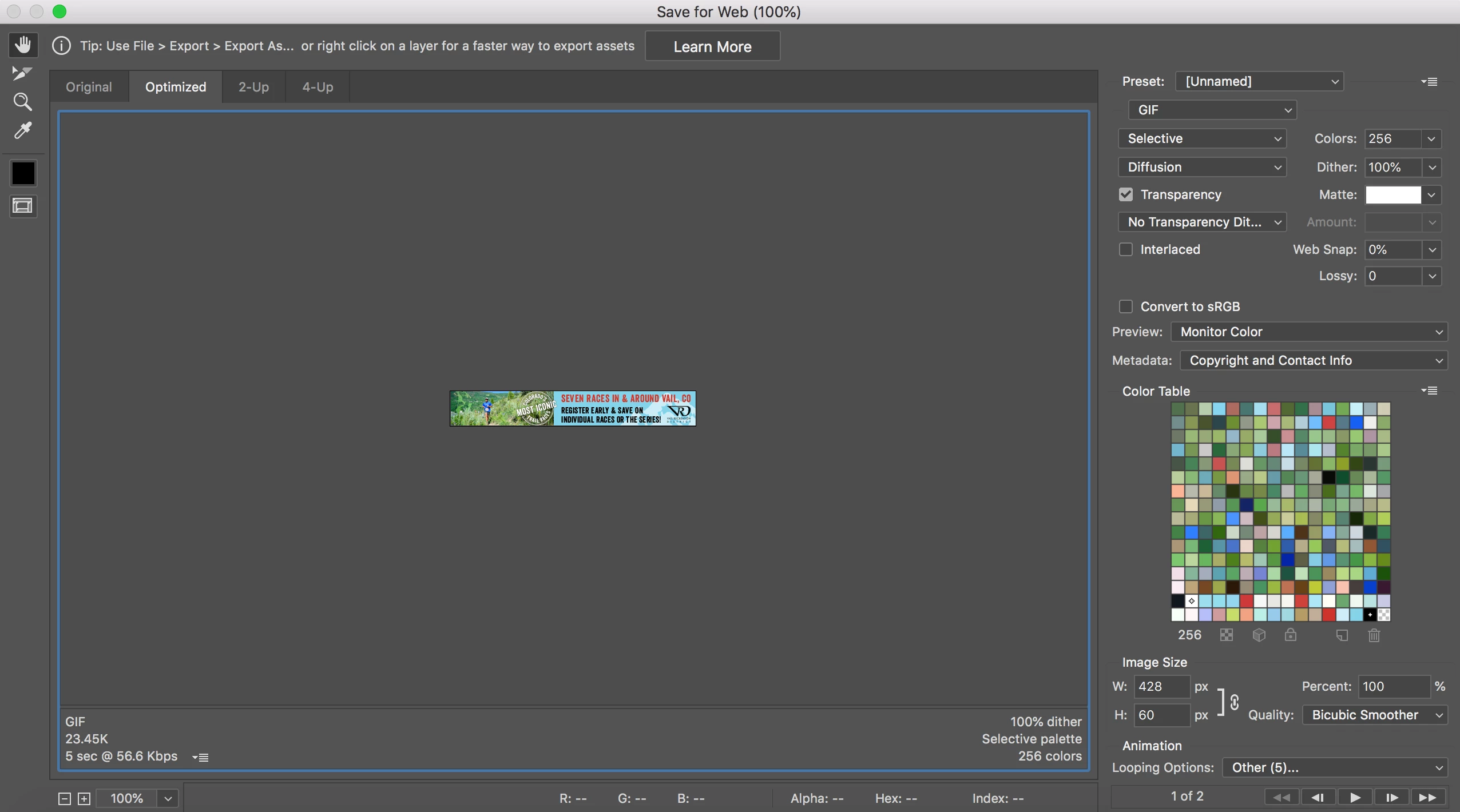
Here is the gif result and the settings I am using:

Any help is appreciated. Thanks!!
 AdChoices