
Trevor.Dennis
Community Expert
Community Expert
February 17, 2018
Question

Google Images Has Become Harder to Use

  • February 17, 2018
  • 5 replies
  • 3139 views

I thought I'd noticed some changes on Google image search in the last few days.  Now it has been confirmed — in response to complaints by Getty Images, Google has made it more difficult to grab images from its Image Search facility.  This is a new development to me, and I have not looked for workarounds at this stage.

Anger at Google image search 'peace deal' - BBC News

We can still set a size parameter

The difference appease to be that when you find an image which has a pixel size larger than your screen resolution, you can't now click on a View button and access the full resolution version directly from Google.  We now have to click on the image which opens the containing web page — the same as the old Visit button which I think has also been taken away.  This puts us at the mercy of the site developer as to whether we can click to expand that image, and from there, right click and Copy Image.  I was able to do that with my test image.  I guess this gives stock sites like Getty Images the option to make their images more difficult to steal, but I am not sure how much sympathy I have.  Organizations like iStock have been hijacking Google Image Search for years by cynically using Google's search algorithms to have their own images flood the first trillion places in an image search. 

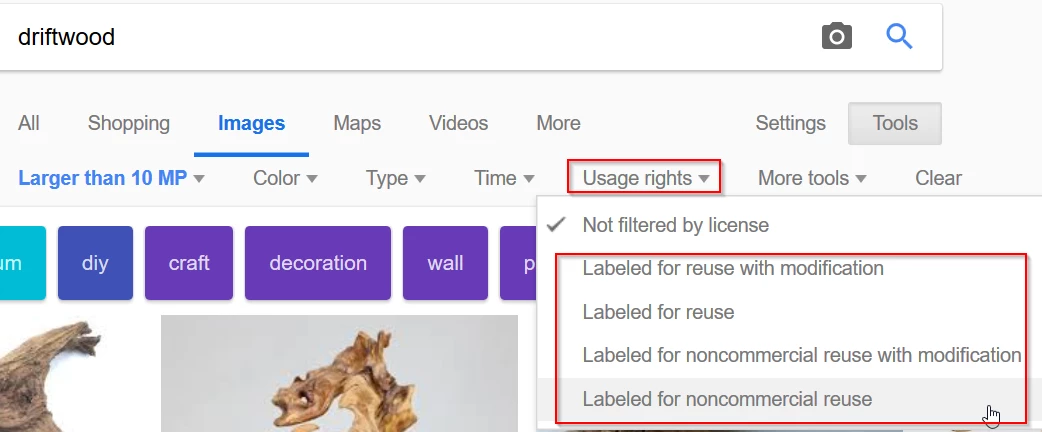
We are now going to need to use the Usage Rights options, and chose one of the reuse options.  This bypasses all those stock images from search results, but you still have to jump through the same hoops of visiting the containing website, and finding and copying the image from there.
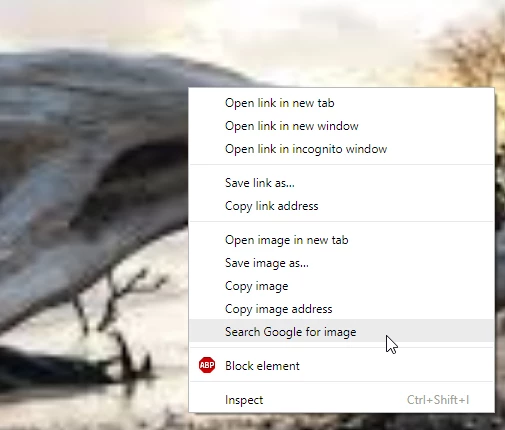
I am not sure at this stage how Google's reverse image search has been affected.  The article says that Google's Search by image tool has been removed, but I can still use the right click Search Google for image plugin.  The one below is in Chrome, but I think there will be equivalent for most browsers.
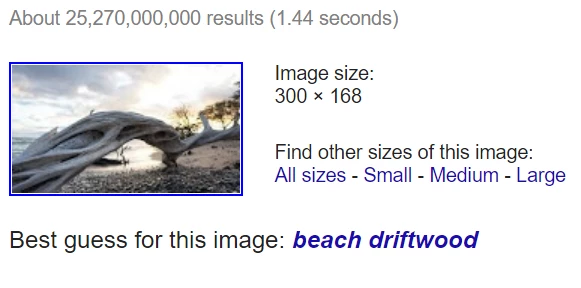
That takes you to the same page as previously (for now)
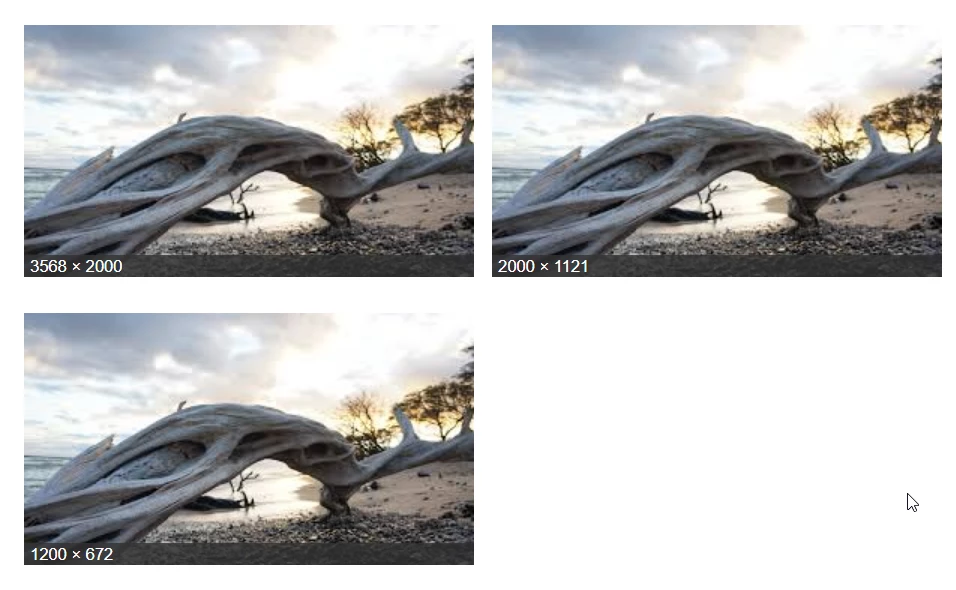
And to the all sizes as before, but if you click on any of those size options, you now have to go through the visit page and locate that image process.
So Dave's SFTW threads are going to take a tiny bit longer to respond to, and those of use who use Google images for source images for composites are going to have to work a little bit harder. 

    This topic has been closed for replies.

    5 replies

    Participant
    November 17, 2018

    Reverse image search is especially helpful for determining the original author

    of the image and, for the photographer, seeing if any of his or her photos were

    used without permission. For mobile and desktop you can use https://searchbyimages.com

    Terri Stevens
    Legend
    February 20, 2018

    [mod note] Huge apologies Terri, but last time I mentioned that in a public forum, I got my wrist slapped by Trisha. So I have removed it for now, but I'll put it back if you like.

    JJMack
    Community Expert
    Community Expert
    February 20, 2018

    I only use Photoshop so I passed on the ACP offer. IMO I do not qualify to be labeled ACP getting Photoshop is all I need.

    JJMack
    Terri Stevens
    Legend
    February 20, 2018

    I wouldn't agree John, you have an extensive knowledge and would probably enjoy some of the perks you get as an ACP. I think if you had to be a genius none of us would qualify.

    davescm
    Community Expert
    Community Expert
    February 19, 2018

    I'm sympathetic to Google and Getty on this one. I don't sell stock but I'd be annoyed if I did and people were using my images without recompense.

    Dave

    JJMack
    Community Expert
    Community Expert
    February 19, 2018

    If an image can be accesses from the web the dishonest will find a way they do not need Google Image.

    JJMack
    Trevor.Dennis
    Community Expert
    Community Expert
    February 19, 2018

    A wee heads up about a workaround.  It only works in Chrome AFAIK, but if you right click and chose Open image in new tab

    It does exactly that, from where you can save the image, or copy to clipboard as before. (Note: that choosing Save image as at this stage will result in the lower res thumb being saved.) That's probably what I shall be doing, but it seems likely that extensions for other browsers will appear as a result of Google's changes.

    February 19, 2018

    There's an Extension for Firefox and Chrome to bring back the View Image button

    Google Search "View Image" Button – Add-ons for Firefox

    Google Search "View Image" Button - Chrome Web Store

    JJMack
    Community Expert
    Community Expert
    February 19, 2018

    Seems to work well in Chrome but Chrome is Alphabet's browsers they will most likely have to disable that add on.

    JJMack
    JJMack
    Community Expert
    Community Expert
    February 17, 2018

    Yes bummer I used it all the time to get test images.  Next they will be after yahoo and bing images.....

    JJMack
    Silkrooster
    Legend
    February 17, 2018

    Maybe, but Bing offers public domain images, so it may be awhile if at all. (or at least they did)