Participant
September 12, 2019
Answered

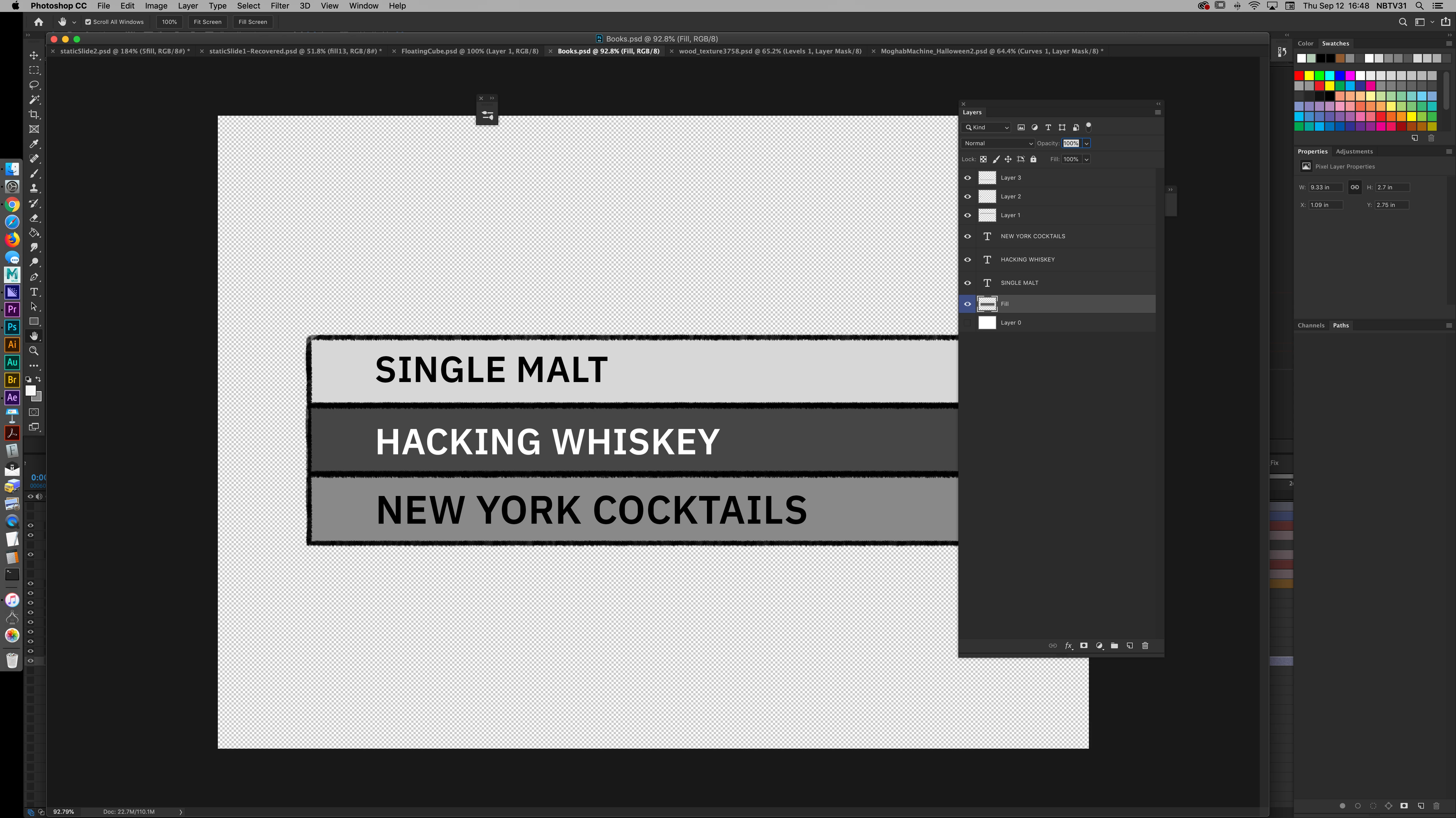
Grab won't freely direct canvas board zoomed out.

  • September 12, 2019
  • 2 replies
  • 4989 views

On every work computer, there are always more than a few people using it. In this case, someone has it where one can't drag the canvas board freely unless you're zoomed in. Essentially, you can't bring the empty surrounding space to view. It's locked. 
    Correct answer Jeff Arola

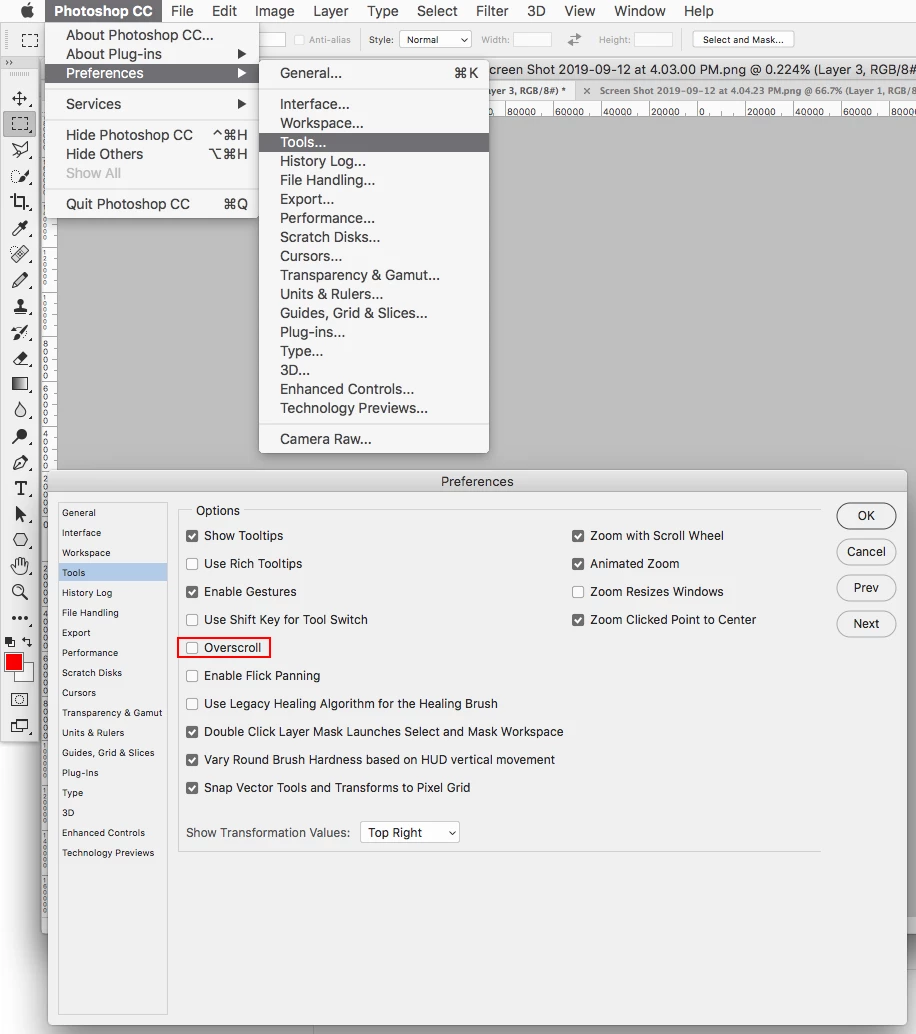
    You can go to Photoshop CC>Preferences>Tools and check Overscroll.

    Then you should able to move the document around without having to be zoomed in.


    2 replies

    Jeff Arola
    Community Expert
    Jeff ArolaCommunity ExpertCorrect answer
    Community Expert
    September 12, 2019

    You can go to Photoshop CC>Preferences>Tools and check Overscroll.

    Then you should able to move the document around without having to be zoomed in.


    Participant
    June 3, 2022

    Awesome. Thank you!

    davescm
    Community Expert
    Community Expert
    September 12, 2019

    Hi
    I use Windows not Mac, but on Windows that is normal in tabbed mode unless you are using artboards. I can't see clearly in the screenshot (which has been scaled down by the forum software) but you don't appear to be using artboards in that document